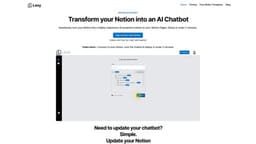
Notion Chatbot
The Notion Chatbot is an AI assistant for Notion that is highly responsive.
Notion integrationAI chatbotCustomer support
Introduction
Notion Chatbot is an AI-powered chatbot that seamlessly turns your Notion into a highly responsive AI assistant. It can be used on your website or as a widget on a Notion page.
Key Features
Seamlessly turns Notion into an AI assistant
Highly responsive and accurate
Setup in under 2 minutes
Trained on your Notion Pages
Can access any page in your Notion workspace
Frequently Asked Questions
What is Notion Chatbot?
How to use Notion Chatbot?
What is Lexy?
Is Lexy free?
How does Lexy work with Notion?
Can Lexy work with all Notion templates?
Can I use Lexy with my existing Notion integrations?
Can Lexy interact with all my pages and databases in Notion?
How do I start with Lexy?
Similar Tools

Gallabox
Elevate your business communication with our No-code WhatsApp automation tool. Streamline processes and engage customers effortlessly.

LimeChat
Revolutionize your e-commerce business with our AI-powered platform that offers support and marketing through WhatsApp. Boost sales and engagement now!
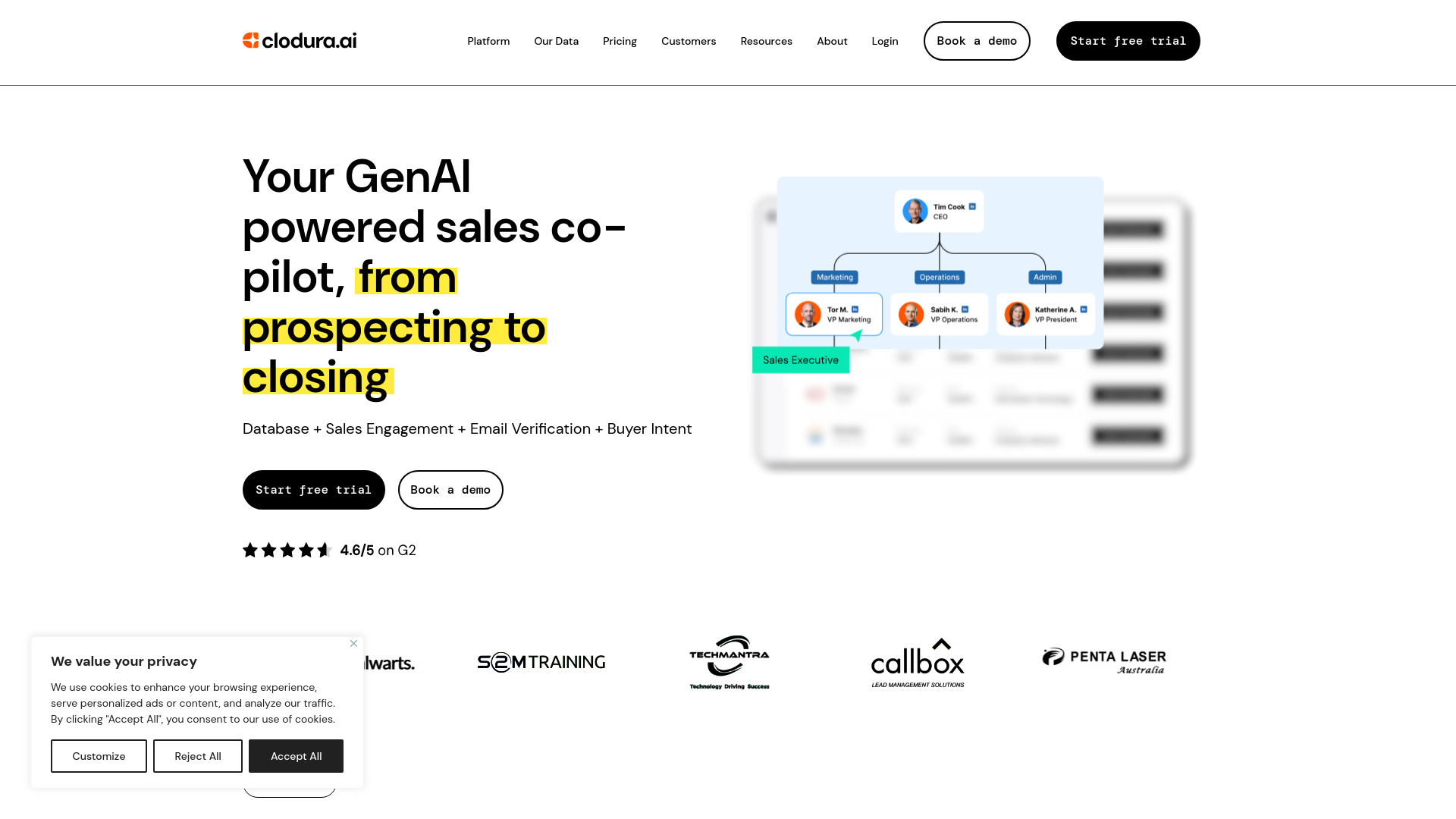
Clodura.AI
Discover GenAI, the ultimate sales prospecting platform for generating leads and engaging with potential customers effectively.
Use Cases
- Taking Notes: Lexy helps you understand your notes. Ask Lexy to explain your notes on a topic and get quick answers without searching.
- Customer Support: Store FAQs in Notion and let Lexy become the instant answer guru for your customers, resulting in faster response times and happier customers.
- Company Docs: New team members can rely on Lexy to provide instant answers, making it easier for them to fit in and understand company manuals.
- Company Knowledge Base: Lexy can access any page in your Notion workspace and provide up-to-date information on a wide range of topics, making it a valuable resource for your entire organization.
How to Use
To use Notion Chatbot, sign up for free and connect your Notion workspace. Choose your knowledge base and add a simple code snippet to your website or Notion page. The chatbot will then be trained on your Notion pages and ready to provide quick and accurate responses to user queries.