
Lilata - Chrome Extension
Language learning tool with translation, pronunciation, and memorization features.
Language LearningTranslationPronunciation
Introduction
Highlight unfamiliar words, phrases, and sentences on any website. View their translation and hear the correct pronunciation. All translated content is automatically saved in your dictionary for learning purposes.
Key Features
Translation
Pronunciation
Memory Optimization
Example Sentences
Frequently Asked Questions
What is Lilata?
How to use Lilata?
Can Lilata be used on mobile devices?
Similar Tools
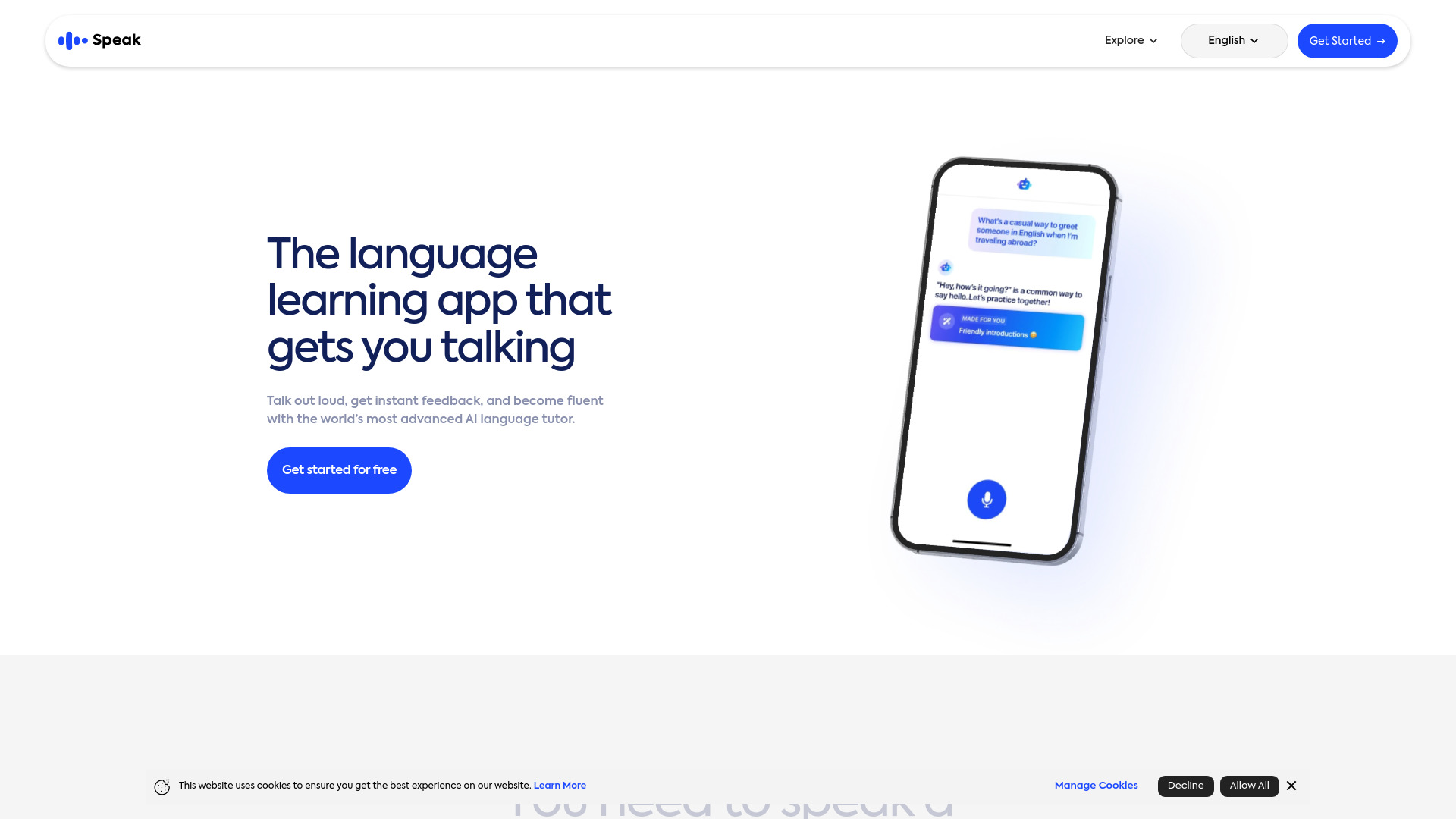
Speak
Enhance your language skills with an innovative app using AI technology for practicing real conversations.
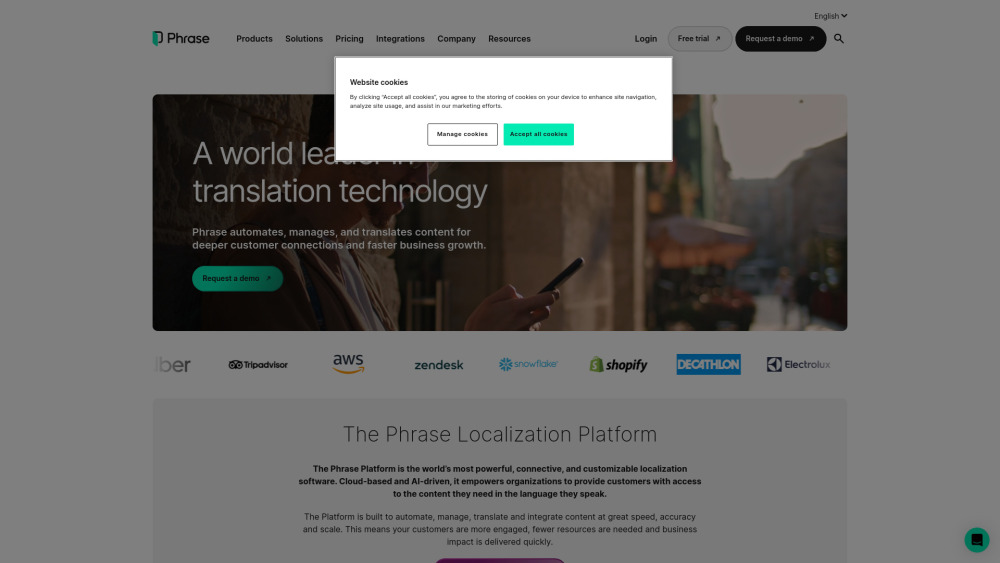
Phrase (Frm. Memsource)
Empowering localization with a robust platform for managing and automating translations efficiently. A powerful solution for translation management.
Rephrase
Boost text quality with our macOS AI writing assistant for improved content creation. Ideal for enhancing writing productivity on your computer.
Use Cases
- Improving vocabulary
- Enhancing language skills
- Adapting to different proficiency levels
How to Use
Efficiently memorize words with the system's optimal repetition schedule. Understand word usage in real contexts with example sentences. Learn to recognize words by hearing their automatic pronunciations. Customize learning based on your English proficiency level. Explore interesting English content suggested by Lilata. Study words on both computer and mobile platforms, with reading translations available on computers only. Make English learning easy and engaging by reading captivating content with Lilata.