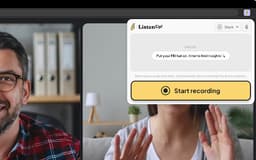
ListenUp! - Chrome Extension
Automated call recordings with insights
call recordingtranscriptioninsights generation
Introduction
A call recording tool with automatic transcription and insights generation
Key Features
Automatic call recordings
Transcription of recordings
Insights generation from calls
Frequently Asked Questions
What is ListenUp!?
How to use ListenUp!?
Where are the recorded calls stored?
Can I use ListenUp! for Zoom and Microsoft Teams calls?
Similar Tools
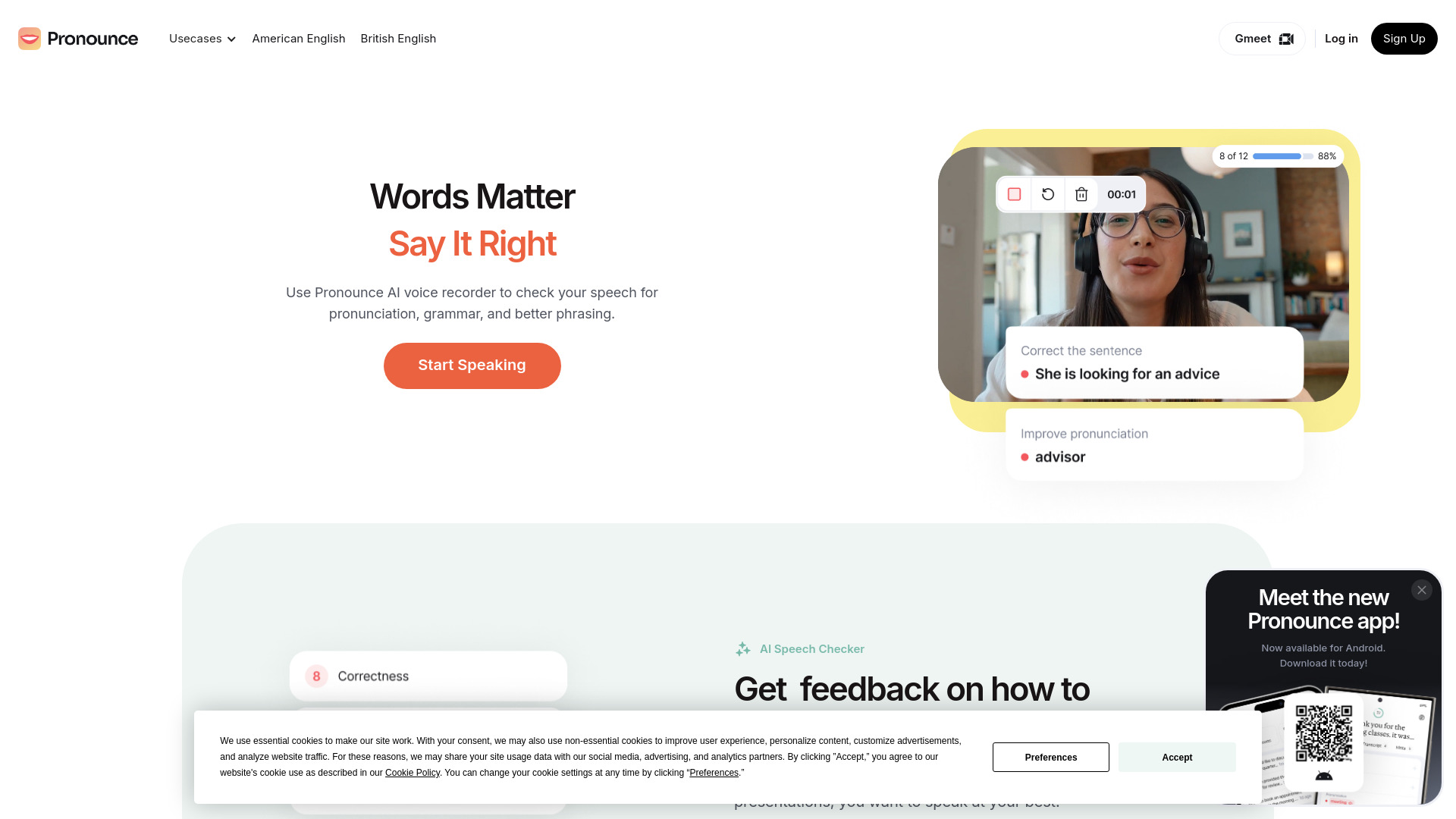
Pronounce
Enhance your English pronunciation and communication skills with our AI speech checker app. Perfect your spoken English today!

Meeting.ai
An advanced tool using AI to transcribe, organize, and summarize meetings efficiently. Ideal for enhancing productivity and collaboration.
Good Tape
Easily convert audio files into text with our automatic transcription service. Fast and accurate speech-to-text conversion at your fingertips.
Use Cases
- Recording calls for analysis and feedback consolidation
How to Use
1. Add the ListenUp! extension to Chrome and pin it to your toolbar 2. Open the ListenUp! extension during a call and click on 'start recording' 3. After the call, click on 'stop recording' in the extension