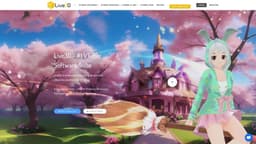
Live3D
The best VTuber Software Suite for creating fun avatars and engaging animations.
Introduction
Live3D is the best VTuber Software Suite for you to become a VTuber, dedicated to building fun VTuber avatars and engaging animations with VTuber Maker. It has served over 1 million VTubers, Streamers, YouTubers, Artists all over the world
What stands out?
Fast, high quality face tracking
Rich public 3D VTuber avatars
Creative VTuber interactive effects
Obs virtual camera for streaming
High resolution, high vtuber live streaming quality
Smooth hand tracking via webcam or other device
Twitch Extension that enhances stream interaction
Frequently Asked Questions
What is Live3D?
How to use Live3D?
What is Live3D?
What services does Live3D provide?
Is Live3D's service free?
What is VTuber Maker?
What is VTuber Editor?
What is VTuber Gallery: Anime Pose?
What is VTuber Extension?
What kinds of VTuber resources does Live3D provide?
What are the advantages of Live3D's VTuber Softwares?
Does Live3D software only support 3D VTuber models?
When does Live3D support a VTuber app?
How often does Live3D update and iterate their VTuber software?
What are the advantages of Live3D compared to other VTuber software like Animaze, Vseeface, and VTube Studio?
How about the official Live3D service?
How can I become a VTuber?
What is the difference between VTuber 3D and VTuber 2D?
How does the virtual YouTuber work with VTuber software?
Does VTuber Maker support real-time facial motion capture?
What can I do at VTuber Gallery: Anime Pose with my own avatar?
If I need to remotely demonstrate PowerPoint in VTuber Maker, what should I do?
What kinds of VTuber assets does Live3D provide?
More Information
Live3D Reddit
Here is the Live3D Reddit: https://www.reddit.com/r/Live3D/
Live3D Discord
Here is the Live3D Discord: https://discord.gg/CaxThpY. For more Discord message, please click here(/discord/caxthpy).
Live3D Support Email & Customer service contact & Refund contact etc.
Here is the Live3D support email for customer service: [email protected] . More Contact, visit the contact us page(https://discord.gg/CaxThpY)
Live3D Company
Live3D Company name: LIVE3D OF ZINGFRONT INC. .
Live3D Login
Live3D Login Link: https://live3d.io/user/login
Live3D Sign up
Live3D Sign up Link: https://live3d.io/user/register
Live3D Pricing
Live3D Pricing Link: https://live3d.io/pricing
Live3D Youtube
Live3D Youtube Link: https://www.youtube.com/
Live3D Tiktok
Live3D Tiktok Link: https://www.tiktok.com/
Live3D Twitter
Live3D Twitter Link: https://twitter.com/VTuber_Maker
Live3D Reddit
Live3D Reddit Link: https://www.reddit.com/r/Live3D/
Reviews & Feedback
Share your experience with the community
0.0
Based on 0 reviews
User Comments (0)
Sort Criteria
Order
No reviews yet. Be the first to share your thoughts!
Statistics
Monthly visits
NaN
Saved by users
0
Rating
0.0/ 5.0
Added on
—
Similar Tools

Pixelcut
Easily create stunning product photos and ads with our free online design tool. Remove backgrounds and erase objects effortlessly.

Wondershare
Discover innovative tools for enhancing creativity, productivity, and efficiency with our app. Unleash your potential today!

TurboScribe
Unlimited AI transcription with 99.8% accuracy in 98+ languages.

Intercom
Get quicker solutions with Automation and human assistance. Enhance support efficiency for faster issue resolutions.
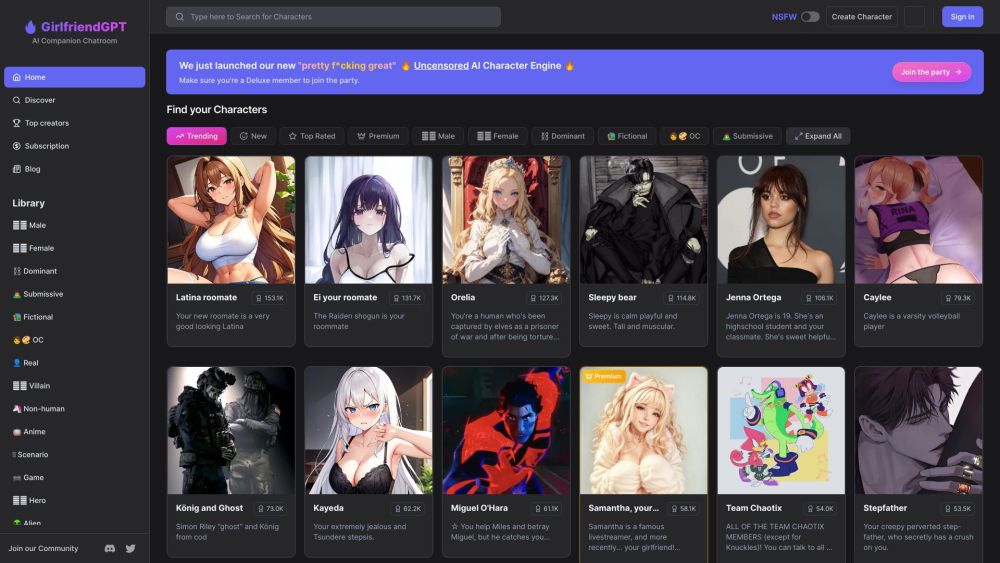
GirlfriendGPT - The AI Companion Chatroom
An uncensored AI companion chatroom for SFW and NSFW conversations.
Use Cases
- Becoming a VTuber
- Creating engaging livestreams
- Customizing VTuber avatars and animations
- Using anime poses as reference for artwork
- Adding virtual effects to livestreams
How to Use
To use Live3D, you can download the software suite for free and then create your own VTuber avatar using VTuber Maker. You can customize your avatar's appearance and animations using VTuber Editor. The VTuber Gallery provides a collection of anime poses that you can use for reference. VTuber Extension allows you to add virtual effects to your livestream. Additionally, you can browse and download VTuber resources such as models, assets, and backgrounds from the VTuber Resource section.