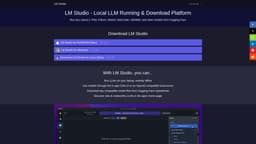
LM Studio
User-friendly AI model software
Large language modelsOffline runningAI model management
Introduction
LM Studio is a user-friendly software application designed to simplify the use of open-source large language models (LLMs). Users can explore, download, and run various AI models directly on their computer through an intuitive interface, making AI more accessible and manageable.
Key Features
Explore, download, and run AI models on your computer
Simple interface without programming skills required
Compatibility guidance for models based on computer specs
Frequently Asked Questions
What is LM Studio?
How to use LM Studio?
Is LM Studio free to use for individual users?
How does LM Studio estimate model compatibility with my computer?
Similar Tools

Gallabox
Elevate your business communication with our No-code WhatsApp automation tool. Streamline processes and engage customers effortlessly.

LimeChat
Revolutionize your e-commerce business with our AI-powered platform that offers support and marketing through WhatsApp. Boost sales and engagement now!
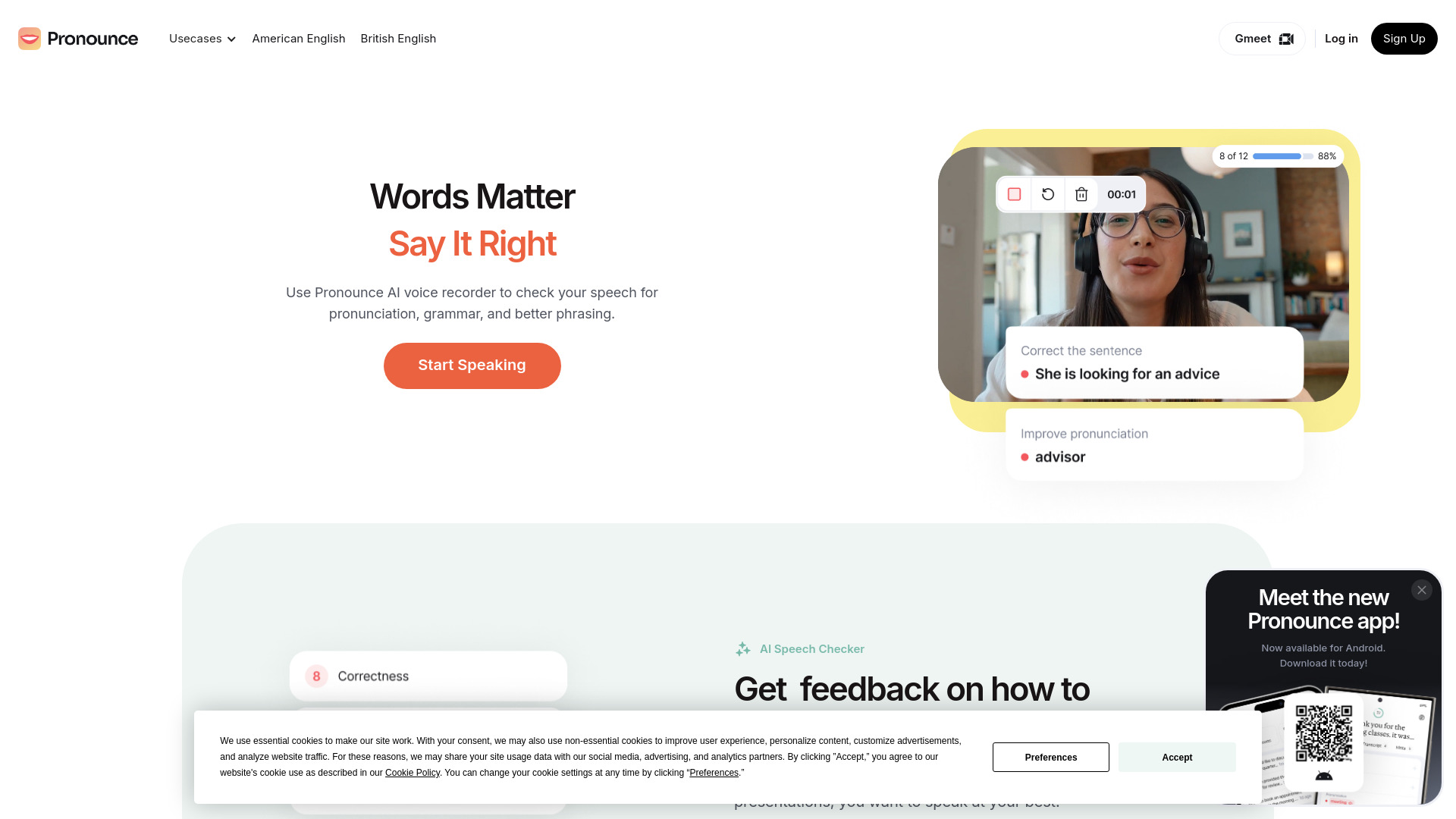
Pronounce
Enhance your English pronunciation and communication skills with our AI speech checker app. Perfect your spoken English today!
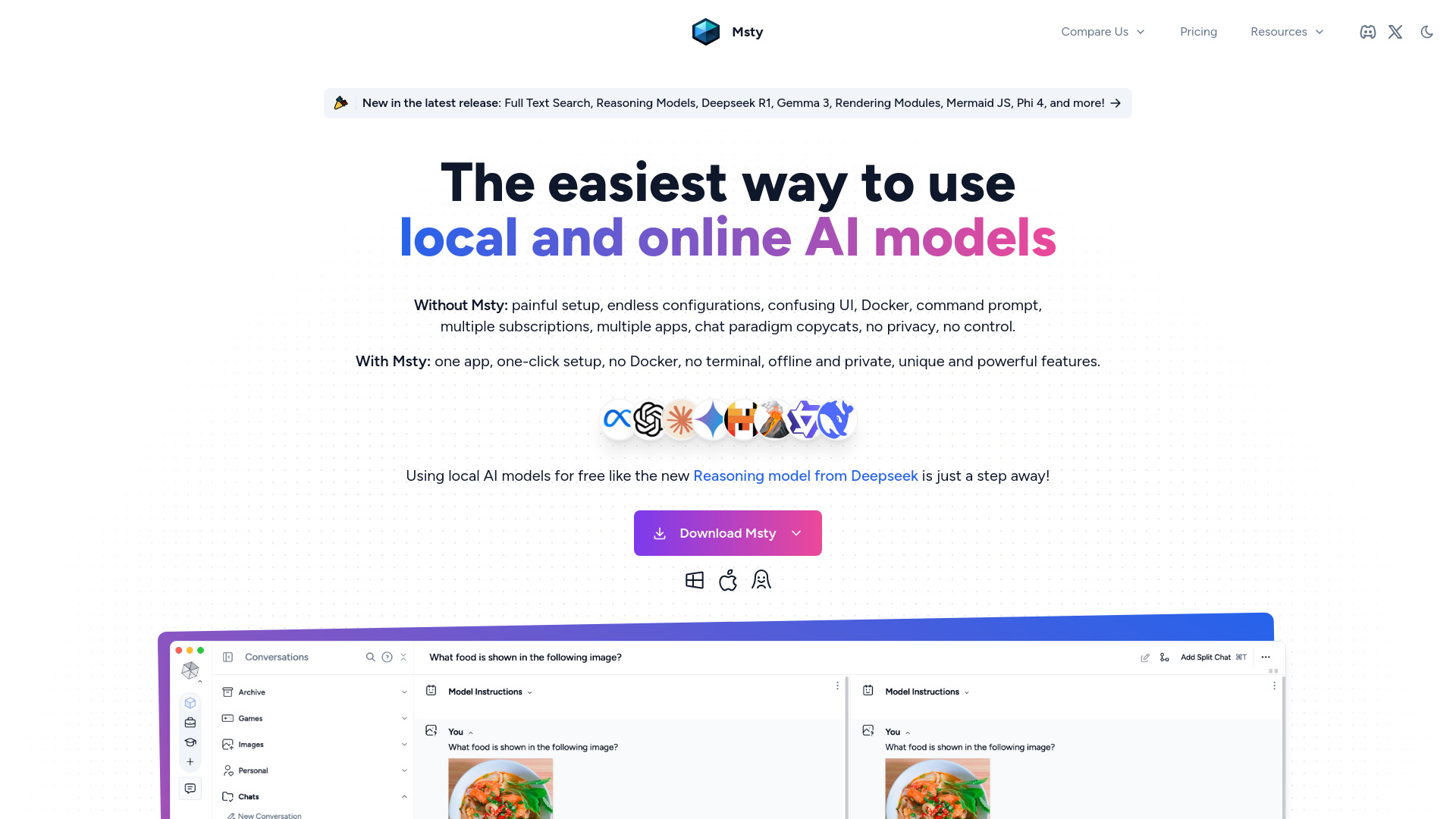
Msty
An integrated platform for easy communication with both offline and online artificial intelligence models. Simplify your AI interactions with this app.
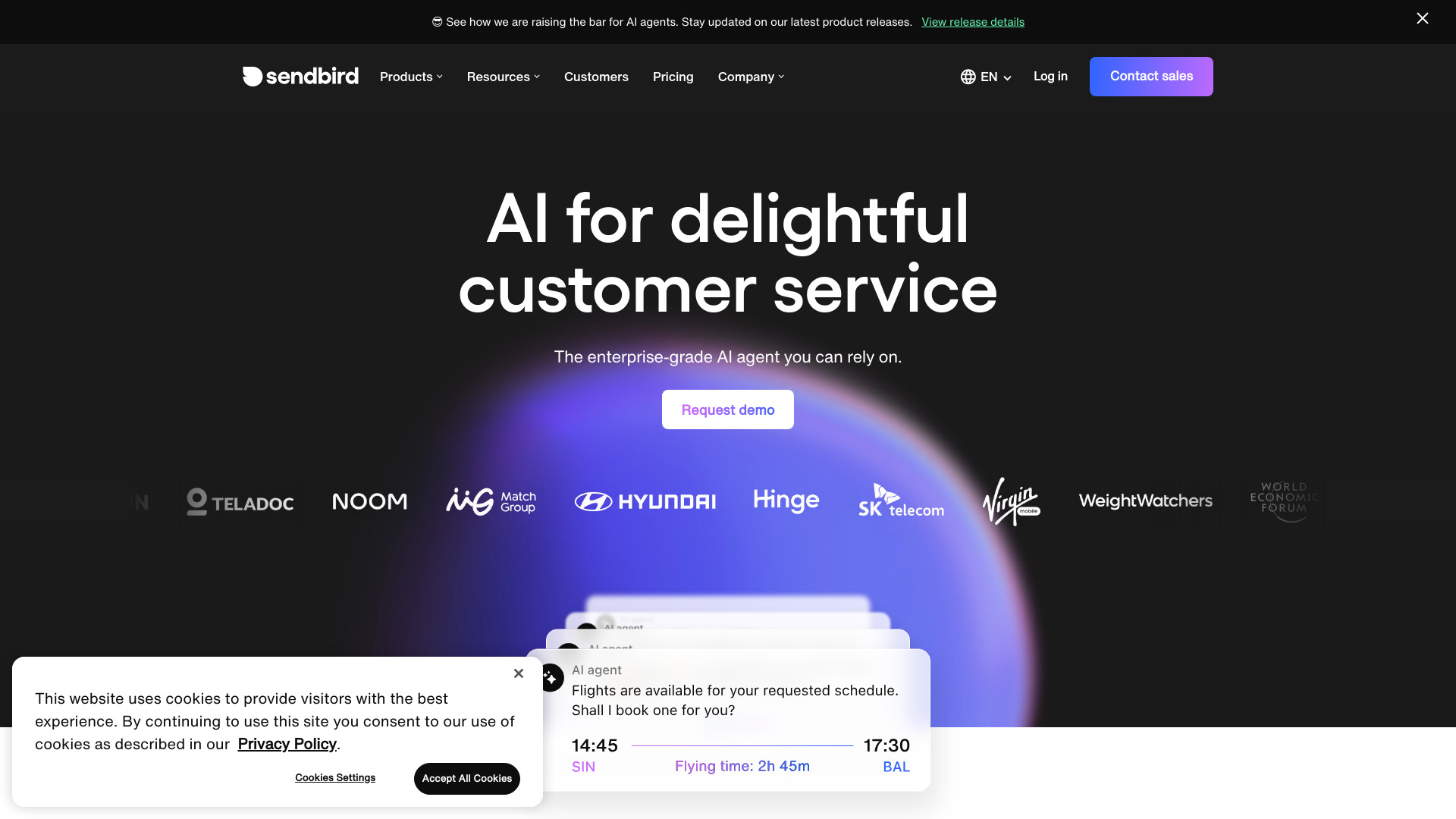
Sendbird
Revolutionize customer service with our AI platform for seamless omnichannel support and engaging customer interactions.
Use Cases
- Interact with AI models without coding skills
- Run multiple AI models simultaneously for enhanced output
How to Use
Using LM Studio is easy. Visit the website, download the compatible version for your operating system, install it following the on-screen instructions, and start exploring, downloading, and running AI models.