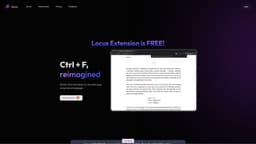
Locus - Smart CTRL F
Locus is a smart search tool that helps users find information on web pages using natural language.
Introduction
Locus is a smart CTRL+F search tool that allows users to quickly find information on any web page using natural language. It helps users easily locate specific sections in long papers, documents, and articles by understanding their search queries and providing relevant results.
What stands out?
Smart CTRL+F with natural language search
Quickly find information on any web page
Refer back to sections in long papers/documents/articles
PDF support for search coming soon
Save time comprehending long forms of content
Frequently Asked Questions
What is Locus - Smart CTRL F?
How to use Locus - Smart CTRL F?
What makes Locus different from regular CTRL+F?
Will Locus support PDF search in the future?
Is Locus available for browsers other than Chrome?
How can I provide feedback to Locus?
More Information
Locus - Smart CTRL F Discord
Here is the Locus - Smart CTRL F Discord: https://discord.com/invite/kTAH3N9E8a. For more Discord message, please click here(/discord/ktah3n9e8a).
Locus - Smart CTRL F Support Email & Customer service contact & Refund contact etc.
Here is the Locus - Smart CTRL F support email for customer service: [email protected] .
Locus - Smart CTRL F Company
Locus - Smart CTRL F Company name: Locus AI LLC . More about Locus - Smart CTRL F, Please visit the about us page(https://www.locusextension.com/#about).
Locus - Smart CTRL F Login
Locus - Smart CTRL F Login Link: https://www.locusextension.com/login
Locus - Smart CTRL F Sign up
Locus - Smart CTRL F Sign up Link: https://www.locusextension.com/createaccount
Locus - Smart CTRL F Pricing
Locus - Smart CTRL F Pricing Link: https://www.locusextension.com/#pricing
Locus - Smart CTRL F Tiktok
Locus - Smart CTRL F Tiktok Link: https://www.tiktok.com/@locusextension?_t=8ZwjyJnLKHu&_r=1
Locus - Smart CTRL F Linkedin
Locus - Smart CTRL F Linkedin Link: https://www.linkedin.com/company/locusextension/
Locus - Smart CTRL F Instagram
Locus - Smart CTRL F Instagram Link: https://www.instagram.com/locusextension/?igshid=YmMyMTA2M2Y%3D
Reviews & Feedback
Share your experience with the community
0.0
Based on 0 reviews
User Comments (0)
Sort Criteria
Order
No reviews yet. Be the first to share your thoughts!
Statistics
Monthly visits
NaN
Saved by users
0
Rating
0.0/ 5.0
Added on
—
Similar Tools

Kagi Search
Discover a top-tier search engine that prioritizes user privacy and delivers an exceptional browsing experience.
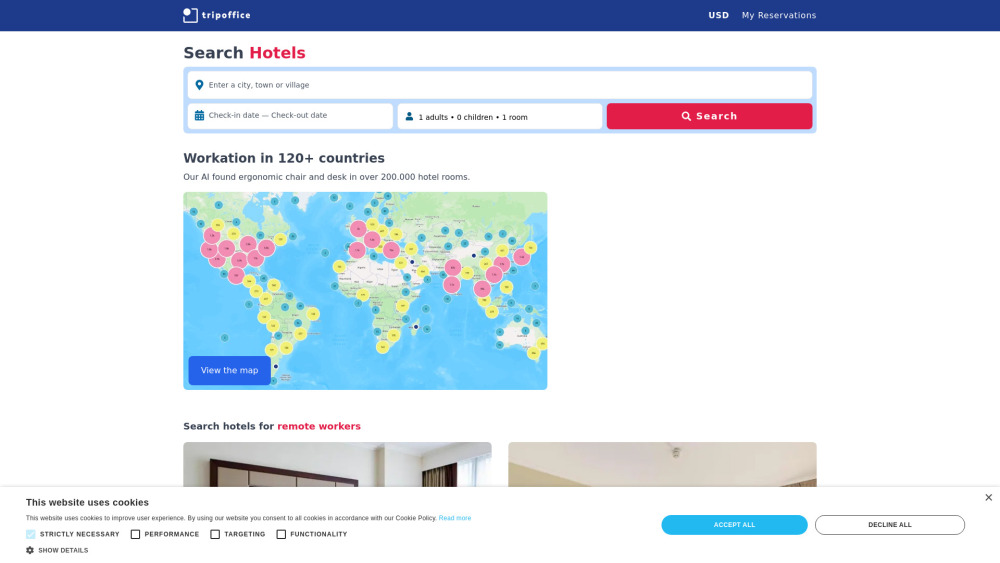
TripOffice.com
AI-Powered Hotel Search Engine
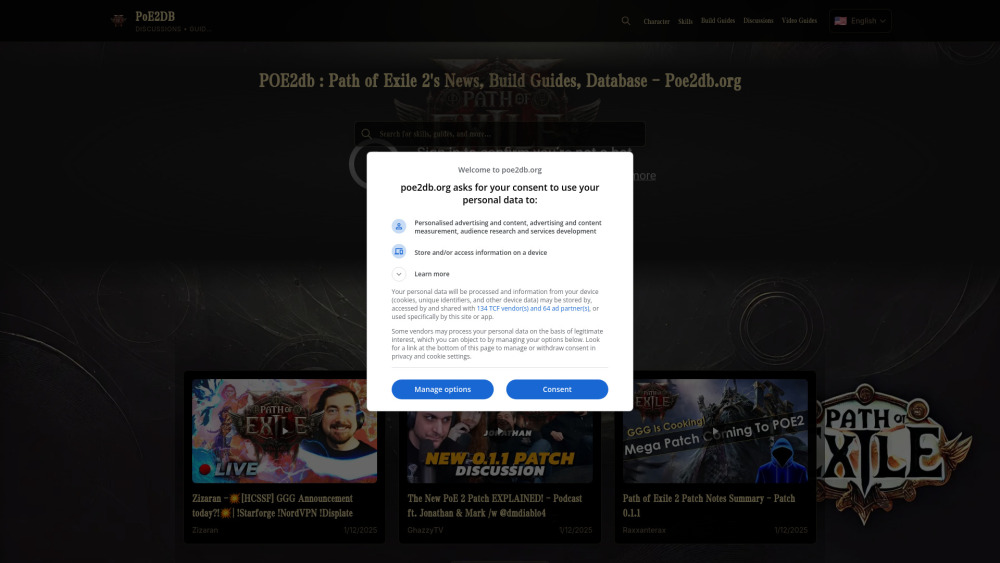
AI Search Engine of Pathofexile 2 -poe2db
Poe2db.org Pathofexile 2 Search Engine,News & Guides & Wiki

Semantic Scholar
Discover relevant scientific literature with Semantic Scholar, a free AI research tool that helps scholars find the information they need.
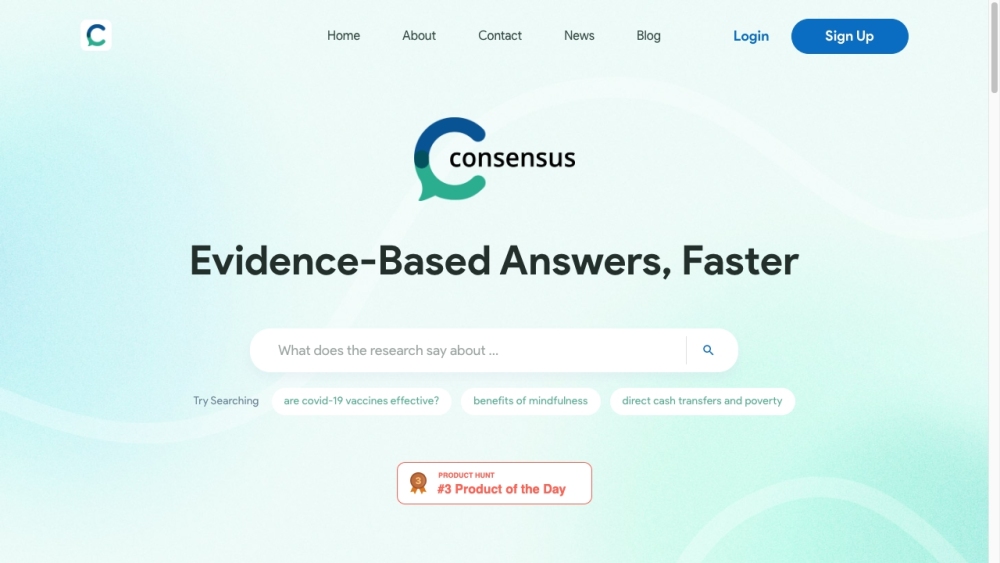
Consensus
Consensus uses AI to find insights in research papers.
Use Cases
- { "user_role": "Analyst @Goldman Sachs", "testimonial": "I read the news every morning before work and I need to do so fast. Locus has helped me figure out what parts of each article I should spend my time on." }
- { "user_role": "Research Assistant @Penn CURF", "testimonial": "Reading through dense papers every week for my lab has become more manageable with Locus." }
- { "user_role": "Student @University in NJ", "testimonial": "My class' physics textbook is online, so this tool makes it easy to refer back to sections I just read without needing to sift through all the CTRL+F matches." }
How to Use
To use Locus, simply add the Locus extension to your Chrome browser. Once installed, you can activate Locus by pressing Ctrl + F. Unlike traditional Ctrl + F, Locus understands natural language search queries and immediately finds the relevant section on the web page. This eliminates the need to remember exact keywords and enhances the search experience.