
Logo Theme AI
AI-powered logo customization for any theme, event, or occasion.
Introduction
Logo Theme AI is a platform that leverages artificial intelligence to adapt and customize logos based on various themes, events, and occasions.
What stands out?
Customization With +200 Templates
Optimized themes for social networks
Tailored designs for newsletters
Refresh Your App Icon
Automatically Receive Your Updated Logo Based on Events
Frequently Asked Questions
What is Logo Theme AI?
How to use Logo Theme AI?
What is Logo Theme AI?
Do I need design skills to use Logo Theme AI?
How does the customization work?
Are there regular updates to the available themes?
Can I use Logo Theme AI for other branding elements, like banners or app icons?
More Information
Logo Theme AI Support Email & Customer service contact & Refund contact etc.
Here is the Logo Theme AI support email for customer service: [email protected] .
Logo Theme AI Company
Logo Theme AI Company name: Logo Theme AI .
Logo Theme AI Sign up
Logo Theme AI Sign up Link: https://app.logo-theme-ai.com
Logo Theme AI Twitter
Logo Theme AI Twitter Link: https://twitter.com/ThibautMelen
Reviews & Feedback
Share your experience with the community
0.0
Based on 0 reviews
User Comments (0)
Sort Criteria
Order
No reviews yet. Be the first to share your thoughts!
Statistics
Monthly visits
NaN
Saved by users
0
Rating
0.0/ 5.0
Added on
—
Similar Tools

Picsart
Unleash your creativity with Picsart - an innovative photo editing app that offers a wide range of tools and filters to enhance your images.

Grok
AI assistant that promotes truth and objectivity with various features.

KLING AI
Create one-of-a-kind images and videos with our Generative AI tools. Unleash your creativity and explore endless possibilities!
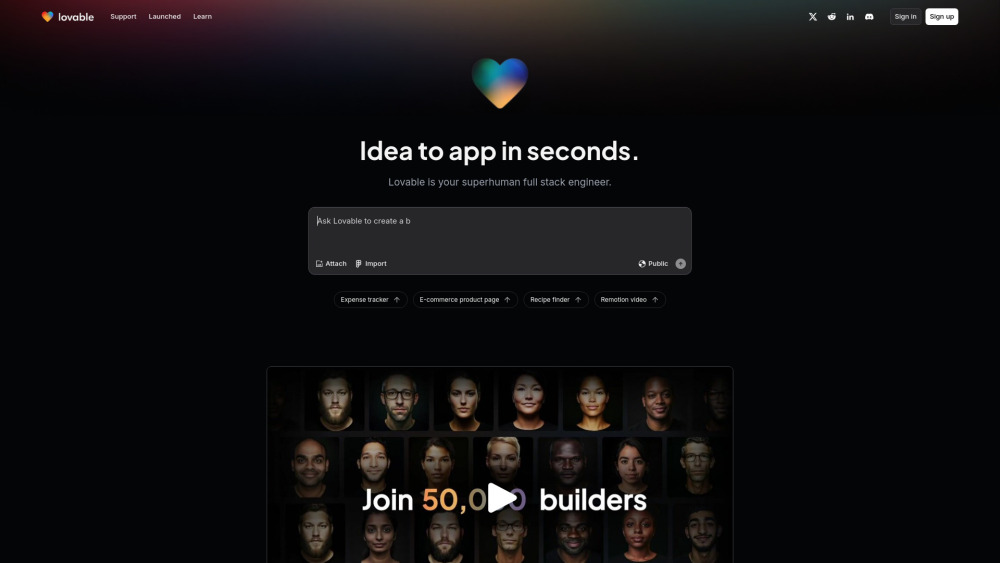
Lovable
AI-powered platform for software development via chat interface.

Freepik AI Image Generator
Real-time AI image generator
Use Cases
- Event logos
- Seasonal logos
- Avatar branding
- Banner branding
- Tailored Logos for Every Celebration
How to Use
1. Upload & Define Your Format: Begin by uploading your logo and specify whether you need an avatar, banner, or another format. 2. Choose a Theme or Go Custom: Pick from our vast array of pre-defined themes or customize your own to truly match your branding vision. 3. Generate, Preview & Implement: Tap 'generate' to see the AI-driven transformation. Download, and use it across all your branding avenues.