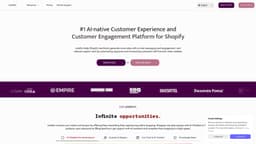
Lookfor
Shopify's #1 AI-native customer experience platform to increase sales and automate support.
AI ChatbotShopping AssistantAI Customer Support
Introduction
Lookfor is Shopify's #1 customer experience platform that automates support and increases sales. Your shoppers can play quizzes to find the right product, ask product-related questions, or connect with live chat when needed. Lookfor scans your catalog, reads your blogs and pages—everything you add to your store—and continuously updates its knowledge based on the information available in your Shopify store. This way, customers can easily resolve any support queries with Lookfor's intelligent shopping assistant. As a merchant, you also gain a holistic view of the customer journey, allowing you to shape your marketing activities effectively, you can also connect your email to Lookfor system to automate your support tickets on email too.
Key Features
AI Product Recommendations
Hybrid Live Chat Connections
Email Support Automation with AI
Quizzes & Magic Blocks to Increase the conversion rate
Holistic Level of Customer Journey
Frequently Asked Questions
What is Lookfor?
How to use Lookfor?
Are you natively integrated with Shopify?
When will you achieve a positive return on investment (ROI)?
What else I can do with your product?
Similar Tools

Gallabox
Elevate your business communication with our No-code WhatsApp automation tool. Streamline processes and engage customers effortlessly.
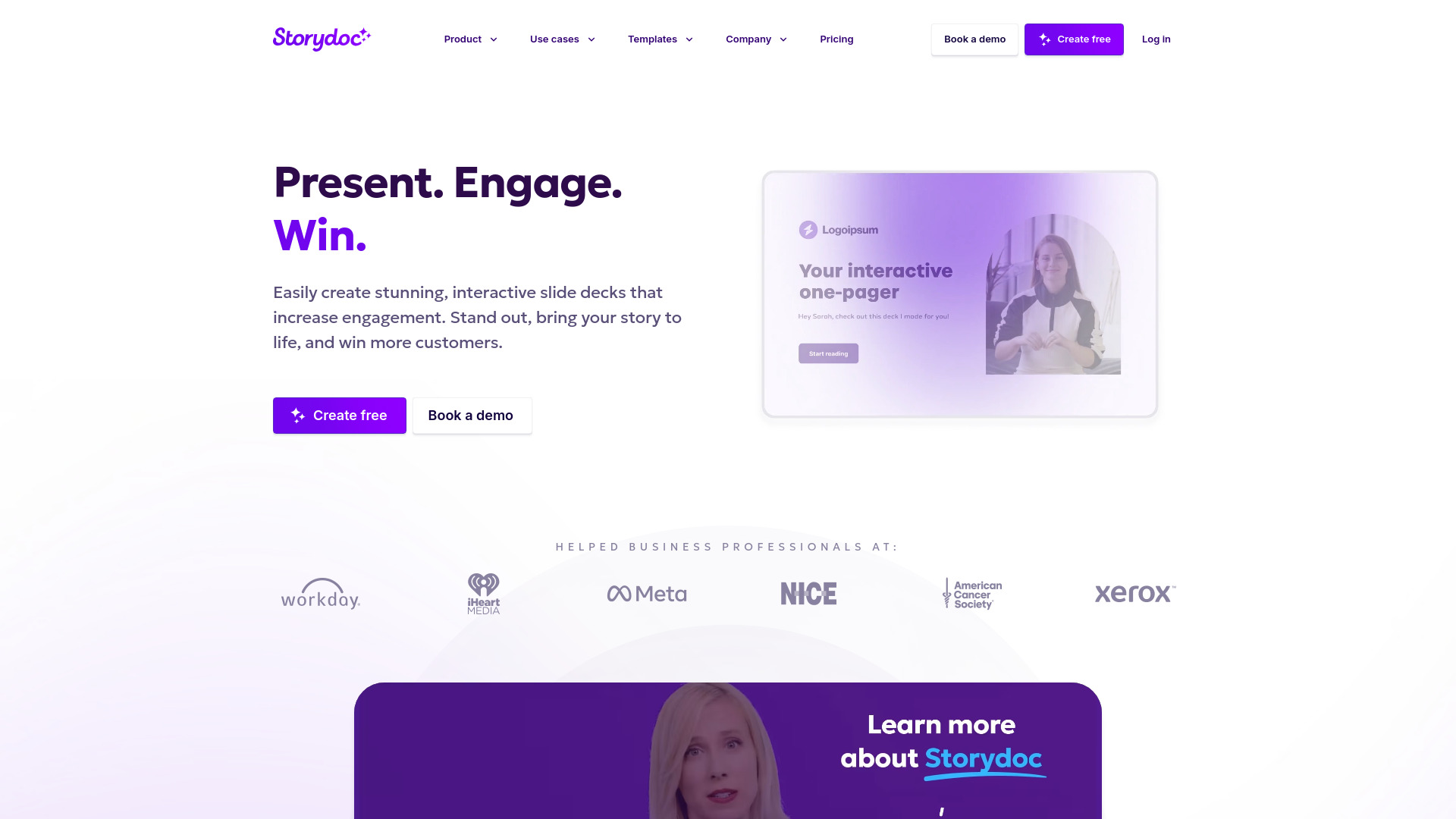
Storydoc
Elevate your presentations with our dynamic tool for interactive slide decks that engage your audience like never before.
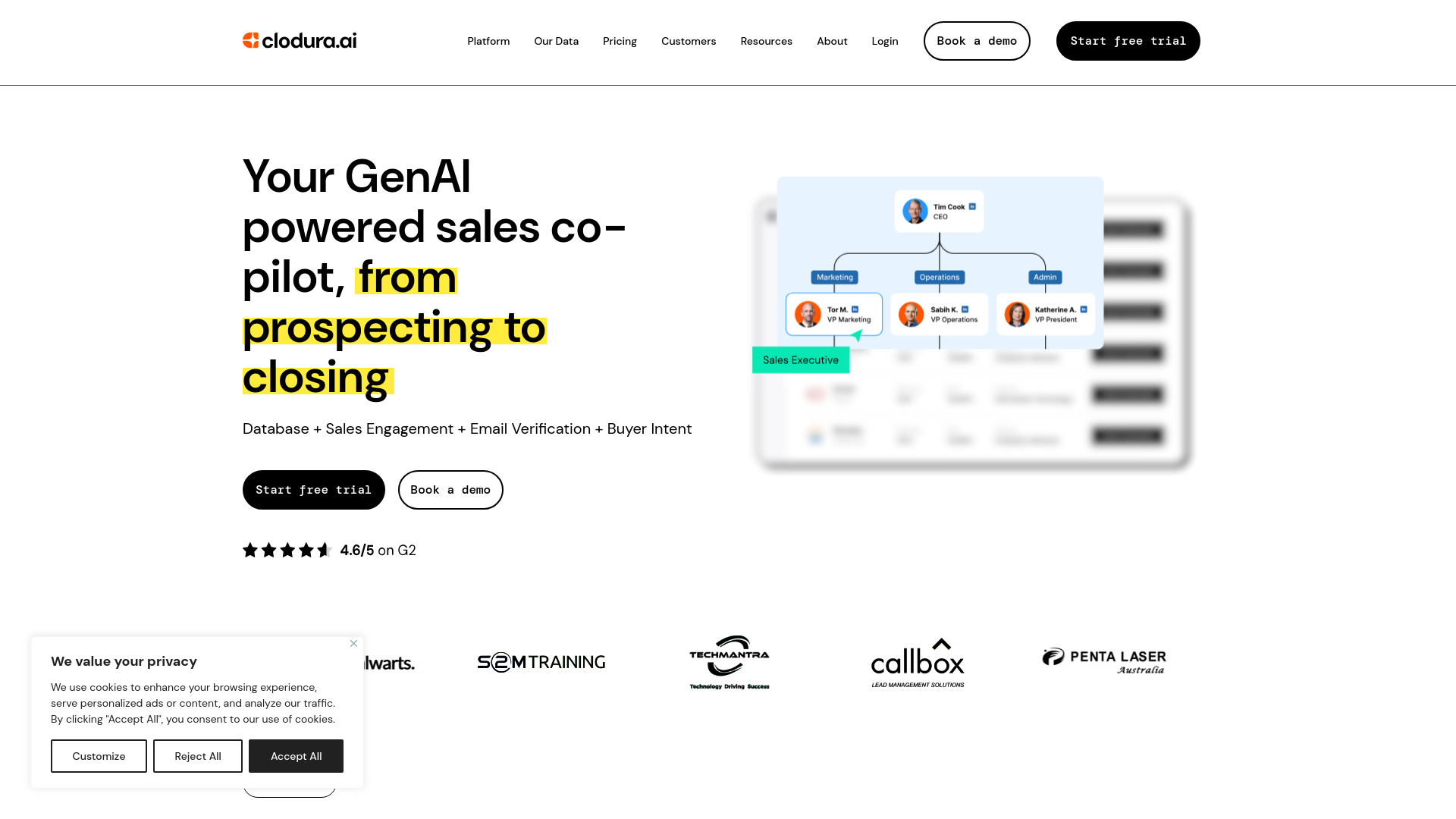
Clodura.AI
Discover GenAI, the ultimate sales prospecting platform for generating leads and engaging with potential customers effectively.
Use Cases
- Merchants who get a lot of product questions and support tickets.
- Merchants who sell a niche items where customer needs to have a question.
- Merchants who want to automate the email support system.
How to Use
1) Head to the lookfor's Shopify Listing 2) Install the app and choose your subscription. 3) Wait until your products, pages and blogs fetched. 4) Follow the onboarding assistant with related steps. 5) Activate your assistant.