
MagicAnimate
Create animated videos from images and motion videos.
Introduction
Magic Animate is a groundbreaking open-source project that simplifies animation creation, allowing you to produce animated videos from a single image and motion video.
What stands out?
Animation creation from a single image and motion video
Maintaining temporal consistency
Preserving the reference image
Enhancing animation fidelity
Integration with T2I diffusion models like DALLE3
Cross-ID animations and animations from unseen domains
Text-prompted image animation
High consistency among dance video solutions
Frequently Asked Questions
What is MagicAnimate?
How to use MagicAnimate?
What is Magic Animate?
Who built Magic Animate?
What are the advantages of Magic Animate?
What are the disadvantages of Magic Animate?
What is the difference between AnimateAnyone and MagicAnimate?
Reviews & Feedback
Share your experience with the community
0.0
Based on 0 reviews
User Comments (0)
Sort Criteria
Order
No reviews yet. Be the first to share your thoughts!
Statistics
Monthly visits
NaN
Saved by users
0
Rating
0.0/ 5.0
Added on
—
Similar Tools
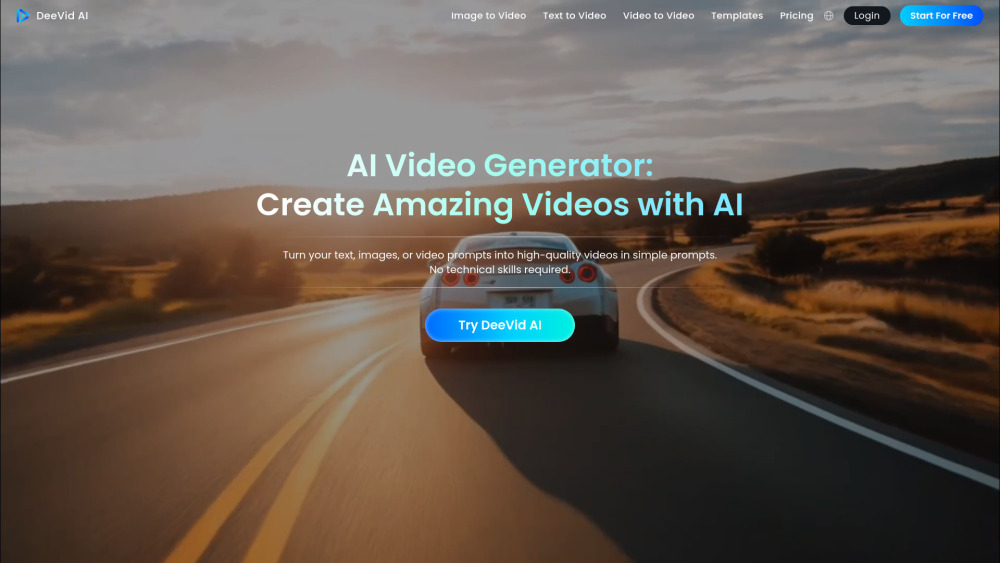
DeeVid AI
Easily transform text, images, or prompts into videos with this AI tool. Create engaging content in minutes!
Media.io AI Video Generator
Generate beautiful videos easily with our free AI video generator. Create stunning visuals without any hassle. Try it now!
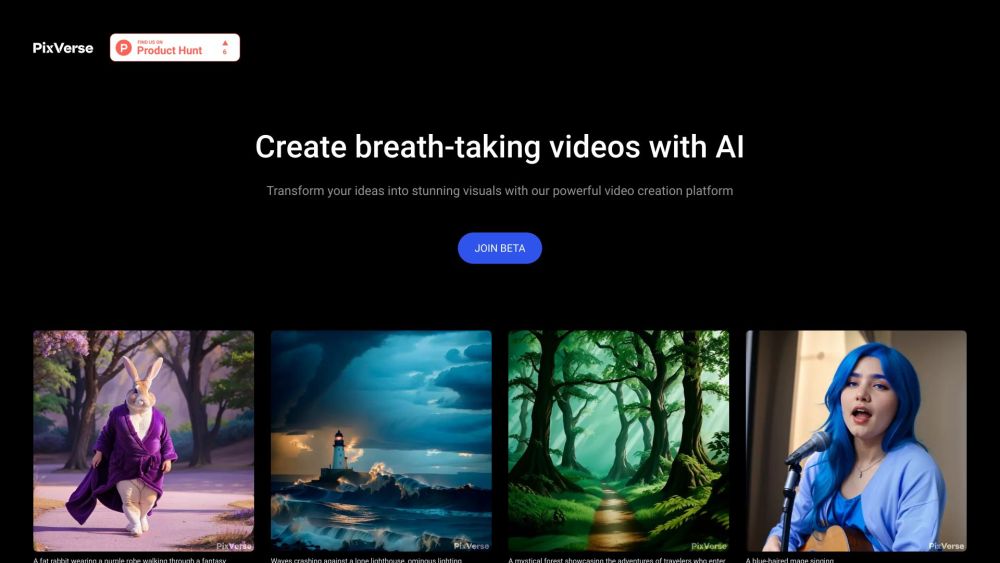
PixVerse
Revolutionary AI technology transforms various inputs into captivating videos. Experience the power of multi-modal creativity in action.

InVideo
InVideo is an online video editor with premium templates, images, and music.
How to Use
To use Magic Animate, you need to download the pretrained base models for StableDiffusion V1.5 and MSE-finetuned VAE. Then, you can install the necessary dependencies and activate the conda environment. After that, you can try out the online demos on Huggingface or Replicate. Alternatively, you can use the Replicate API to generate animated videos programmatically.