Introduction
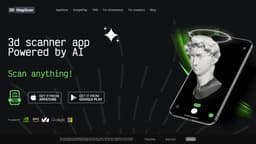
MagiScan is an AI-driven 3D scanning app that turns real-world objects into 3D models.
Key Features
AI-driven 3D scanning
Multiple export format choices
Integration with NVIDIA Omniverse
Integration with Minecraft as block structures
Frequently Asked Questions
What is MagiScan?
How to use MagiScan?
What devices are compatible with MagiScan?
What export formats are available?
Can I use MagiScan for commercial purposes?
How accurate are the 3D models generated by MagiScan?
Similar Tools
Popl
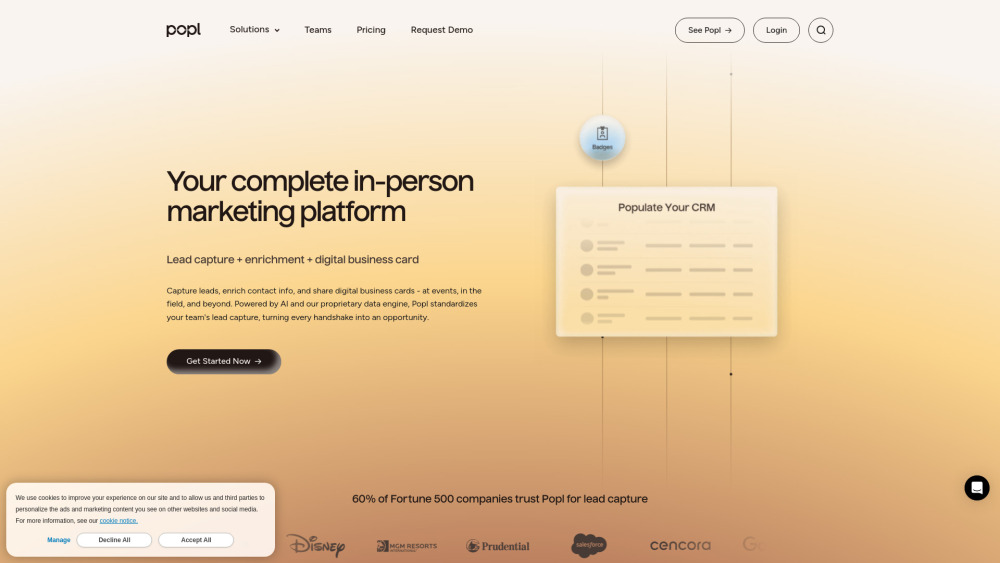
Revolutionize your lead capture with our innovative digital business card solution powered by AI technology. Boost your business efficiency today!
Klangio
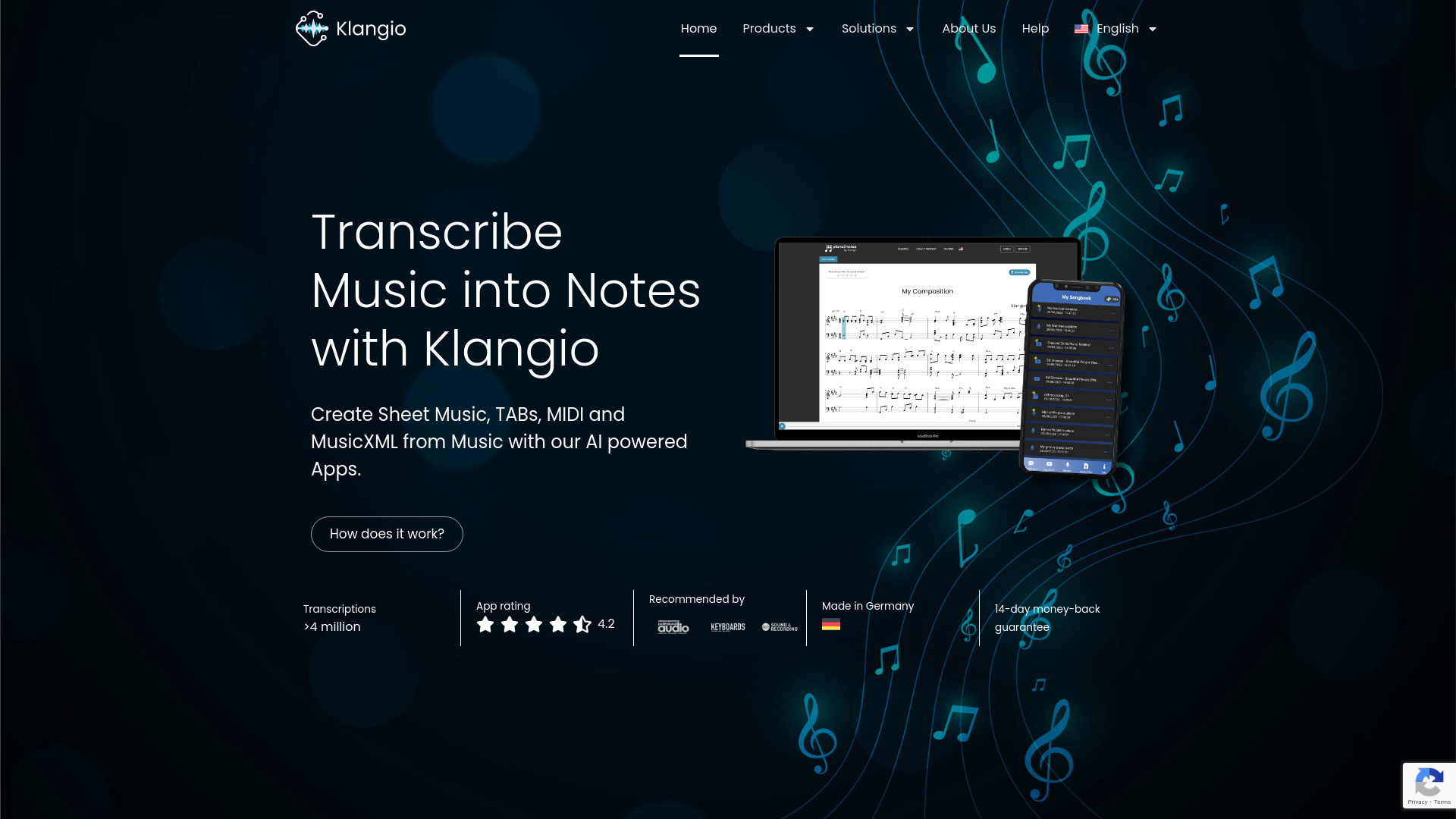
Convert music to sheet music and MIDI files using AI transcription technology with this innovative application.
Image to Text Converter
Convert images to text easily with this innovative app. Transform photos into editable text for quick and convenient use on-the-go.
Use Cases
- Creating 3D models for e-commerce product visualization
- Digitizing real-world objects for virtual reality experiences
- Enhancing game environments in Minecraft with custom block structures
How to Use
Simply download the MagiScan app on your iOS or Android device. Open the app and point your smartphone camera at the object you want to scan. Follow the on-screen instructions to capture multiple angles of the object. Once the scanning is complete, the app will generate a 3D model that can be exported in various formats.