
Map My Blog - Chrome Extension
Create interactive maps from blog posts effortlessly.
Introduction
Map My Blog is an AI-powered tool that transforms blog posts into interactive maps, enhancing reader engagement and boosting conversions. It leverages Proxi technology to create visually stunning maps from your blog content with ease.
What stands out?
Instant transformation of blog content into interactive maps
AI-powered extraction of key points
Integration with Proxi for advanced geospatial capabilities
Insights on audience preferences and engagement tracking
Customizable maps to enhance brand identity
Frequently Asked Questions
What is Map My Blog?
How to use Map My Blog?
Can I embed the map on any blog platform?
Reviews & Feedback
Share your experience with the community
0.0
Based on 0 reviews
User Comments (0)
Sort Criteria
Order
No reviews yet. Be the first to share your thoughts!
Statistics
Monthly visits
NaN
Saved by users
0
Rating
0.0/ 5.0
Added on
—
Similar Tools

Clipto
Elevate your transcription game with our cutting-edge AI service for converting audio, video, and YouTube files into text. Try it now!

Prolific
Find reliable research participants quickly with Trustworthy research participants in minutes app. Get trustworthy participants for your study fast.

hCaptcha
Enterprise-grade AI security platform protecting against bots and human abuse.

Branded
Discover a platform providing genuine consumer data and insights for your business needs.
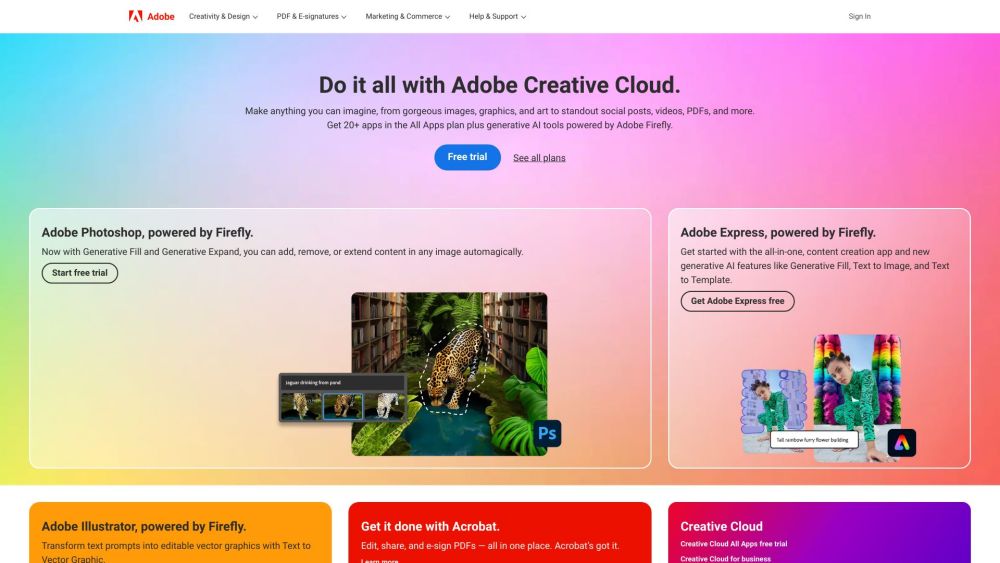
Adobe
Leading company providing creative, marketing, and document management solutions.
Use Cases
- Enhancing blog posts with interactive maps for increased reader engagement
- Creating personalized user experiences with location-based content
- Improving advertising efforts by leveraging proximity for targeted promotions
How to Use
1. Scan your blog to select key points with Map My Blog. 2. Refine and personalize your map using Proxi's no-code tool. 3. Embed the map on your blog page and share the map link wherever needed.