
Cody - Business AI Employee Trained on Your Knowledge Base
Cody is an AI assistant that supports teams by answering questions, troubleshooting, and completing tasks.
Introduction
What stands out?
Frequently Asked Questions
What is Cody - Business AI Employee Trained on Your Knowledge Base?
How to use Cody - Business AI Employee Trained on Your Knowledge Base?
What is Cody?
How does Cody work?
Can I upload documents to Cody?
Can I train Cody on my specific business processes?
Is Cody a replacement for human employees?
More Information
Cody - Business AI Employee Trained on Your Knowledge Base Discord
Cody - Business AI Employee Trained on Your Knowledge Base Support Email & Customer service contact & Refund contact etc.
Cody - Business AI Employee Trained on Your Knowledge Base Company
Cody - Business AI Employee Trained on Your Knowledge Base Login
Cody - Business AI Employee Trained on Your Knowledge Base Sign up
Cody - Business AI Employee Trained on Your Knowledge Base Pricing
Cody - Business AI Employee Trained on Your Knowledge Base Twitter
Reviews & Feedback
Share your experience with the community
User Comments (0)
No reviews yet. Be the first to share your thoughts!
Statistics
Similar Tools

AI PDF Summarizer by PDF Guru
Simplify PDFs with AI! Summarize, extract key points, ask questions, and translate in 80+ languages. Perfect for work, study, or research.
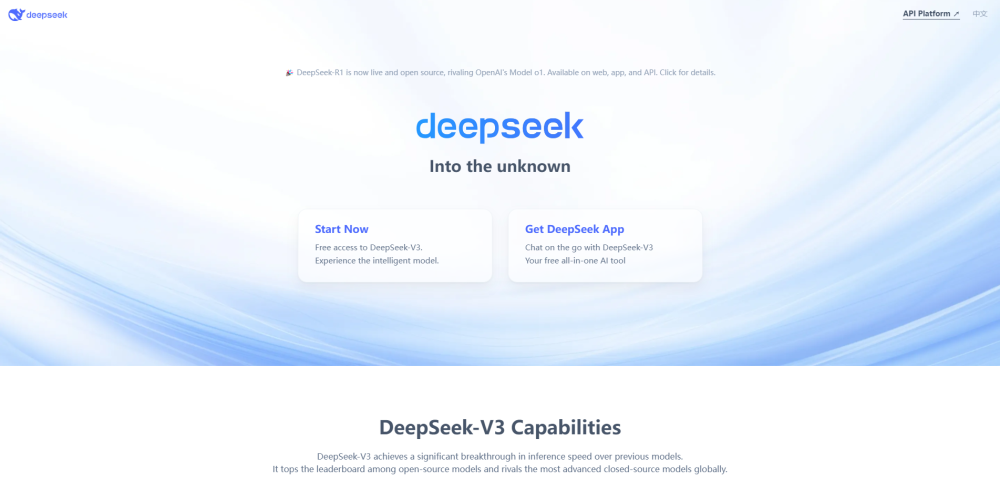
DeepSeek
Cutting-edge AI platform for programming and chatting with publicly available models, offering advanced capabilities and features.
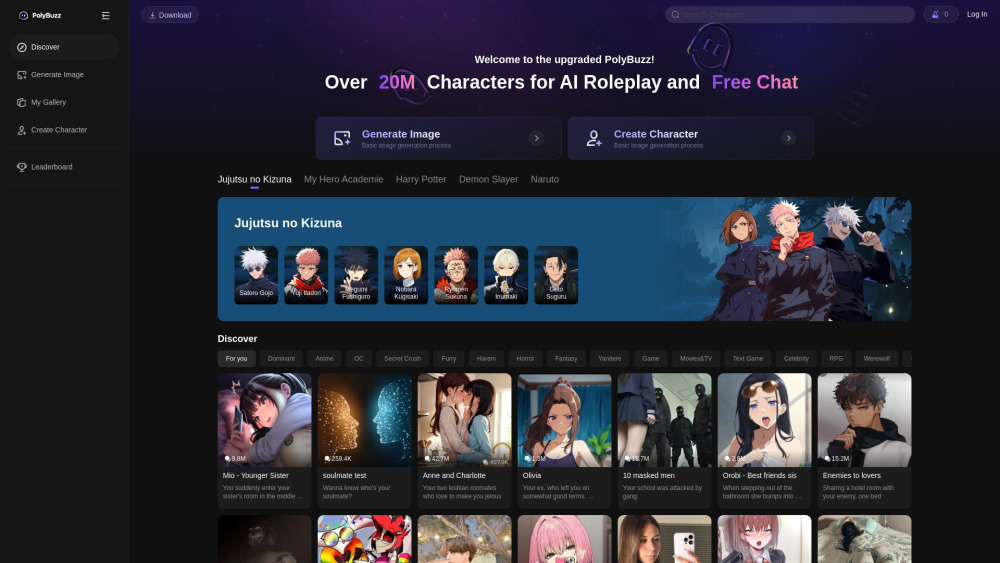
PolyBuzz
PolyBuzz offers free, private, and unrestricted AI chat and immersive roleplay with over 20 million characters.

AI Therapy
Your personal AI therapist for round-the-clock mental health support.

Wanderboat AI Travel Planner
Discover your personalized travel experiences with AI travel planner. Tailored recommendations for your perfect trip. Start planning now!
Use Cases
- Answering business questions
- Completing tasks faster
- Troubleshooting digital tools
- Providing support to teammates
- Brainstorming ideas and gaining insights