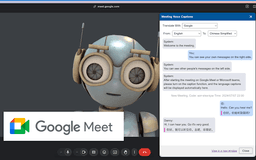
Conference Speech Translation - Chrome Extension
Web audio/video conference voice captions translation
Conference speech translationReal-time translationLanguage translation tools
Introduction
The Conference Speech Translation website offers a web audio/video conference voice captions translation service using Google Meet and Microsoft Teams. It supports translation between common languages like English, Chinese, French, Japanese, etc. Users can select translations using Google Translate or Microsoft Translate without registration. The service also allows the viewing of conference voice captions information in a new window and the use of other translation tools.
Key Features
Web audio/video conference voice captions translation
Support for common language translation
Selection of translation tools
Frequently Asked Questions
What is Conference Speech Translation?
How to use Conference Speech Translation?
Is the Conference Speech Translation service free to use?
Can the conference voice captions content be uploaded or saved?
Similar Tools
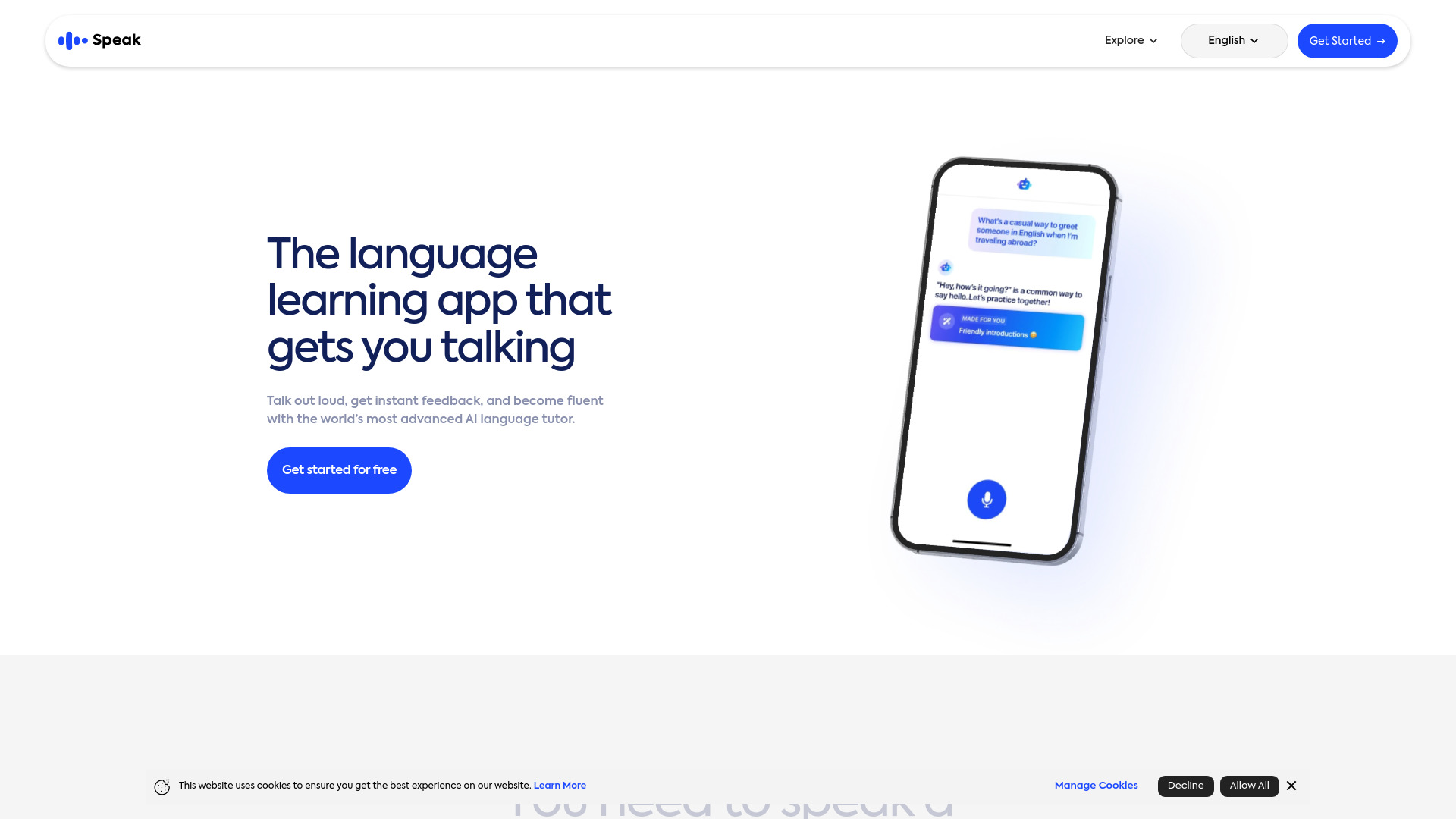
Speak
Enhance your language skills with an innovative app using AI technology for practicing real conversations.
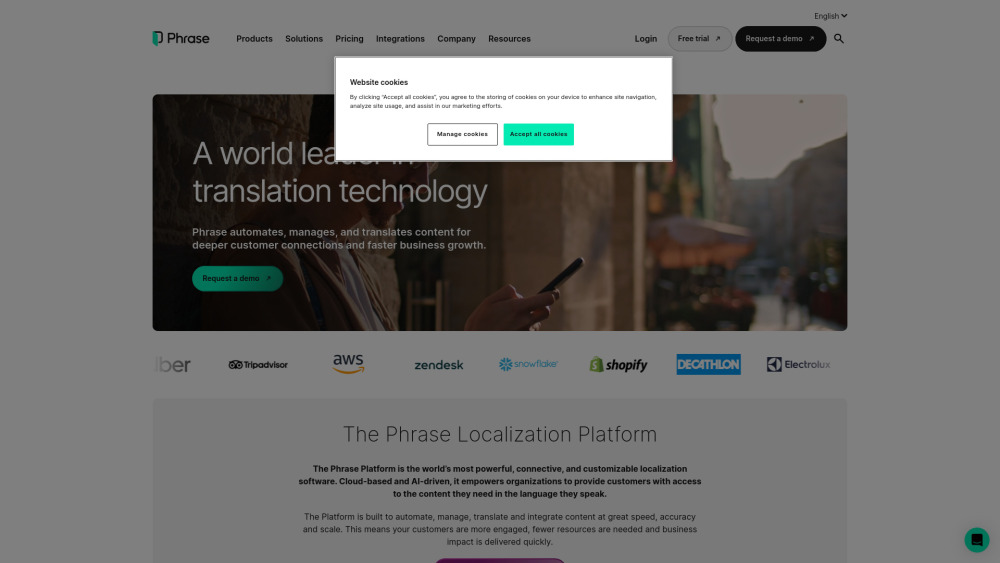
Phrase (Frm. Memsource)
Empowering localization with a robust platform for managing and automating translations efficiently. A powerful solution for translation management.
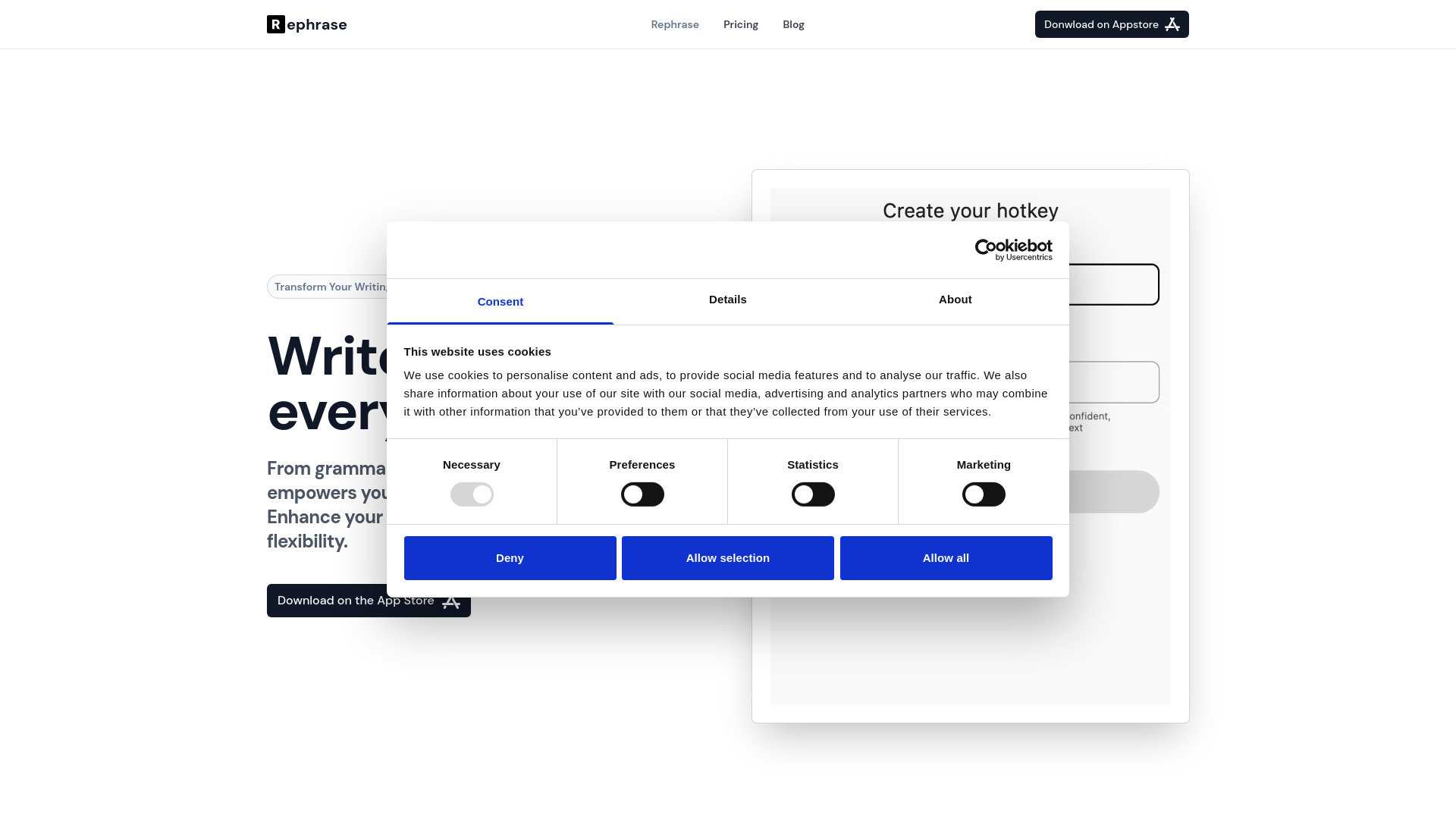
Rephrase
Boost text quality with our macOS AI writing assistant for improved content creation. Ideal for enhancing writing productivity on your computer.
Use Cases
- Real-time translation during web audio/video conferences
- Choosing the best translation tool for accurate understanding
How to Use
To use the Conference Speech Translation service, simply access the website during a web audio/video conference and enable the speech captions display and translation window using shortcut keys Alt+T or Shift+Alt+T.