
MEJ Support AI
Effortlessly manage support tickets and provide quick resolution.
Introduction
Support AI SaaS is the ONLY ticket management tool that makes it easy for you to manage support tickets smoothly. You and your team can access your clients’ tickets, respond to them, and resolve them - in a few clicks.
What stands out?
Centralized dashboard to manage all customer support tickets
Fast and simple ticket creation for clients
Multiple admins and agents can access and resolve tickets
Organize and control support tickets effortlessly
Frequently Asked Questions
What is MEJ Support AI?
How to use MEJ Support AI?
What channels of communication does the MEJ Support AI utilize to engage with customers?
What kind of support are you offering?
Can Support AI categorize the tickets according to the priority?
How does the MEJ Support AI ensure accurate and timely responses to customer queries?
In Support AI, is it possible to configure Webhook Settings?
Is it possible to add additional fields to a ticket?
What is the minimum and maximum time for a response to a submitted ticket?
More Information
MEJ Support AI Support Email & Customer service contact & Refund contact etc.
Here is the MEJ Support AI support email for customer service: [email protected] . More Contact, visit the contact us page(https://mejsupportai.com/contact/)
MEJ Support AI Company
MEJ Support AI Company name: MEJ Support AI Powered by MEJ Technology LLC . More about MEJ Support AI, Please visit the about us page(https://mejlabs.com/about/).
MEJ Support AI Login
MEJ Support AI Login Link: https://account.mejsupportai.com/
MEJ Support AI Sign up
MEJ Support AI Sign up Link: https://account.mejsupportai.com/register
MEJ Support AI Pricing
MEJ Support AI Pricing Link: https://mejsupportai.com/pricing/
MEJ Support AI Facebook
MEJ Support AI Facebook Link: https://www.facebook.com/profile.php?id=61553075378457
MEJ Support AI Youtube
MEJ Support AI Youtube Link: https://www.youtube.com/@MEJLabs
MEJ Support AI Tiktok
MEJ Support AI Tiktok Link: https://x.com/mej_ailabs?s=20
MEJ Support AI Linkedin
MEJ Support AI Linkedin Link: https://www.linkedin.com/company/mejlabs/
MEJ Support AI Instagram
MEJ Support AI Instagram Link: https://www.instagram.com/mej.ailabs/
Reviews & Feedback
Share your experience with the community
0.0
Based on 0 reviews
User Comments (0)
Sort Criteria
Order
No reviews yet. Be the first to share your thoughts!
Statistics
Monthly visits
NaN
Saved by users
0
Rating
0.0/ 5.0
Added on
—
Similar Tools

Jotform AI Agents
Automated customer service solutions with friendly AI agents.
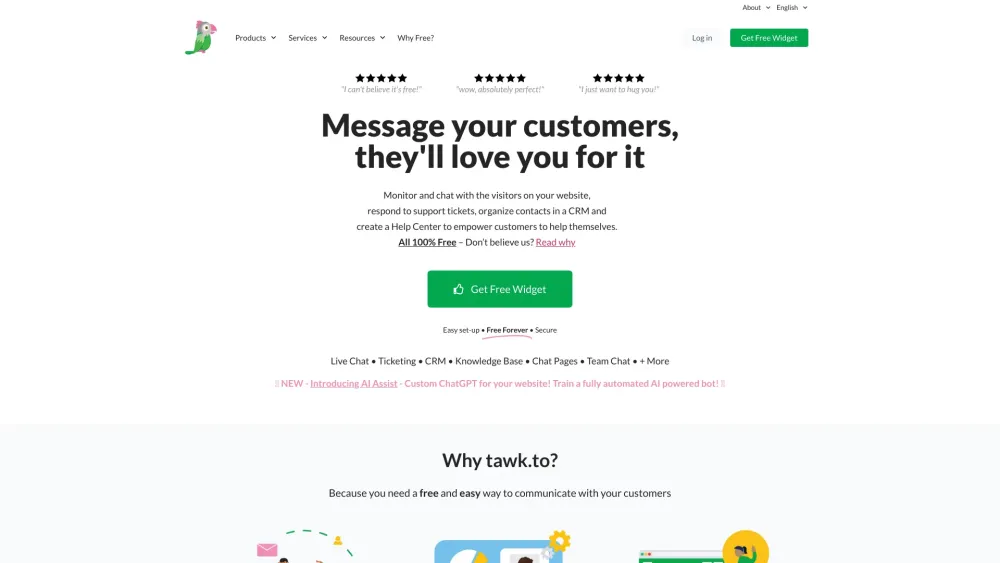
tawk.to
Free Live Chat Software for websites

Intercom
Get quicker solutions with Automation and human assistance. Enhance support efficiency for faster issue resolutions.

Anthropic
The AI assistant named Claude, called Anthropic, offers various capabilities and services.
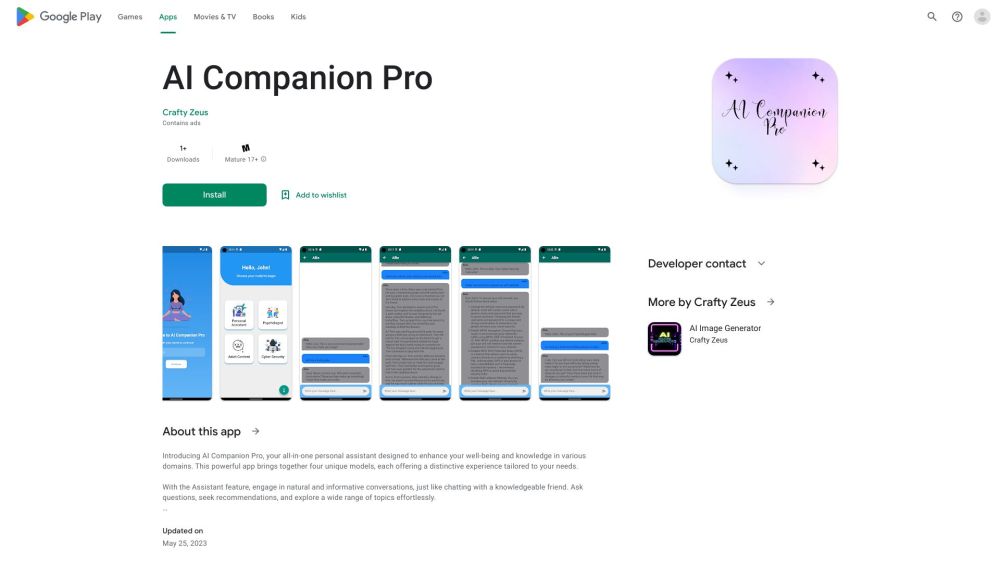
AI Companion Pro
An all-in-one personal assistant for well-being, knowledge, and digital safety.
Use Cases
- Efficiently manage support tickets and improve customer satisfaction
- Quickly resolve customer queries and gain customer trust
- Provide a delightful customer experience with a ticket management system
- Organize and manage support ticket system from start to finish
How to Use
With Support AI SaaS, you can create a fast and simple ticket system for your clients. They can easily create tickets in seconds and receive instant responses from your agents. Multiple admins from your team can access and manage tickets, ensuring quick and efficient resolution.