
Introduction
Mevo is a website that allows users to create their own chatbots similar to ChatGPT. It provides an easy-to-use platform for customizing chatbots without requiring any coding knowledge.
Key Features
Mevo offers several core features including: 1. Chatbot Customization: Easily customize your chatbot's responses, design, and features. 2. Share and Test: Share your chatbot with others and test its performance. 3. Notifications: Get notified about important activities and updates related to your chatbot. 4. Analytics: Track and analyze the performance of your chatbot through detailed analytics.
Frequently Asked Questions
What is Mevo?
How to use Mevo?
Can I create a chatbot without any coding knowledge?
Can I customize the responses and design of my chatbot?
Can I integrate my chatbot into my website or messaging platform?
Can I track the performance of my chatbot?
Similar Tools
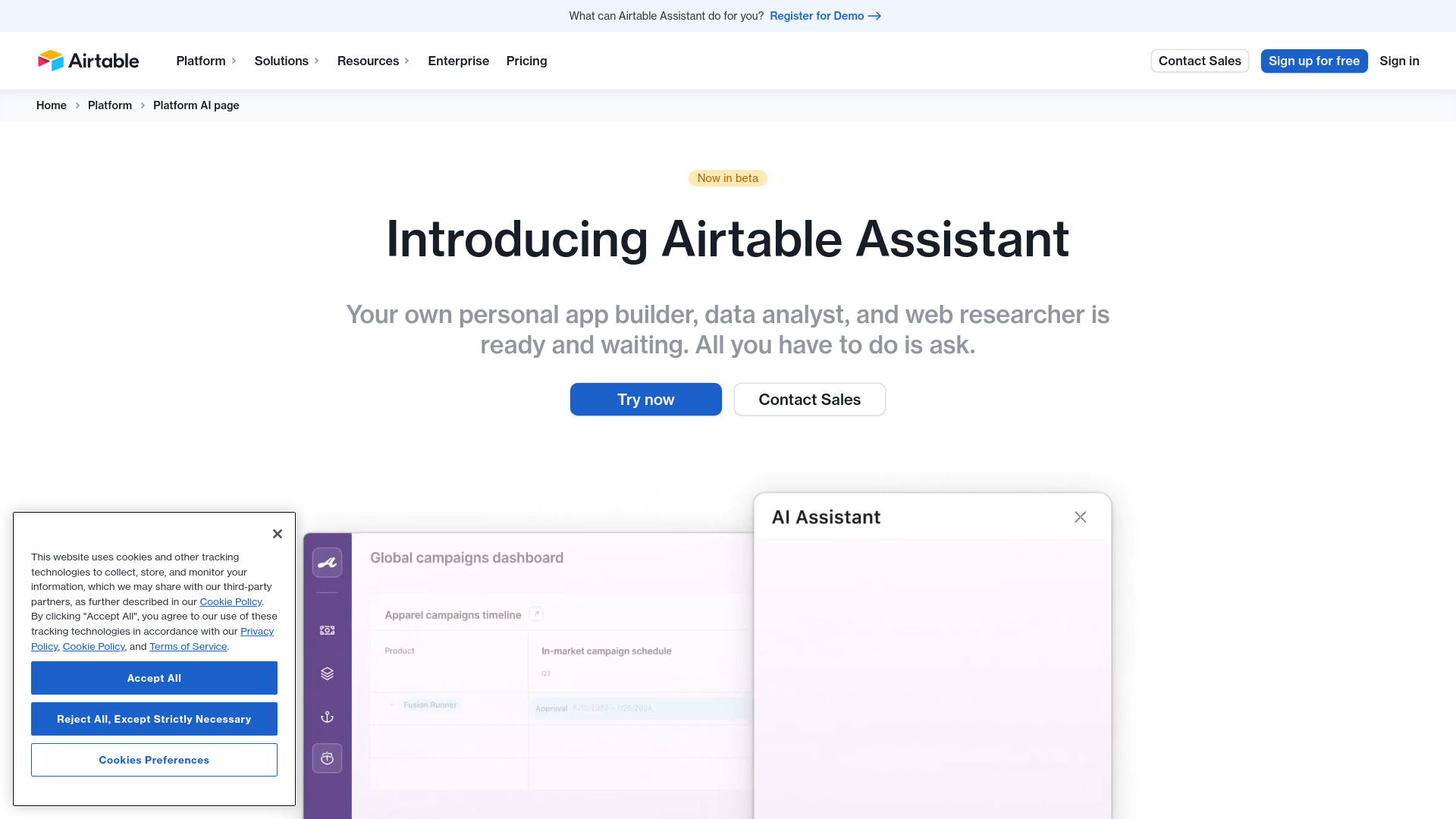
Airtable Assistant
Easily create apps and analyze data with our AI tool, no coding required. Build and analyze without the hassle of programming.
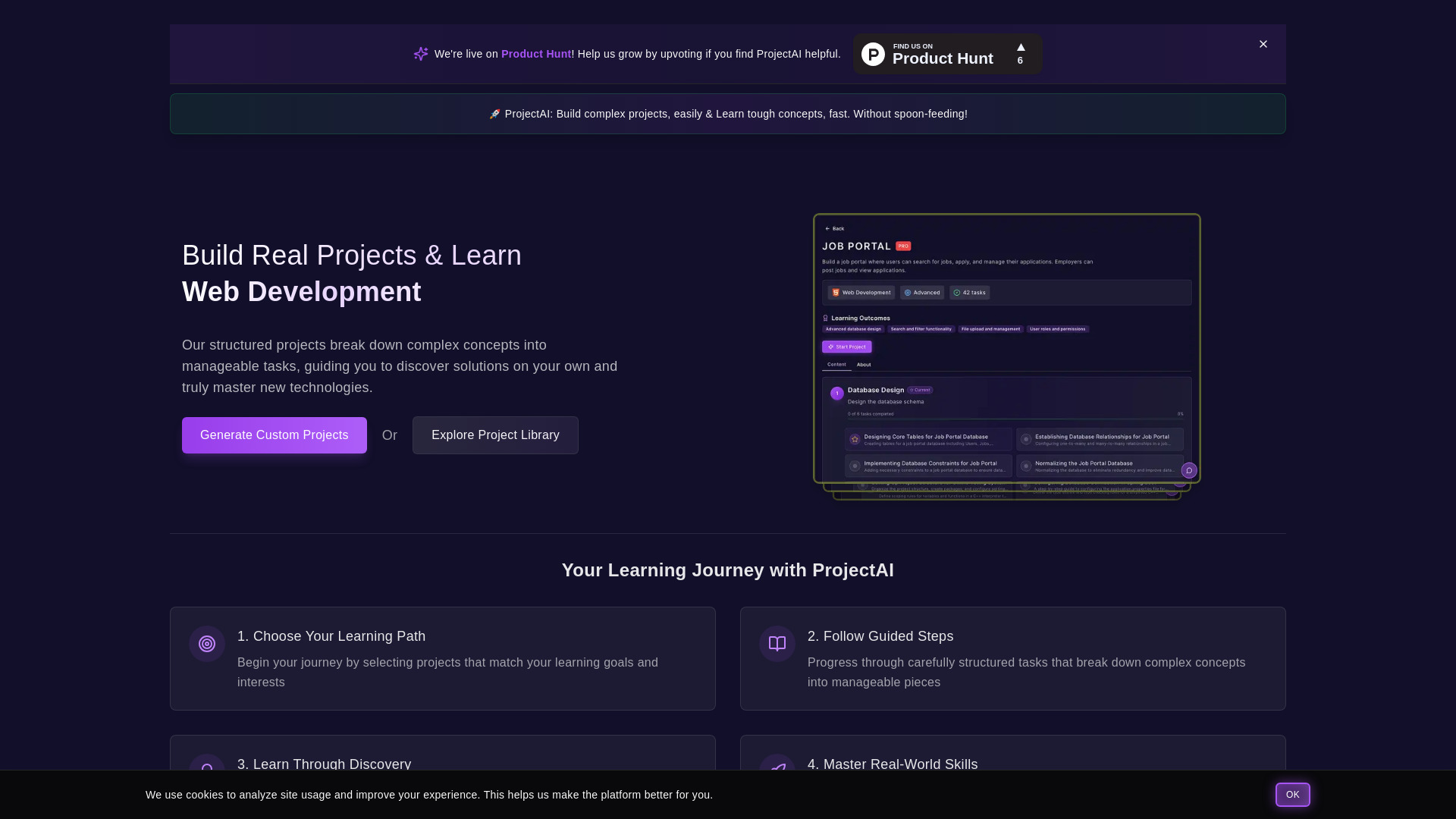
ProjectAI
Discover programming through hands-on projects with detailed instructions. Step-by-step guidance for learning coding skills effectively.

MetaGPT (MGX)
Get access to 24/7 AI Teams for creating apps, games, PPTs, and analysis. Boost productivity with innovative tools at your fingertips.
Use Cases
- Mevo can be used for various purposes including: 1. Customer Support: Create a chatbot to provide automated customer support and assistance. 2. Lead Generation: Develop a chatbot to engage with potential customers and generate leads. 3. Content Recommendation: Design a chatbot that recommends relevant content based on user preferences. 4. FAQ Automation: Use Mevo to create an FAQ chatbot that can answer common user questions.
How to Use
To use Mevo, simply sign up for an account and login to the platform. Then, follow the step-by-step guide to create your own chatbot. Customize the chatbot's responses, design, and features according to your needs. Once your chatbot is ready, you can integrate it into your website or messaging platform.