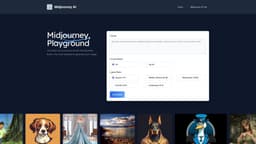
Midjourney AI
Midjourney AI is a versatile AI art generator that creates images from text descriptions.
AI art generatortext-to-imagefree trial
Introduction
Midjourney AI is an AI art generator that allows users to create compelling images from textual descriptions. It offers a free trial and features excellent image generation experience with preset prompts. It is a versatile alternative to Midjourney.
Key Features
1. Text-to-image generation: Midjourney AI can transform textual descriptions into visually appealing images. 2. Free trial: The service allows users to enjoy 20 free uses without any payment requirements. 3. High-definition image download: Users have the rights to download the AI artwork in high-definition format. 4. Various aspect ratios: Midjourney AI offers different aspect ratios to suit different image requirements. 5. Preset prompts: The platform provides pre-set Midjourney prompts to assist in generating high-quality AI artwork more easily.
Frequently Asked Questions
What is Midjourney AI?
How to use Midjourney AI?
How to use Midjourney AI for free?
How to use Midjourney AI on Discord?
How to use Midjourney AI privately?
How to write good Midjourney prompts?
How to access Midjourney AI?
What is the copyright for using Midjourney generated images?
Similar Tools

Quickads
Effortlessly create image and video ads with this AI-powered tool. Say goodbye to the hassle and hello to effective marketing campaigns.
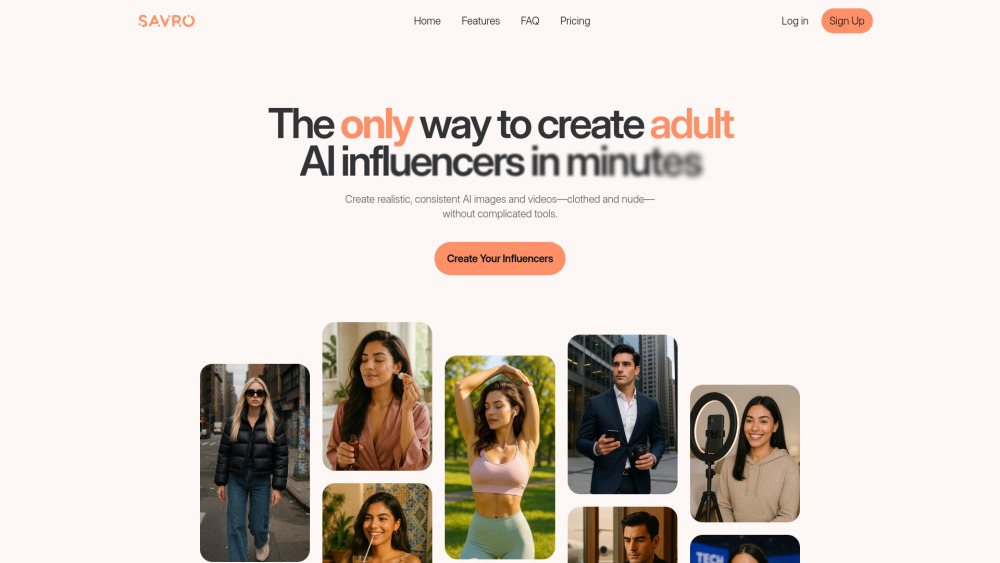
Savro AI
Create adult AI influencers in minutes
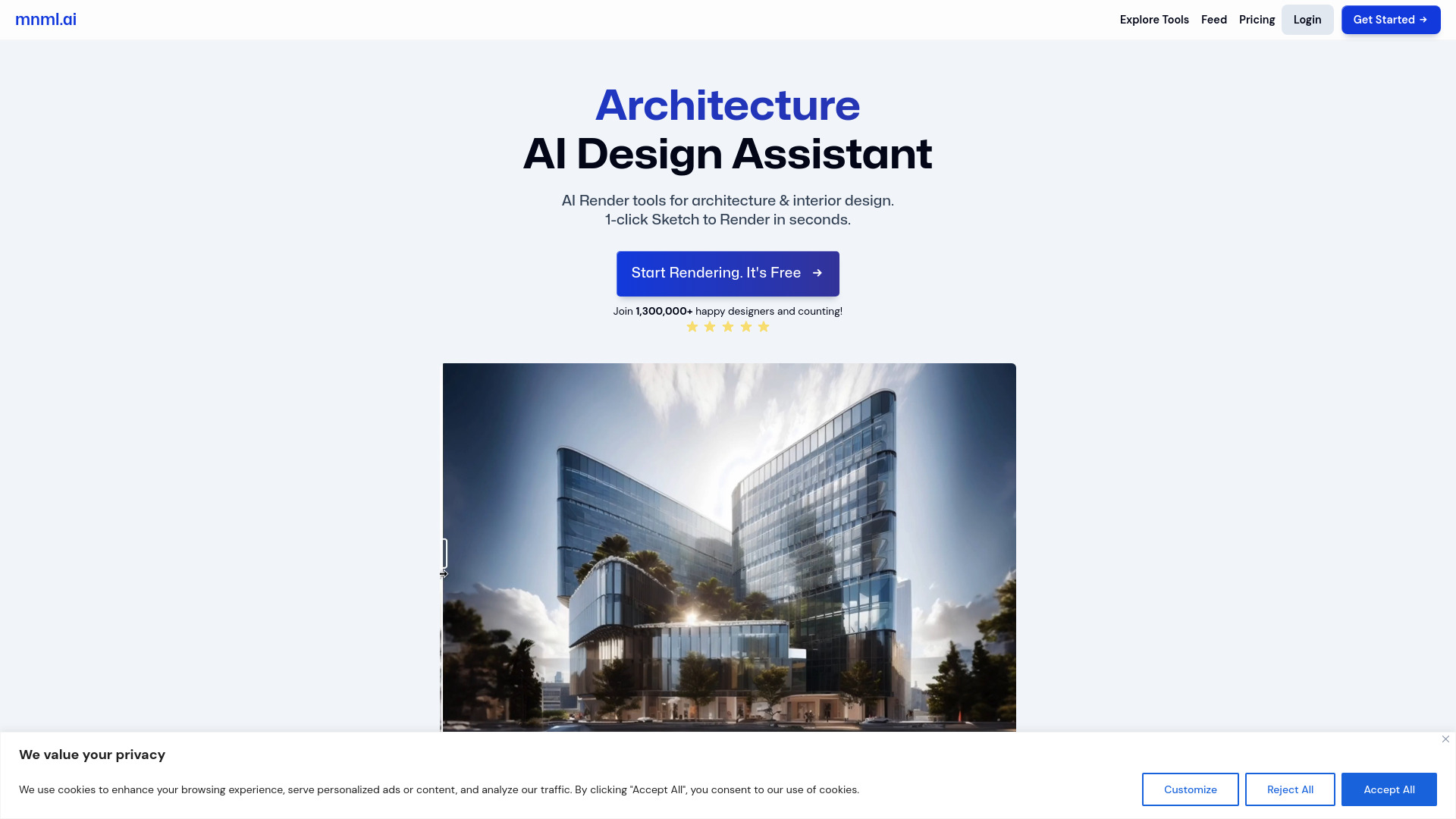
mnml.ai
Discover the power of mnml.ai, a cutting-edge app that harnesses AI technology to streamline your daily tasks and boost productivity.
Use Cases
- 1. Logos: Midjourney AI can help create AI artwork for logo designs. 2. Portraits: Generate realistic or artistic portraits using textual descriptions. 3. Architecture: Visualize architectural designs or concepts using AI-generated images. 4. Artistic projects: Use Midjourney AI to create unique pieces of artwork or enhance existing pieces.
How to Use
1. Visit the Midjourney AI website at midjourneyai.ai. 2. Choose the desired Model (e.g., V4 niji). 3. Select the Aspect Ratio for your image (e.g., Square, Widescreen). 4. Enter your prompt in the provided input box. 5. Click the 'Generate' button. 6. Wait for about a minute to receive your Midjourney AI image. 7. Download the high-definition image for free. No coding is required to generate your image!