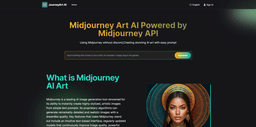
Midjourney Art AI
AI art generator creating detailed images from text prompts.
AI art generatorDigital artLogos
Introduction
Midjourney is an AI art generator that allows users to create highly detailed images from text prompts. It is accessible through Discord and the web interface journeyart.ai. The AI uses proprietary algorithms to generate realistic and dreamlike images in various styles, including logos, landscapes, portraits, patterns, and anime.
Key Features
Intuitive text-based interface
Regularly updated models for improved image quality
Powerful editing tools for refining images
Flexible subscription plans with specific generation quotas and capabilities
Frequently Asked Questions
What is Midjourney Art AI?
How to use Midjourney Art AI?
How to access Midjourney AI?
What can I create with Midjourney AI?
How to write good prompts for Midjourney?
What is Discord and why is it required for Midjourney?
What are the latest features in Midjourney AI?
Is Midjourney AI free to use?
What are some alternatives to Midjourney AI?
Similar Tools

Quickads
Effortlessly create image and video ads with this AI-powered tool. Say goodbye to the hassle and hello to effective marketing campaigns.

Genie AI
Experience a versatile AI chatbot capable of handling multiple tasks with ease. Engage with our multi-model application today!
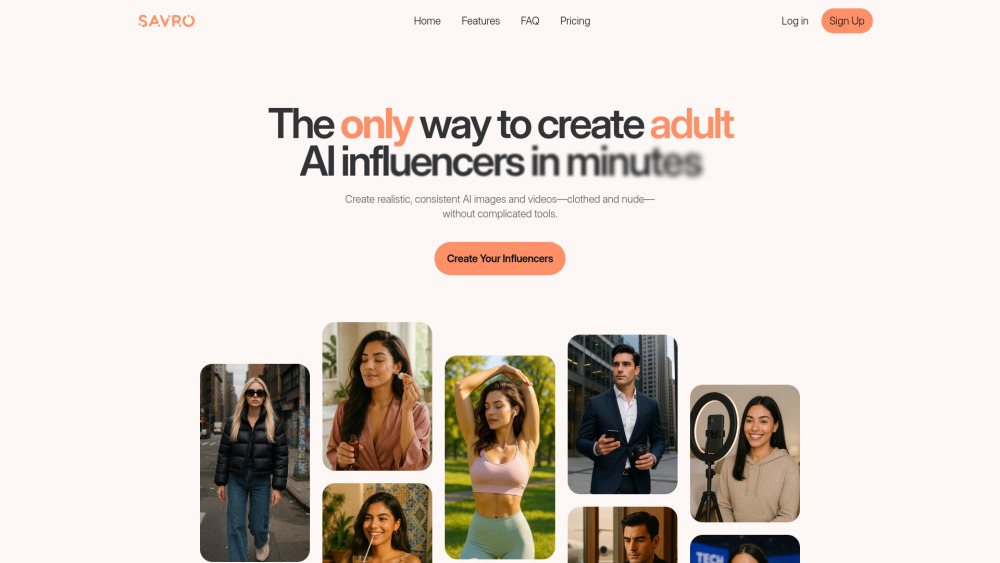
Savro AI
Create adult AI influencers in minutes
Use Cases
- Creating highly stylized art
- Generating digital logos
- Producing landscape and portrait images
- Creating patterns and anime-style art
How to Use
To use Midjourney, join the Discord server or visit journeyart.ai. On Discord, subscribe and use the /imagine command with text prompts to generate images. Refine the images using the U and V buttons. On journeyart.ai, type prompts into the text box, select models and aspect ratios, and wait for the image to be generated. Experiment with different platforms for the best results.