
MindMap AI
MindMap AI is an AI powered mind mapping platform that revolutionizes the ideation process. It empowers over 50,000+ thinkers including students, professionals, and researchers from leading institutions and companies to create sophisticated mind maps through AI assistance.
AI Mind MappingMind Map GeneratorAi Brainstorming Tool
Introduction
MindMap AI is the leading AI powered mind mapping platform that helps students, professionals, and teams visualize ideas and create mind maps automatically. Using advanced AI technology, users can generate mind maps from text, PDFs, images, audio, and video, while the AI Copilot provides real-time brainstorming assistance and suggestions for enhanced productivity and creativity.
Key Features
Intelligent Mind Map Generation - Leverage AI to create sophisticated mind maps and concept maps instantly from various input formats.
AI Copilot Chat for Interactive Brainstorming - Engage in dynamic brainstorming sessions with AI Copilot that maintains a history for each mind map to track your ideation process.
Co Creation and Editing - Seamlessly edit AI generated mind maps, adding your own insights and refining the structure for perfect results.
Multi Format Idea Capture - Input ideas from text, PDF, image, audio, and video files for versatile mind mapping.
AI Expand - Broaden your chosen topic effortlessly by automatically adding relevant ideas and branches, helping you dive deeper and explore new dimensions of your main theme.
AI Summarize - Easily condense mind maps with multiple topics and subtopics, providing quick overviews of main topics and making complex information management simpler.
AI Focus Topic - Elevate any topic to become the main focus, helping you build depth and structure around specific themes without distractions.
Complete Version History - Track all changes and maintain a full history of your mind map development process.
Flexible Export Options - Export your mind maps in multiple formats including PNG, SVG, PDF, and Markdown.
File Processing Capabilities - Handle various file sizes based on plan level, from basic text files to larger video content.
Navigation Features - Take control of your canvas with advanced navigation tools for efficient mind map management.
Second Order Connections - Simplify complex projects by establishing and visualizing relationships between different concepts.
Frequently Asked Questions
What is MindMap AI?
How to use MindMap AI?
What is the AI Copilot Chat feature?
Can I edit the AI-generated mind maps?
Can I undo or retry actions while using the AI Copilot Chat?
What input formats does MindMap AI support?
Can I upload large PDFs?
How can I share or export my mind maps?
How does MindMap AI ensure data security?
Is the Copilot Chat history saved for future reference?
How often is the AI mind mapping software updated?
Similar Tools
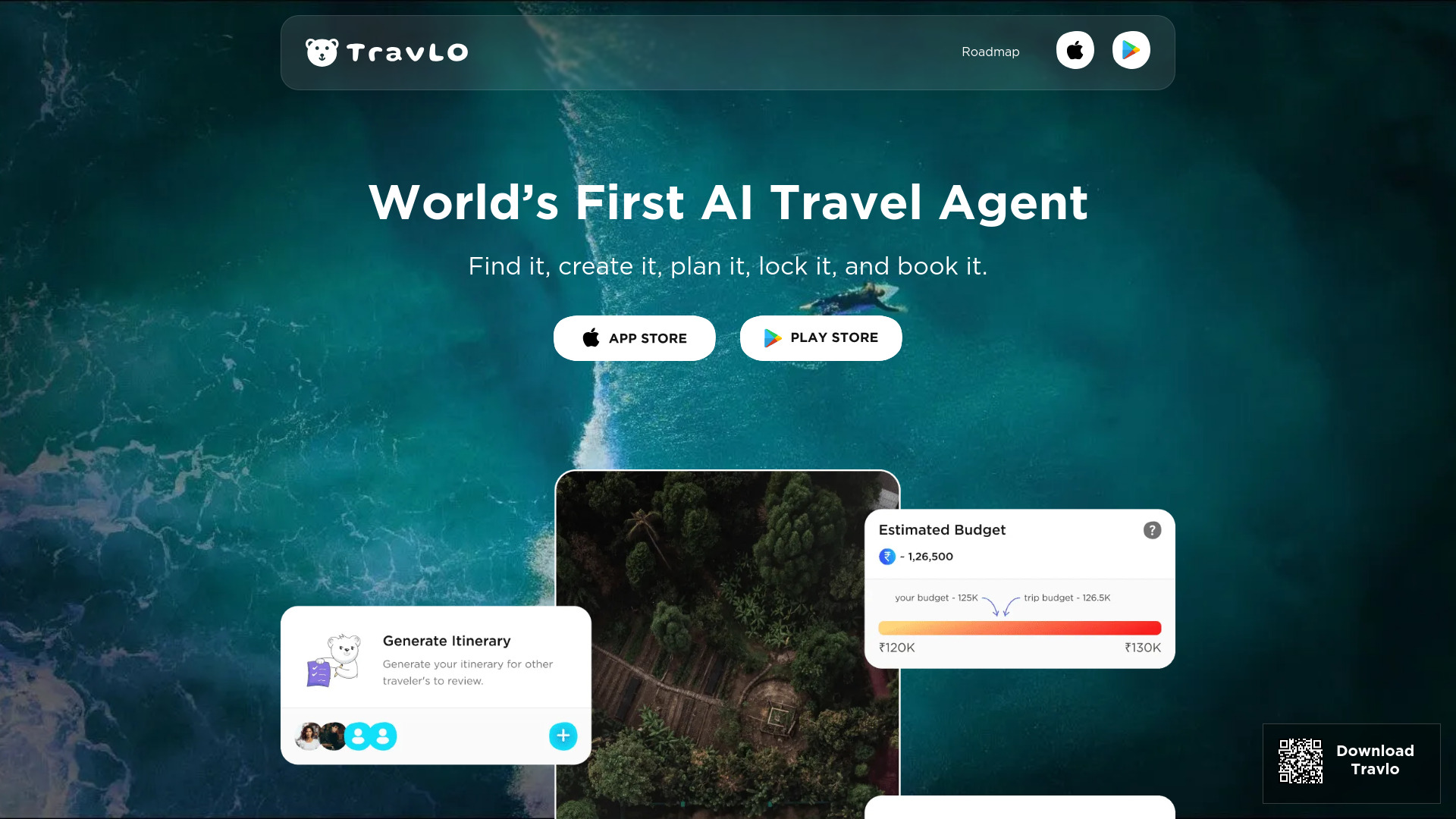
Travlo
Revolutionize your travel planning with our AI-powered platform that helps you book trips seamlessly and effortlessly.
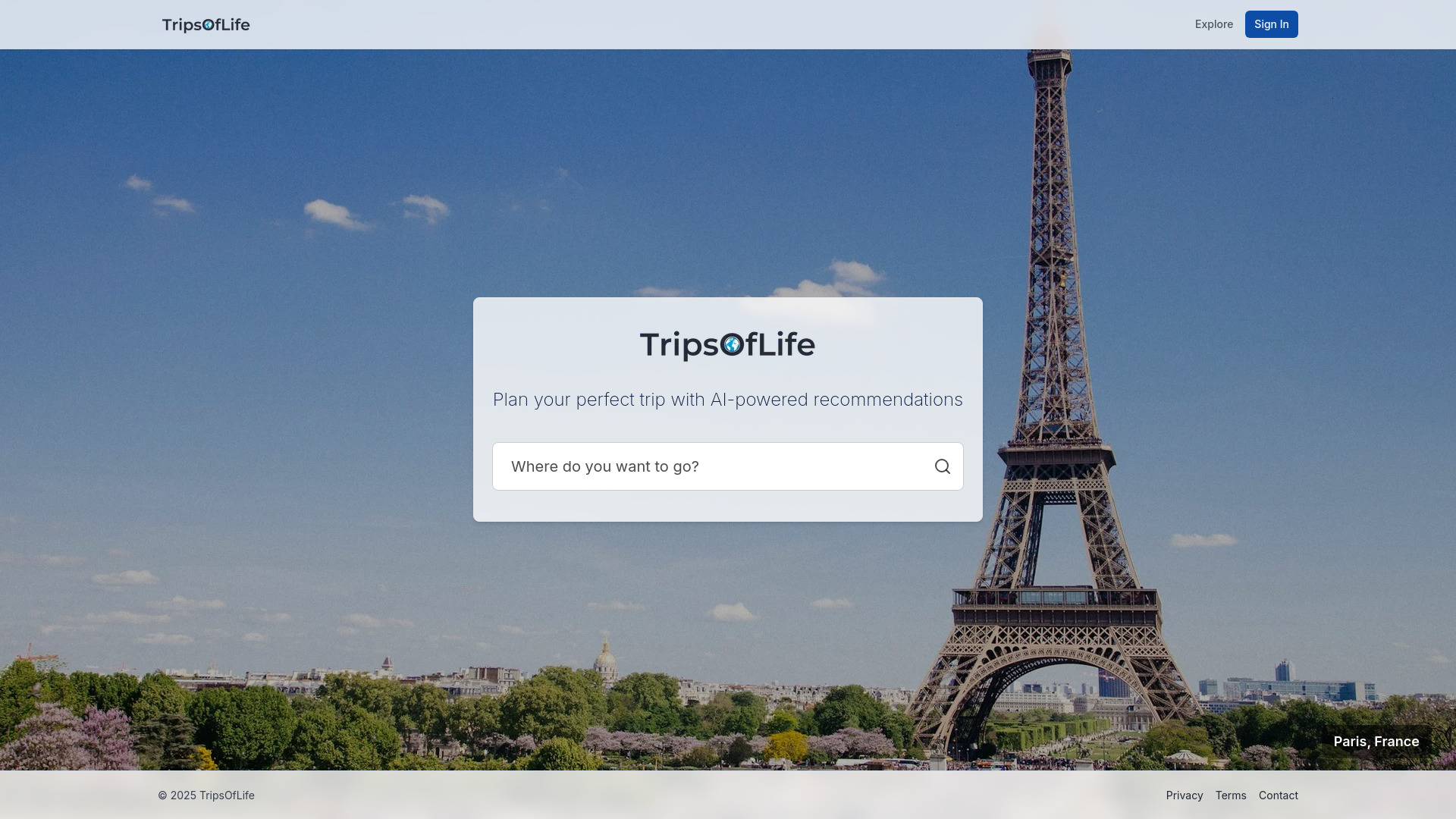
TripsOfLife
Plan your personalized travel itineraries with our AI travel planner application. Get tailored recommendations for your next unforgettable trip.

Search AI Hub - Chrome Extension
Aggregator for AI and traditional search results
Use Cases
- Students can transform lecture notes and research materials into visual mind maps for better comprehension and exam preparation.
- Business professionals use the platform to break down complex projects into manageable visual frameworks, making project planning more efficient.
- Content creators leverage AI-generated mind maps to organize article outlines, video scripts, and content strategies in a visual hierarchy.
- Researchers transform documents and notes into structured mind maps to organize their findings and conceptual frameworks.
- Business users streamline their ideation process by using AI to automatically generate mind maps from various input formats.
- Teachers create engaging visual learning materials by converting lesson plans and educational content into interactive mind maps.
- Product managers visualize feature roadmaps and user feedback by converting various data inputs into structured mind maps.
How to Use
1. Sign up for a free account (no credit card required) 2. Upload your content or start with text input 3. Generate AI-powered mind maps instantly 4. Refine your mind map with AI Copilot suggestions 5. Customize and export in your preferred format