MobileGPT
MobileGPT revolutionizes WhatsApp with advanced AI capabilities, transforming communication and enhancing user experience.
Introduction
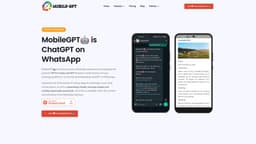
MobileGPT is a revolutionary WhatsApp application that integrates the advanced capabilities of the GPT-4 engine to provide users with a personal AI assistant directly on their mobile devices. MobileGPT offers seamless AI conversations similar to ChatGPT, AI-generated images, AI-crafted documents in Word format, and advanced language translations. By bringing these powerful AI features to WhatsApp, MobileGPT aims to transform the way users communicate, create, and collaborate on-the-go, enhancing their overall messaging experience.
Key Features
Seamless AI conversations powered by GPT-4 engine
AI-generated images and artwork
AI-crafted documents in Word format
Advanced language translations
Talk to PDF feature for document analysis and interaction
Interact with website content using 'ekse' command
Generate full business plans and other custom documents
Real-time internet research and report generation
Magic Commands for convenient access to information
AI-powered notes, reminders, and productivity tools
Frequently Asked Questions
What is MobileGPT?
How to use MobileGPT?
Similar Tools

Gallabox
Elevate your business communication with our No-code WhatsApp automation tool. Streamline processes and engage customers effortlessly.

LimeChat
Revolutionize your e-commerce business with our AI-powered platform that offers support and marketing through WhatsApp. Boost sales and engagement now!
Pronounce
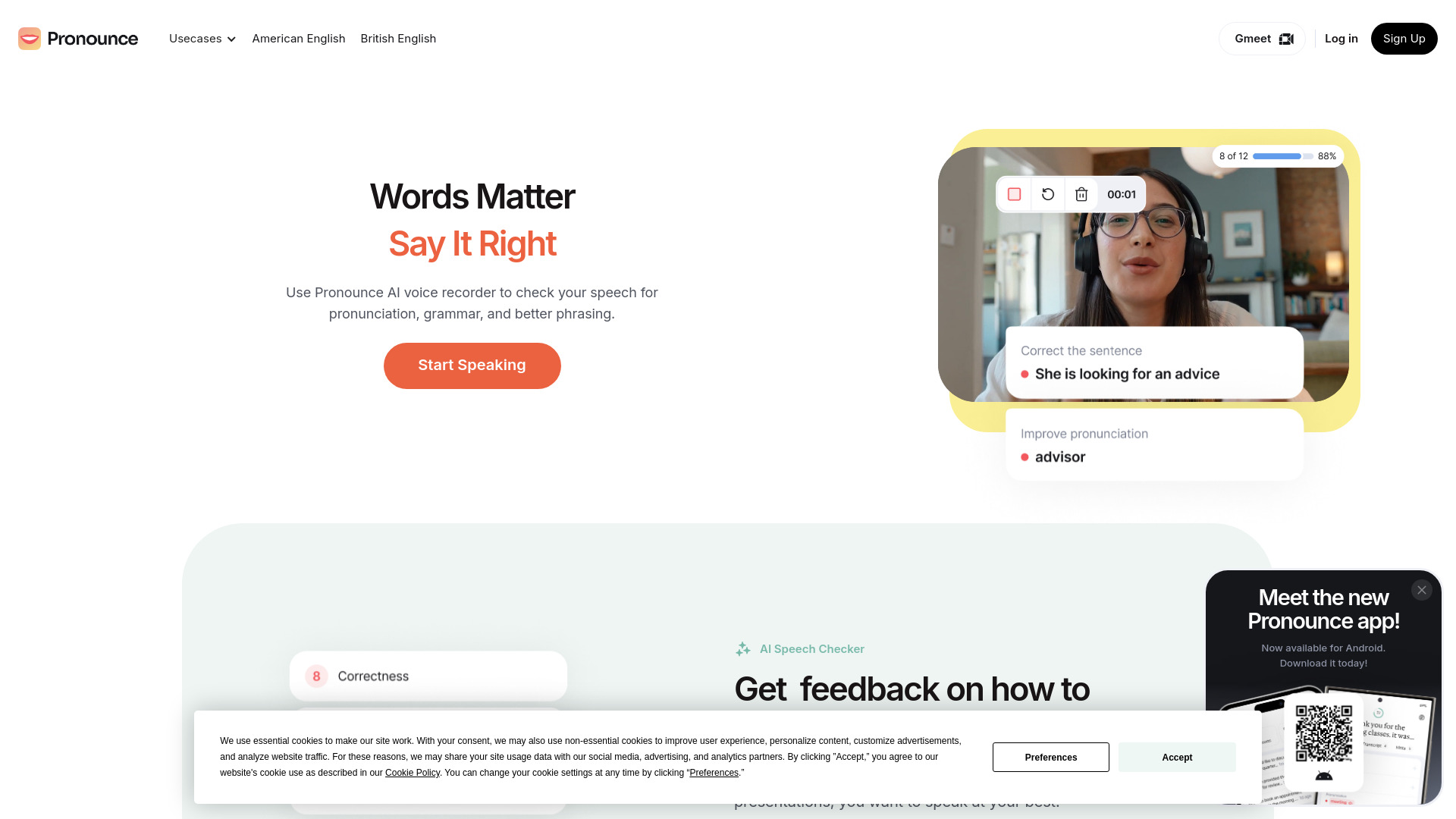
Enhance your English pronunciation and communication skills with our AI speech checker app. Perfect your spoken English today!
Use Cases
- Chat with MobileGPT as your smart best friend for information, translations, math, and more
- Generate AI documents, including resumes, letters, reports, and business plans
- Interact with PDF documents and extract specific information
- Create AI-powered chatbots to gain insights from websites
- Use MobileGPT for real-time internet research and report compilation
- Get AI-generated images and artwork in various styles and ratios
- Enhance productivity with note-taking, reminders, and talk-to-website functionalities
How to Use
To use MobileGPT, simply install the application on your mobile device and connect it to your WhatsApp account. Once installed, you can start chatting with the AI assistant by sending messages as you would in any regular conversation. You can ask questions, request AI-generated content, create documents, and more. MobileGPT will process your inputs and generate appropriate responses or outputs based on the advanced capabilities of the GPT-4 engine.