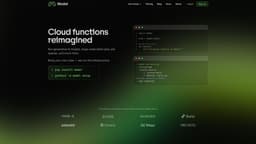
Modal
Code execution in the cloud made easy.
cloud computingcontainerizationserverless compute
Introduction
Modal helps people run code in the cloud. We think it's the easiest way for developers to get access to containerized, serverless compute without the hassle of managing their own infrastructure.
Key Features
Express container images and hardware specifications entirely in code, no need for Dockerfiles or YAML.
Provision network volumes, key-value stores, and queues with ease using powerful cloud primitives that feel like regular Python.
Turn functions into cron jobs with a single line of code.
Serve any function as an HTTPS endpoint and ship to custom domains.
Monitor executions, logs, and metrics in real-time, and debug interactively with modal shell.
Secure workloads with the gVisor runtime and industry-standard SOC 2 compliance.
Frequently Asked Questions
What is Modal?
How to use Modal?
What is Modal?
How does Modal work?
What are the pricing options for Modal?
What are some use cases for Modal?
Similar Tools

CodeFast
Quickly learn coding to create successful online ventures with this app designed for fast-paced business growth. Start building today!
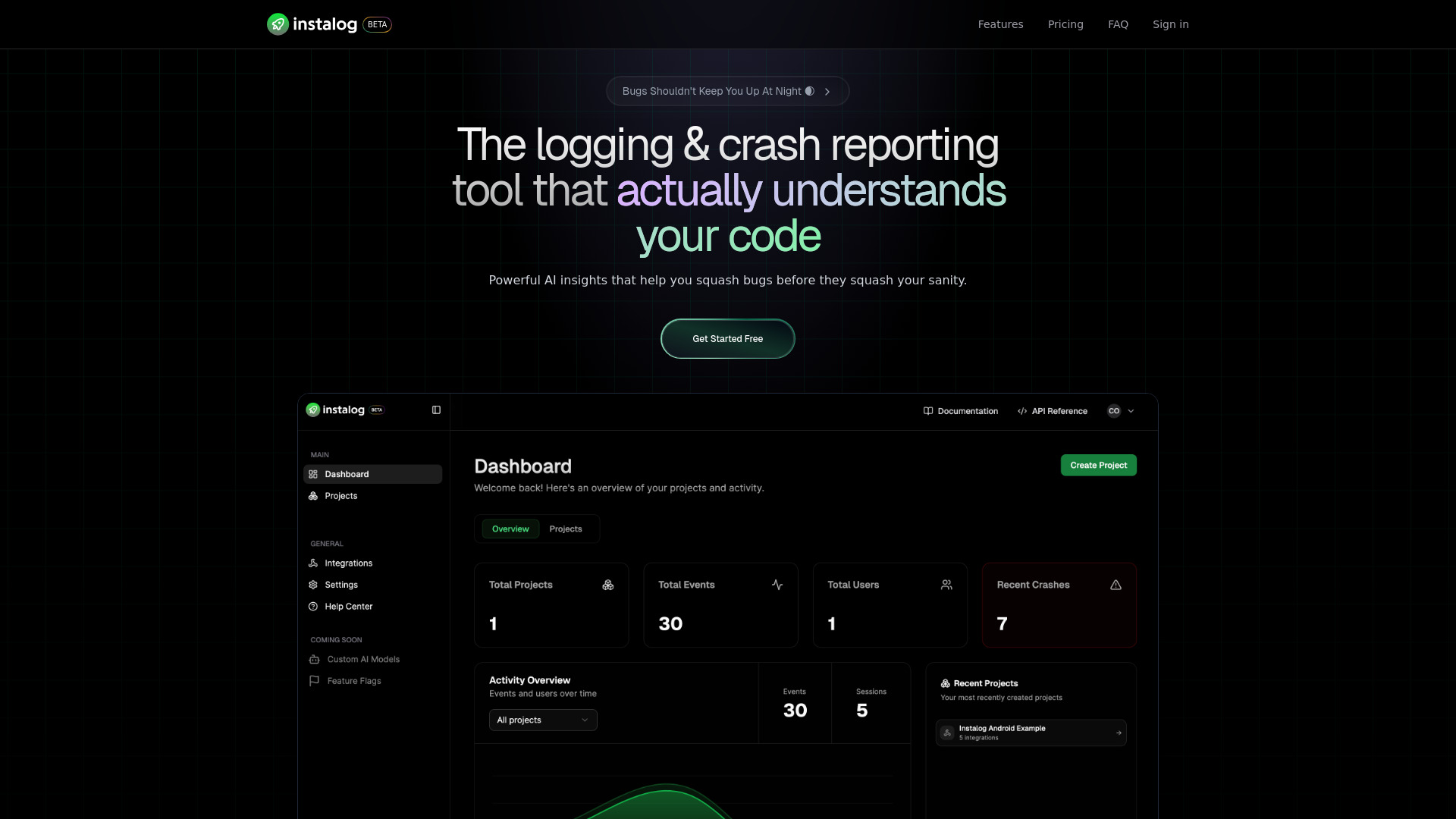
Instalog
A developer's essential: AI-powered tool for managing and analyzing logs. Perfect for streamlining your development process.
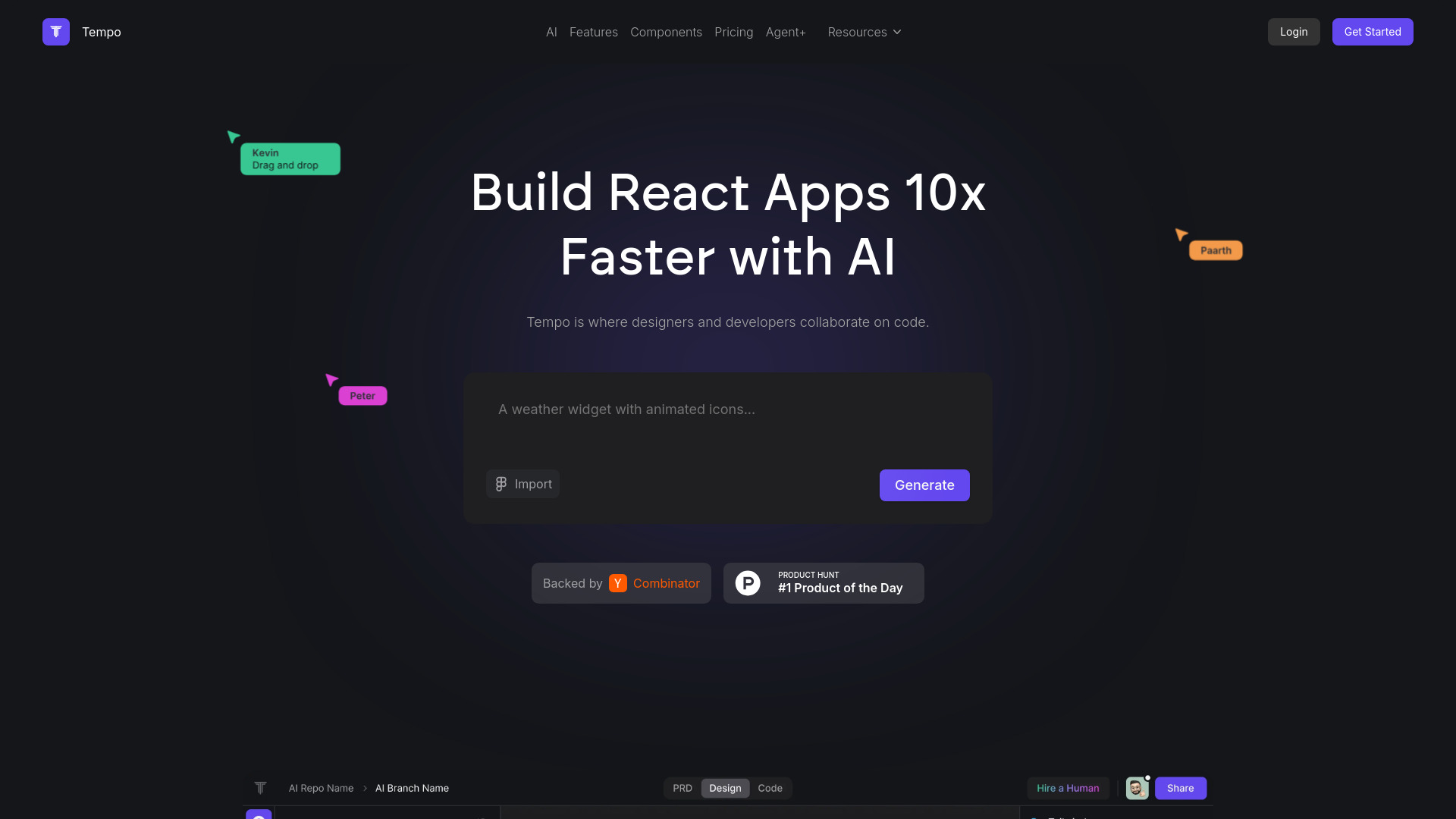
Tempo
Effortlessly create and manage React applications with our AI platform for seamless building and maintenance. Simplify your development process.
Use Cases
- Running data-intensive applications
- Running large-scale workloads
- Running generative AI models
- Running batch jobs
- Running job queues
- Scheduling cron jobs
- Serving functions as HTTPS endpoints
How to Use
To use Modal, developers can run generative AI models, large-scale batch jobs, job queues, and more. They can bring their own code and Modal takes care of running the infrastructure. The installation process involves running 'pip install modal' followed by 'python3 -m modal setup'.