
Moly.ai
Moly.ai offers personalized chatbot for instant customer support, providing tailored responses for exceptional experiences.
personalized chatbotinstant customer supportreal-time answers
Introduction
Moly.ai is a personalized chatbot that provides instant customer support by delivering real-time answers to visitors' questions. It is trained on your specific website content and files to provide tailored responses, resulting in exceptional customer experiences.
Key Features
Personalized responses trained on your website content and files
User-friendly interface for smooth interactions
Boosts sales and conversions by addressing customer queries
Quick setup without any coding required
Frequently Asked Questions
What is Moly.ai?
How to use Moly.ai?
What is Moly.ai?
How do I use Moly.ai?
What are the core features of Moly.ai?
What are the use cases of Moly.ai?
Similar Tools

Gallabox
Elevate your business communication with our No-code WhatsApp automation tool. Streamline processes and engage customers effortlessly.
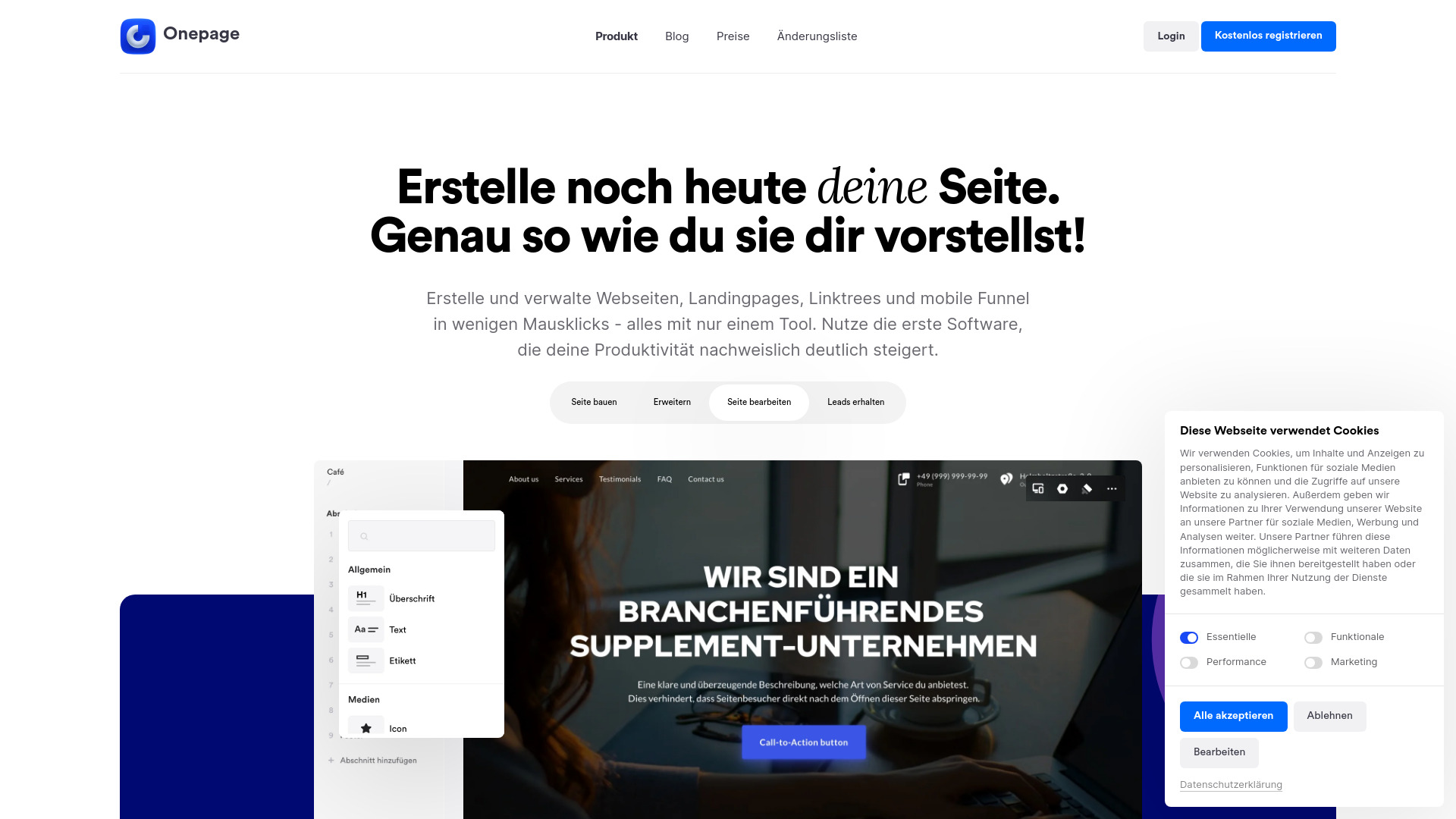
Onepage
Create websites, landing pages, and quizzes with our versatile all-in-one tool. Simplify your online presence in one convenient platform.
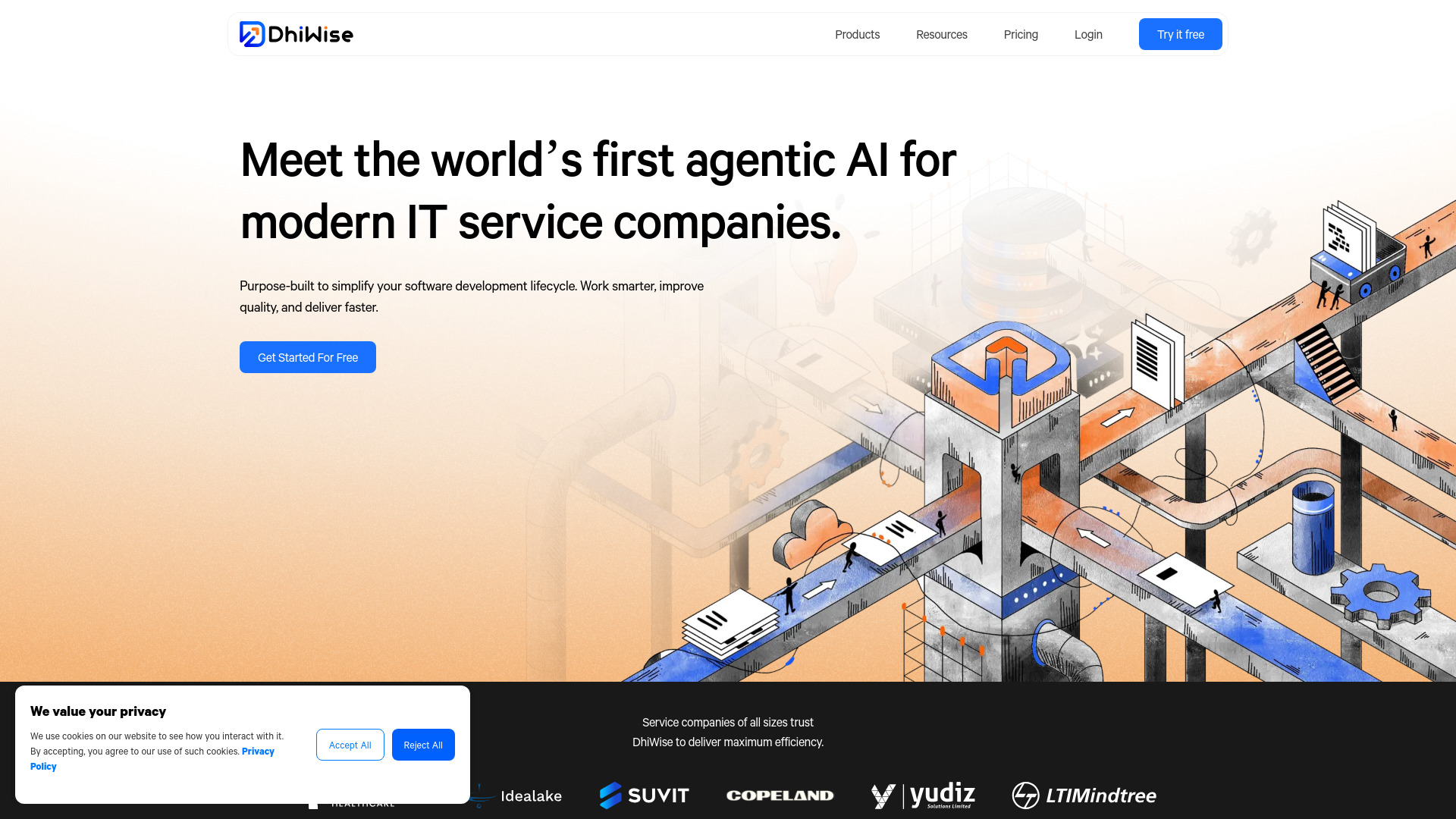
DhiWise
Revolutionize your software development process with the Agentic AI platform - the ultimate tool for automating the software development lifecycle.
Use Cases
- Instant customer support
- Enhanced customer experiences
- Streamlined customer queries resolution
- Efficient handling of visitor questions
- Reduced doubts and increased customer confidence
How to Use
1. Create Chatbot: Define the chatbot name and design. 2. Add Sites: Select all the pages on your website that you want to use to train the AI. 3. Add Files: Include any files, such as PDFs, Excel, Word, and text files, that might be helpful for the AI to answer customer questions. 4. Train: Wait a couple of minutes until the AI gets trained. 5. Done! Embed the chatbot in your website and you are ready to take customer queries.