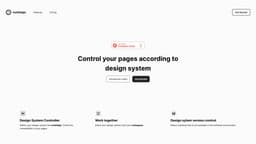
Motifalign
Check page design compatibility with Motifalign.
compatibilitydesign systemconsistency control
Introduction
Motifalign allows you to check the compatibility of your pages with your design system.
Key Features
Consistency control
Design system controller
Work together
Frequently Asked Questions
What is Motifalign?
How to use Motifalign?
Which parts of the pages can I control with Motifalign?
How can I share with my teammate?
How many people can use it at the same time?
Is it free?
I want to edit the design system that I have introduced into Motifalign later. Is this possible?
Similar Tools

CodeFast
Quickly learn coding to create successful online ventures with this app designed for fast-paced business growth. Start building today!
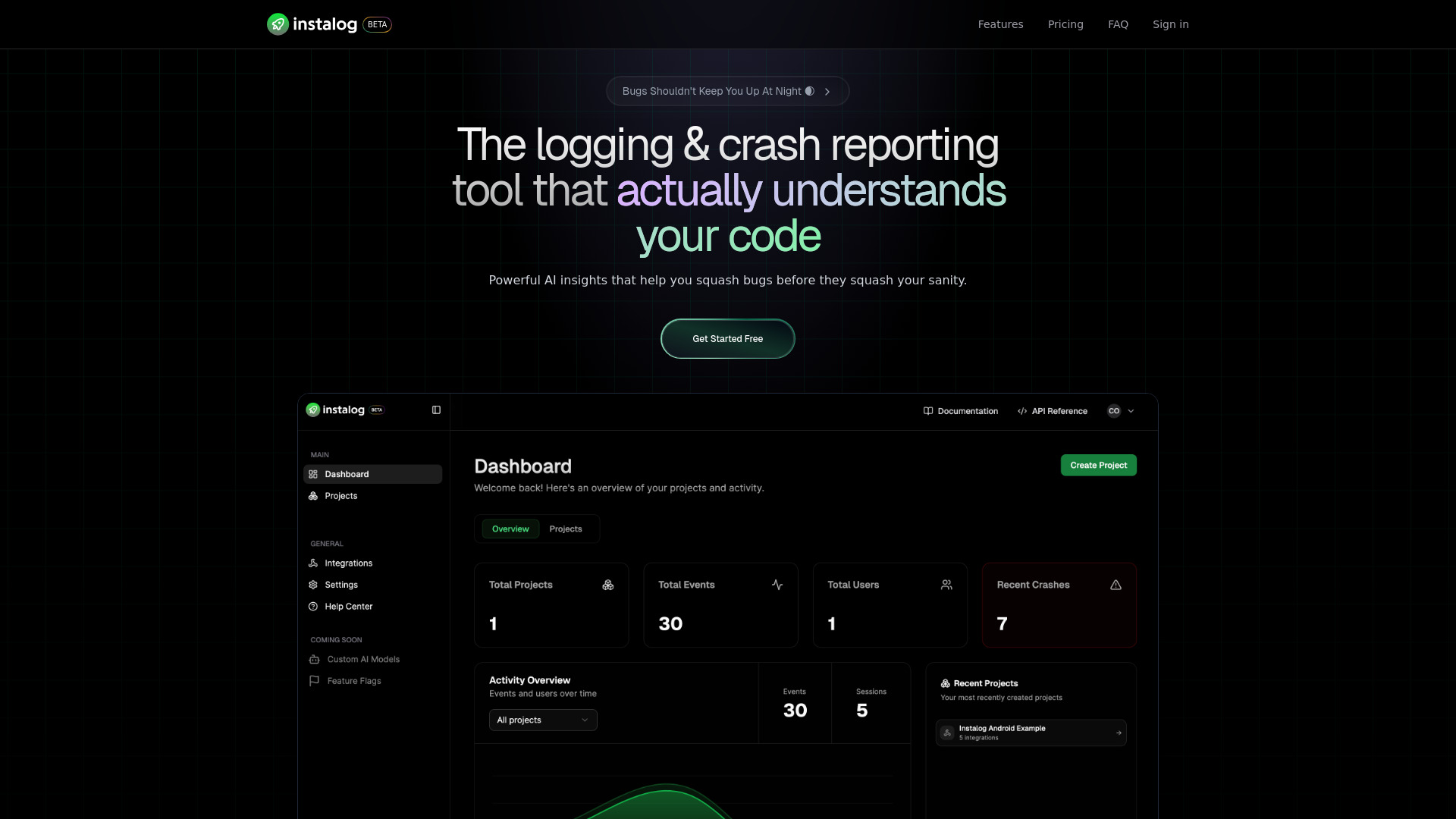
Instalog
A developer's essential: AI-powered tool for managing and analyzing logs. Perfect for streamlining your development process.

Tempo
Effortlessly create and manage React applications with our AI platform for seamless building and maintenance. Simplify your development process.
Use Cases
- Checking page compatibility with design system
- Sharing design system with teammates
- Optimizing design and software development processes
How to Use
To use Motifalign, you need to first define your design system. Then, import your design system into Motifalign and check the compatibility of your pages. You can also share your design system with your colleagues and control the compatibility of your pages.