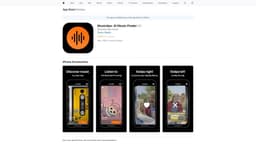
Skipify
Discover and preview new songs with Skipify.
Introduction
Skipify is a music recommendation platform that allows you to sign in with Spotify and easily discover new songs.
What stands out?
Sign in with Spotify
Swipe left to skip songs
Swipe right to save songs to your Spotify liked library
Preview the best 30 seconds of each recommended song
Frequently Asked Questions
What is Skipify?
How to use Skipify?
Can I use Skipify without a Spotify account?
Can I listen to full songs on Skipify?
Can I save songs to playlists other than my Spotify liked library?
Can I undo a skip or a save action?
Reviews & Feedback
Share your experience with the community
0.0
Based on 0 reviews
User Comments (0)
Sort Criteria
Order
No reviews yet. Be the first to share your thoughts!
Statistics
Monthly visits
NaN
Saved by users
0
Rating
0.0/ 5.0
Added on
—
Similar Tools
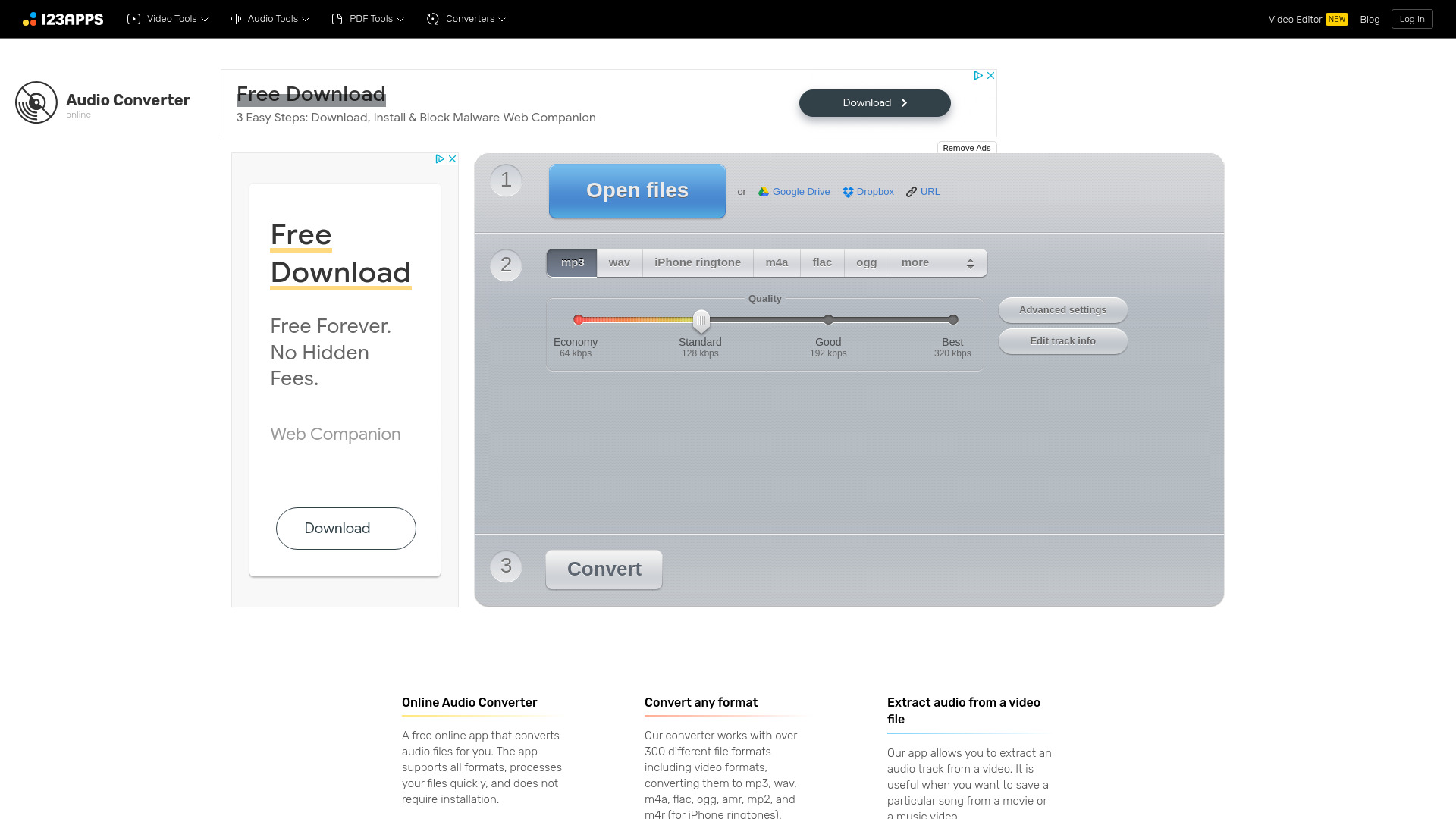
Online Audio Converter
Easily convert audio files online with this convenient audio converter tool. Change file formats quickly and effortlessly for free.

MiniMax
Experience AI technology that generates text, images, videos, and audio effortlessly. Unleash the power of cutting-edge tools for content creation in one comprehensive application.
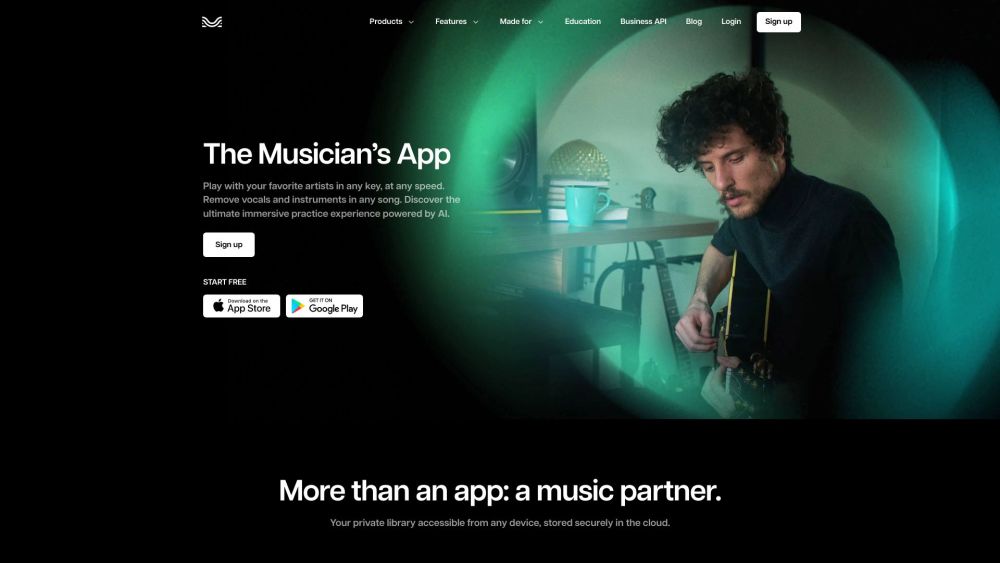
Moises App
Enhance your music practice with a personalized app using AI to tailor your experience.
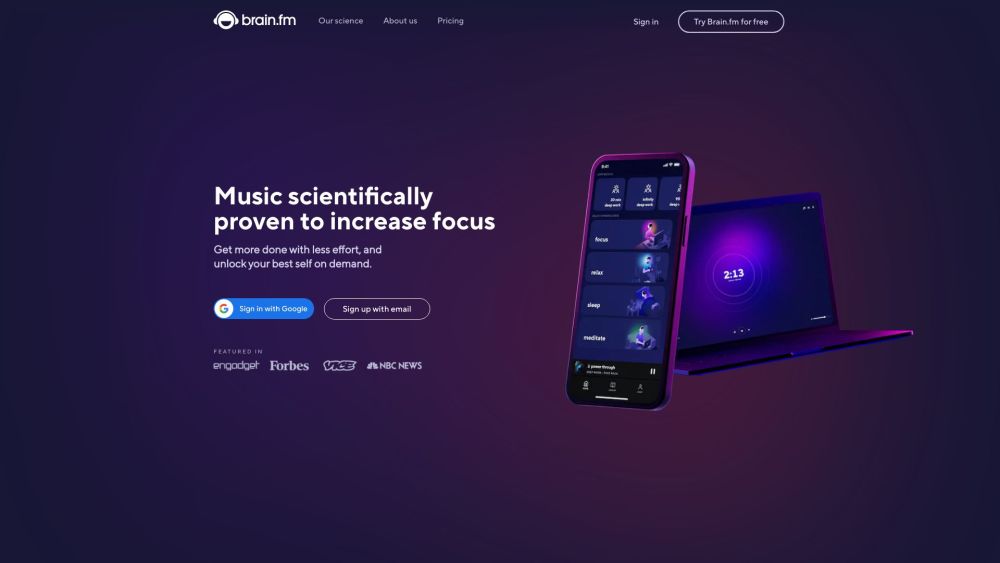
Brain.fm
Functional music to enhance focus and productivity.
Use Cases
- Discover new music
- Quickly browse through recommended songs
- Add songs to your Spotify liked library
How to Use
To use Skipify, simply sign in with your Spotify account. Once logged in, you can start swiping left to skip songs or right to save them to your Spotify liked library. Each recommendation will play the best 30 seconds of the song, enabling you to get a better idea of the song quickly.