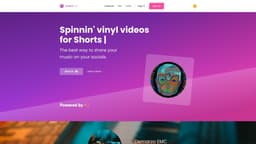
myBeat
Create visually stunning vinyl music videos instantly for free with myBeat.
vinylvideoclipsfree
Introduction
myBeat is a platform that enables users to create visually stunning vinyl music videos instantly and for free. By leveraging AI technology, users can generate unique and eye-catching vinyl covers in just a few clicks. Additionally, myBeat allows users to create vinyl videoclips for their music releases on Spotify, helping them increase their exposure and take advantage of Spotify's algorithm. With myBeat, users can personalize their vinyl clips by adding their own backgrounds, adjusting the cover size, applying rotation, and adding fades.
Key Features
AI artwork generation
Creating vinyl videoclips for Spotify with Canvas
Customization options
No watermark
Track selection
Videos and gifs integration
Frequently Asked Questions
What is myBeat?
How to use myBeat?
What is myBeat?
How to use myBeat?
What are the core features of myBeat?
What are the use cases for myBeat?
Similar Tools

Search AI Hub - Chrome Extension
Aggregator for AI and traditional search results
Melio
Generate personalized music based on video analysis. Tailor your soundtrack to match your content seamlessly. Try our custom music creation tool now!
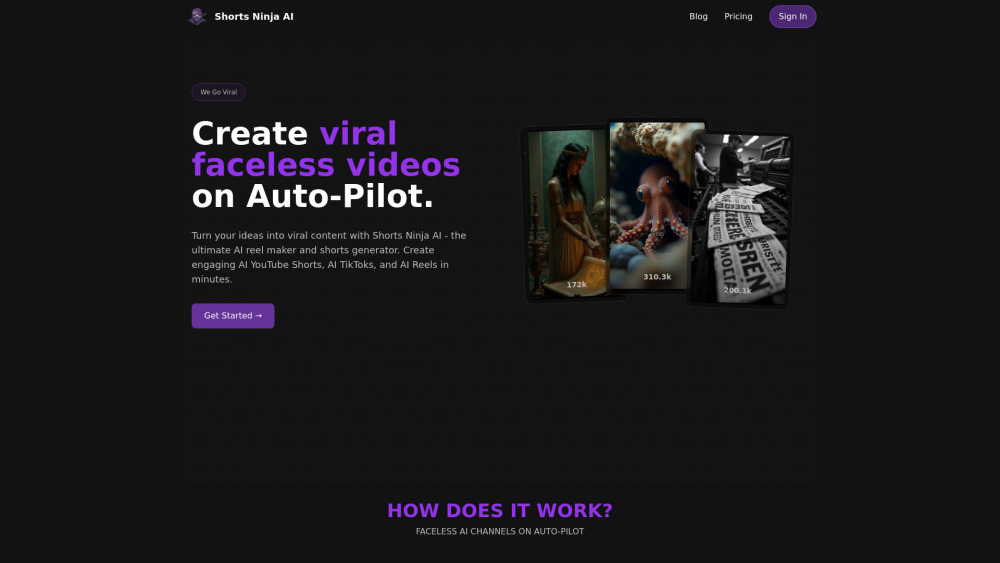
Shorts Ninja AI
Automatically generate one-of-a-kind AI videos that attract views even when you're offline! Let your content work for you while you rest.
Use Cases
- Music promotion on social media
- Increasing exposure on Spotify
- Creating visually stunning vinyl music videos
- Sharing music releases on YouTube
- Personalizing vinyl videos with unique artwork and customization options
How to Use
To use myBeat, simply sign up for an account on the myBeat.io website. Once signed in, users can start creating their vinyl music videos by following these steps: 1. Choose 'Create Vinyl' feature 2. Upload your track or select a track from your music library 3. Use the AI artwork generator to create a unique vinyl cover or upload your own cover 4. Drop videos or gifs onto the canvas to elevate your vinyl 5. Customize your vinyl clip by adjusting the size, adding background, rotation, and fades 6. Publish your vinyl clip straight to Spotify's Canvas to reach new audiences 7. Choose the best part of your track or use the entire track for YouTube promotion That's it! Your vinyl music video is now ready to be shared on your socials.