
MyGPT
MyGPT is a platform for creating customizable ChatGPT bots using GPT-4 and advanced voice recognition technology.
chatgptgpt-4ai
Introduction
MyGPT is a fast, intuitive, and powerful platform that allows users to create their own ChatGPT bots. It leverages the capabilities of GPT-4, state-of-the-art voice recognition with Whisper, and AI neural-based TTS (text-to-speech) to provide an interactive and customizable bot-building experience.
Key Features
The core features of MyGPT include: - Access to GPT-4 for powerful and creative ideation. - State-of-the-art voice recognition with Whisper for an intuitive user experience. - AI neural-based TTS (text-to-speech) for lifelike and customizable bot voices. - Customizable bots suited for personal needs and business growth guidance. - Open source tools available on GitHub for workflow customization. - API with limitless possibilities for personalization and clever hacks. - Dedicated support and assistance for glitch fixing or feature requests.
Frequently Asked Questions
What is MyGPT?
How to use MyGPT?
What is MyGPT?
How do I use MyGPT?
What are the core features of MyGPT?
What are the use cases of MyGPT?
What are the pricing options?
Similar Tools
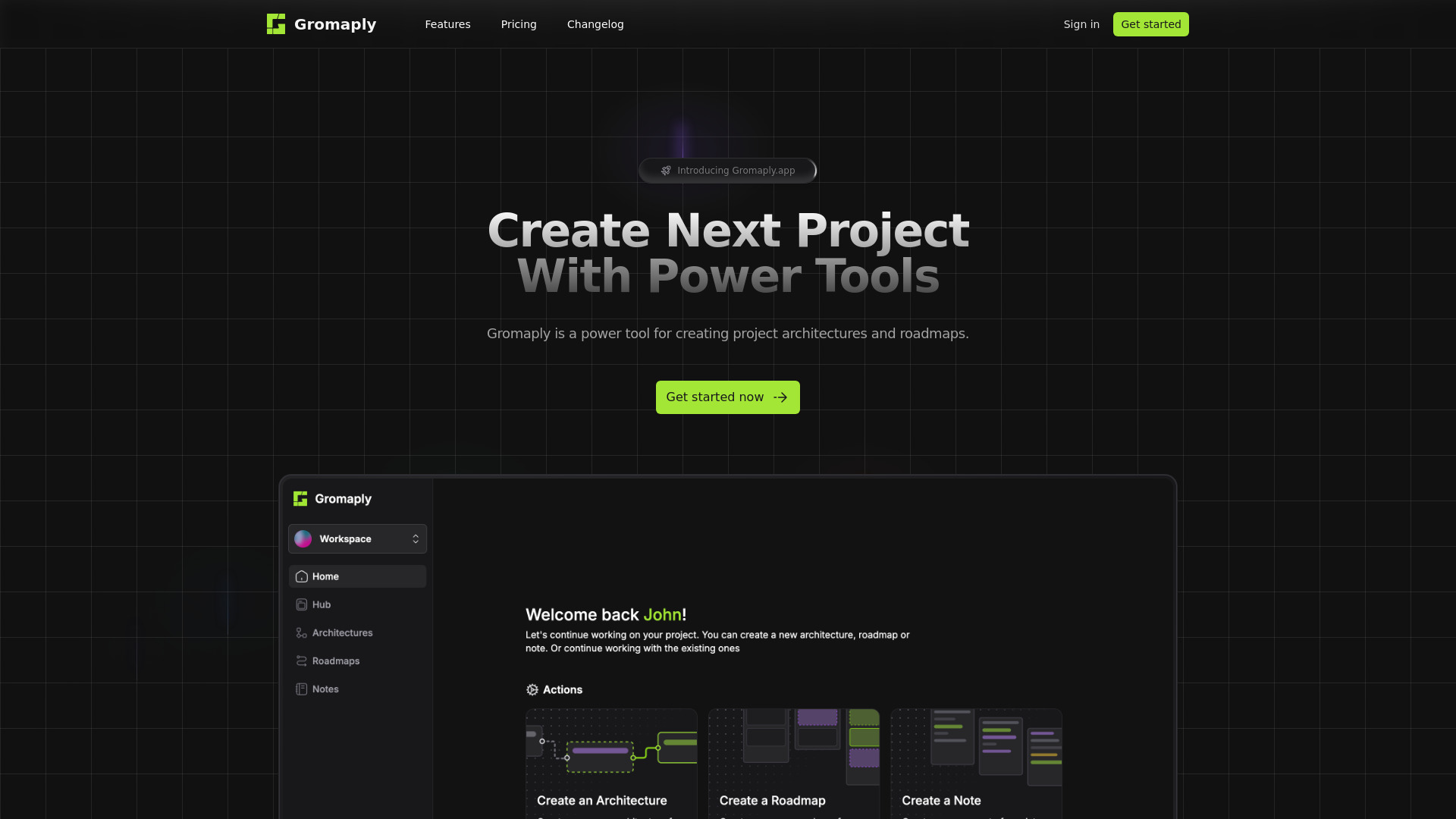
Gromaply
Discover Gromaply, the ultimate app for exploring maps and navigating with ease. Find your way around effortlessly with Gromaply at your fingertips!
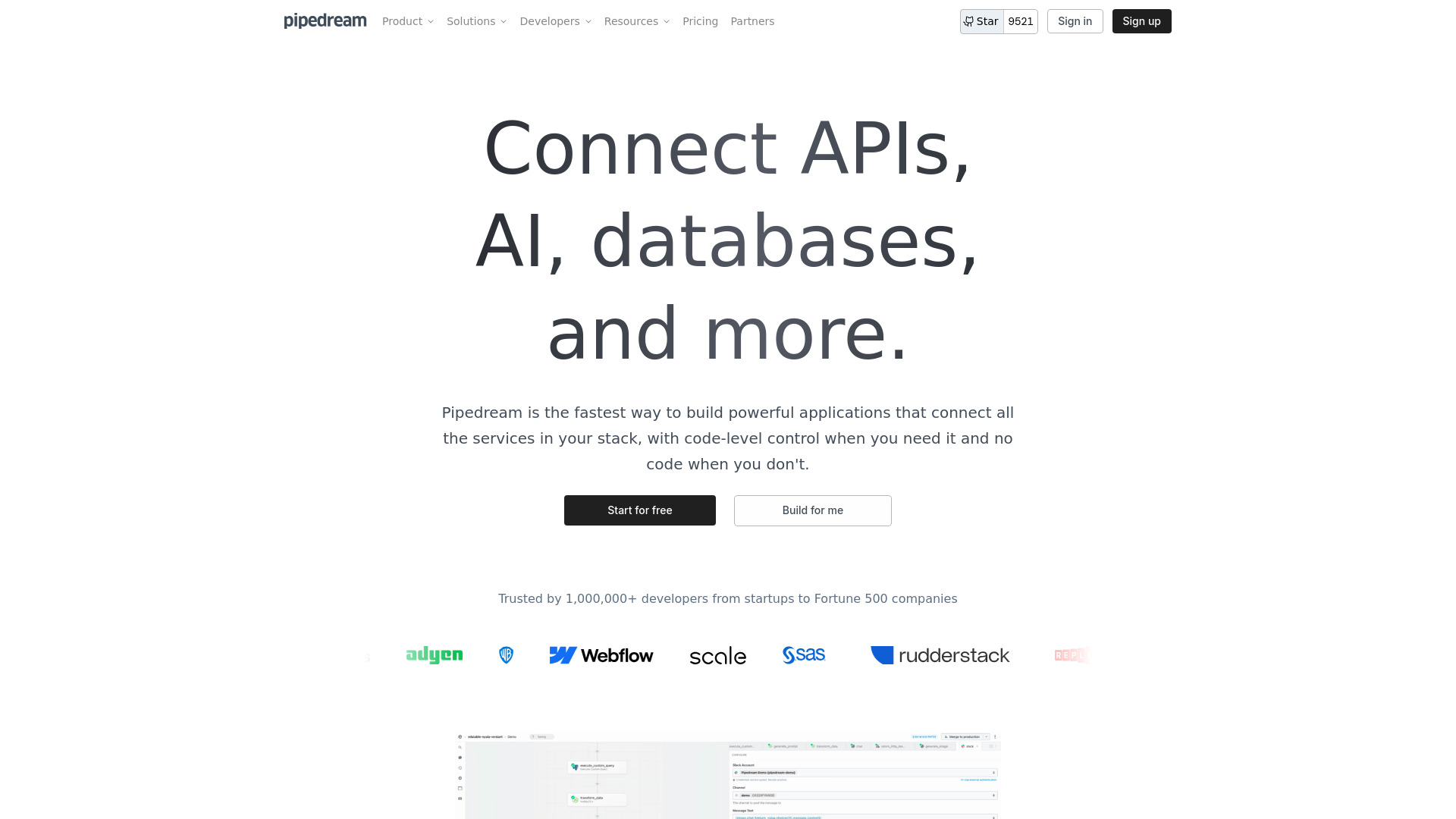
Pipedream
Easily connect APIs and automate tasks with our application, simplifying processes and streamlining workflows for efficiency.
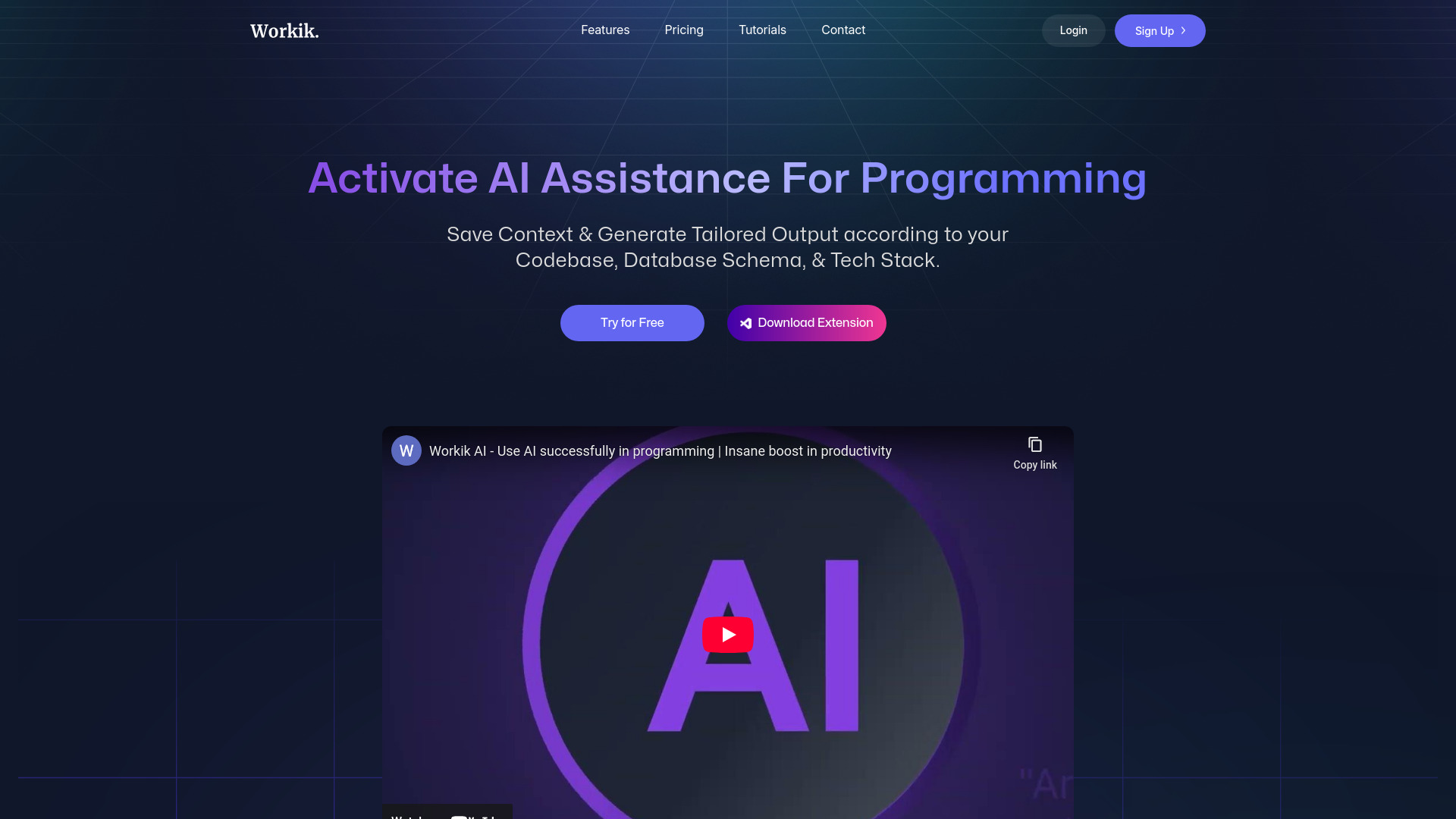
Workik
Boost your productivity with a coding assistant utilizing AI technology to help developers work more efficiently.
Use Cases
- MyGPT can be used for various purposes, such as: - Creating coding companions for developers. - Designing attentive listeners for customer support. - Building bots for business growth and guidance. - Enhancing interactive experiences in gaming and entertainment. - Developing personalized virtual assistants for individuals or organizations.
How to Use
To use MyGPT, follow these steps: 1. Register an account on the website. 2. Choose a subscription plan based on your needs. 3. Access the platform and activate the @mygptlinkbot in Telegram. 4. Design and customize your own bots using the intuitive interface. 5. Use the provided API to personalize and enhance your bots further. 6. Enjoy the prompt and lively interactions with your customized bots.