
navan.ai
Build computer vision models without code with Navan.ai.
no code platformcomputer visionAI models
Introduction
Navan.ai is a no code platform for building computer vision models. It allows users to train and deploy computer vision models without the need to write any code.
Key Features
Navan.ai offers the following core features: - No Code: Build computer vision AI models without writing code. - Easy to Use: Get started in minutes with a simple and intuitive interface. - Data Privacy: Your data is yours, and you can bring your own data for training without sharing it with the platform. - Monetize: In the future, you will be able to offer your computer vision models to others on Navan.ai and earn revenue when other developers use them.
Frequently Asked Questions
What is navan.ai?
How to use navan.ai?
Can I build computer vision models without coding experience?
What types of computer vision models can I build with Navan.ai?
Is my data secure on Navan.ai?
Can I monetize my computer vision models on Navan.ai?
Similar Tools
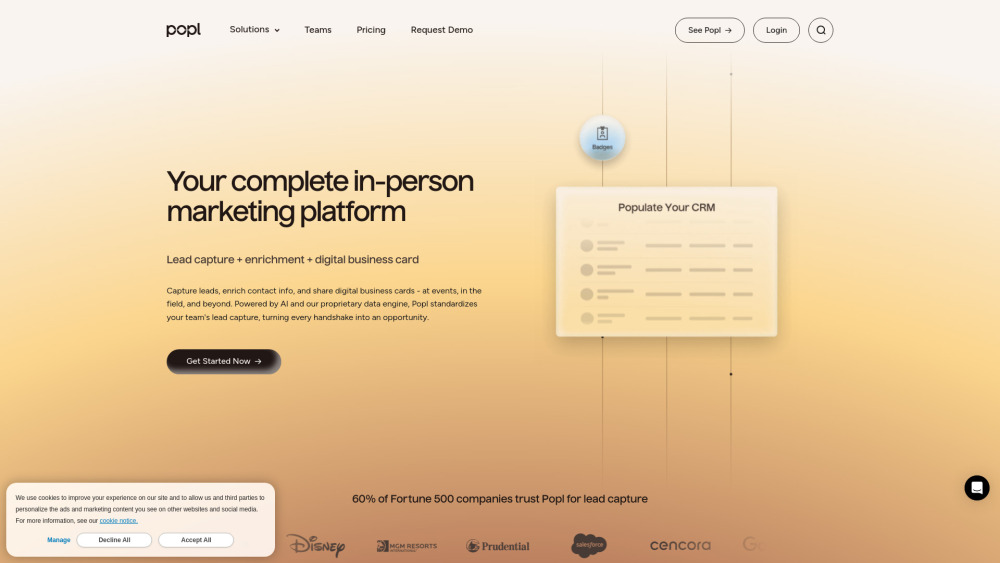
Popl
Revolutionize your lead capture with our innovative digital business card solution powered by AI technology. Boost your business efficiency today!
Image to Text Converter
Easily extract text from images with our Online OCR tool. Convert images to editable text quickly and efficiently. Try it now!
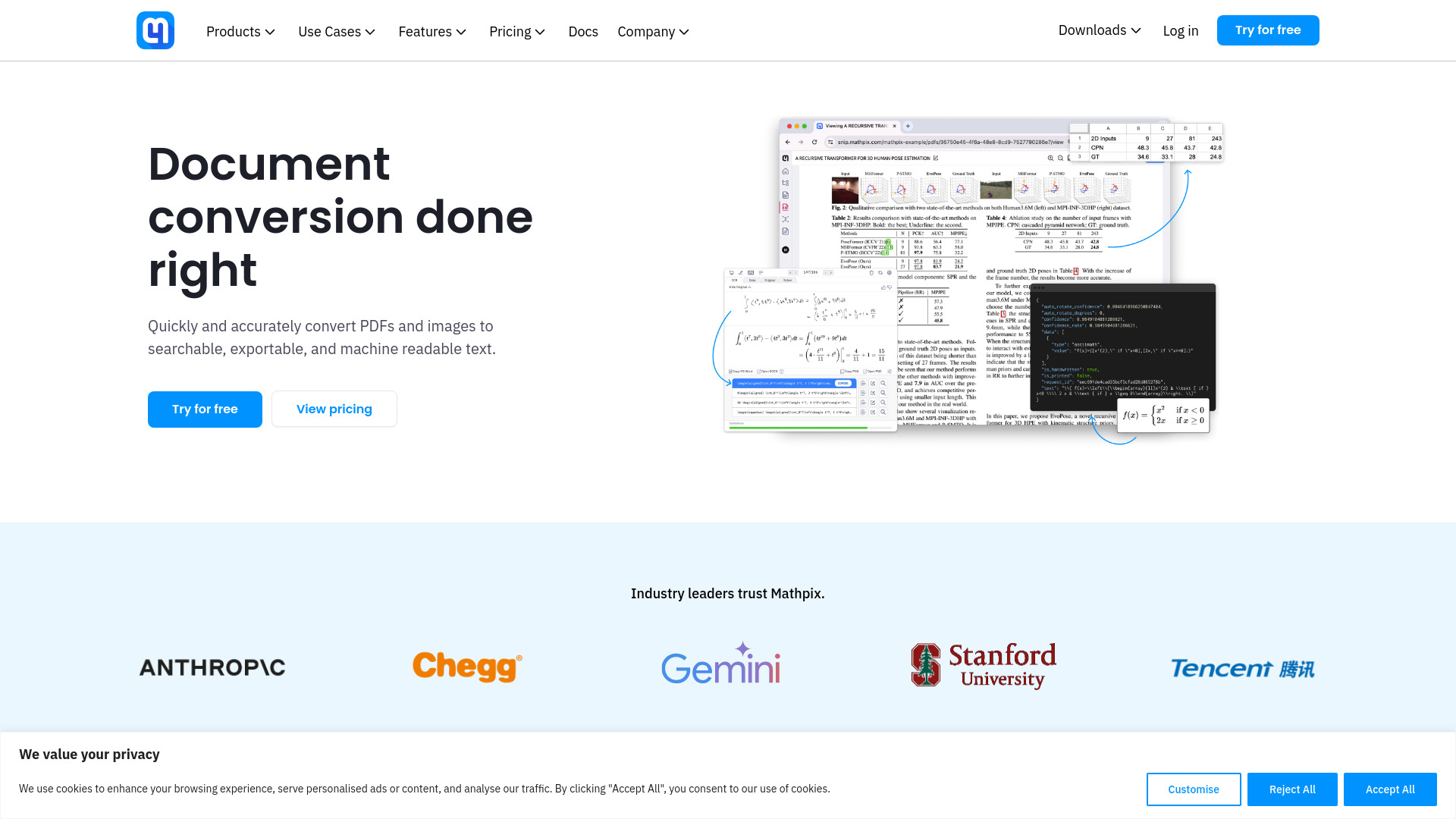
Mathpix
Convert images and PDFs to different formats effortlessly with our AI-powered converter. Fast, accurate, and easy to use. Try it now!
Use Cases
- Navan.ai can be used for various computer vision use cases, including: - Object recognition - Image classification - Facial recognition - Video analysis - Optical character recognition (OCR) - Medical image analysis - Autonomous driving
How to Use
To use Navan.ai, follow these steps: 1. Sign up for an account on the website. 2. Choose a template for your computer vision model. 3. Upload your images and train the model with just a few clicks. 4. Test the performance of your model using nStudio. 5. Export the model files or deploy the model using an API.