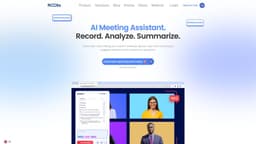
Noota | Free Meeting Recorder & AI-Generated Notes
Noota is an AI assistant that automates note-taking and generates meeting reports.
Introduction
Noota is an AI-powered meeting assistant that automates note-taking and generates custom meeting reports. It helps professionals save time and stay focused during meetings. With Noota, you can capture every meeting, keep your CRM up-to-date, and turn your calls into business intelligence.
Key Features
Meeting Screen Recorder: Capture and take notes of meetings and conversations.
Real Time Guidance: Make your knowledge accessible in real time through suggestions.
Conversation Intelligence: Get insight and a better understanding of your meetings.
AI Meeting Notes & Summary: Use templates of notes for your meeting and get them right after the meeting.
Transcription Generator: Speech-to-text brought to the next level.
CRM Integration: Send meeting notes to CRM, train team, and close more deals quickly.
Frequently Asked Questions
What is Noota | Free Meeting Recorder & AI-Generated Notes?
How to use Noota | Free Meeting Recorder & AI-Generated Notes?
Which languages are supported?
How secure is Noota?
What are monthly credits?
Is there any discount available?
Which meetings can I record?
Similar Tools
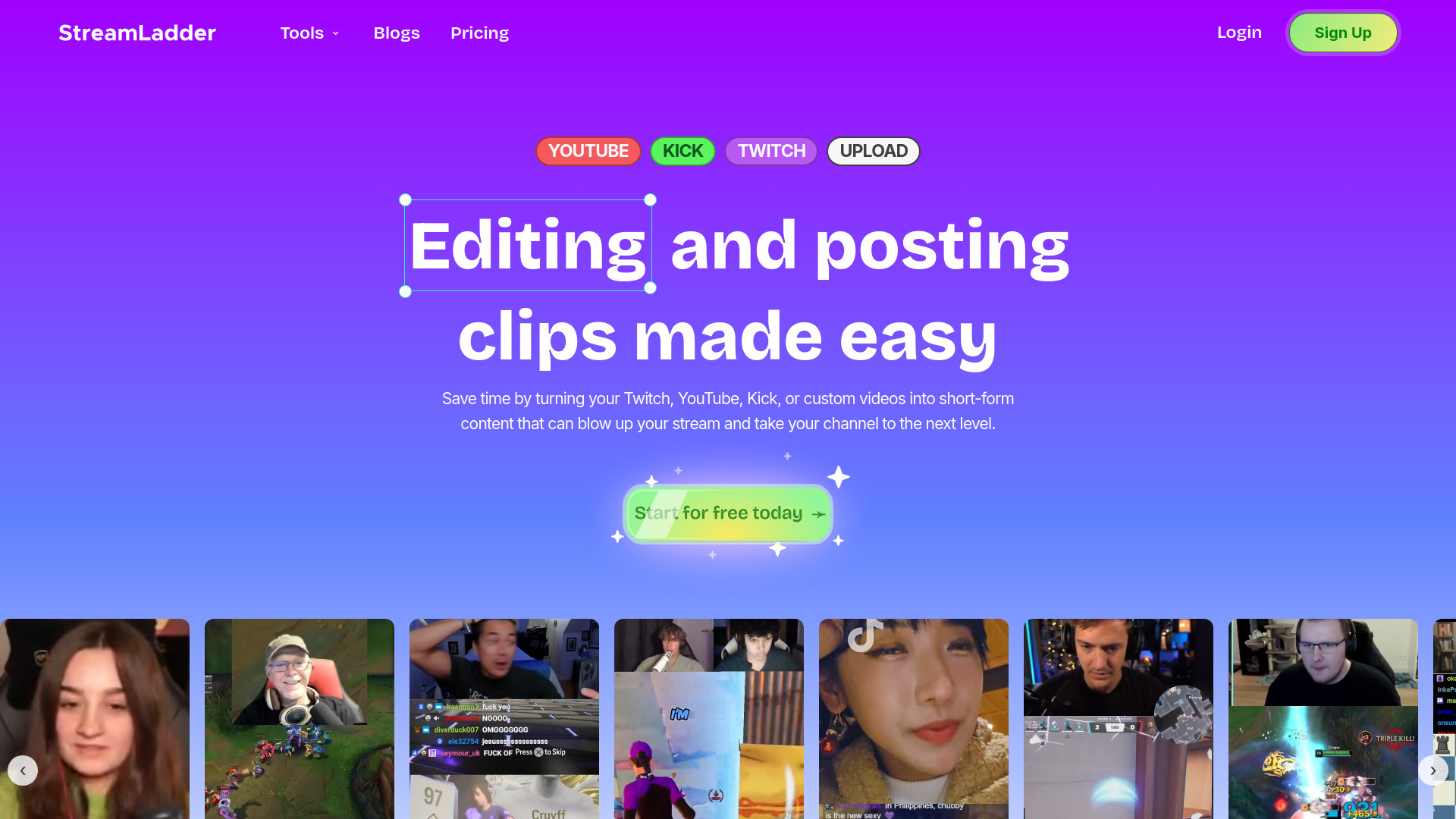
StreamLadder
Climb the ranks of popular streaming platforms with StreamLadder. Increase your visibility and grow your audience effortlessly. Start today!
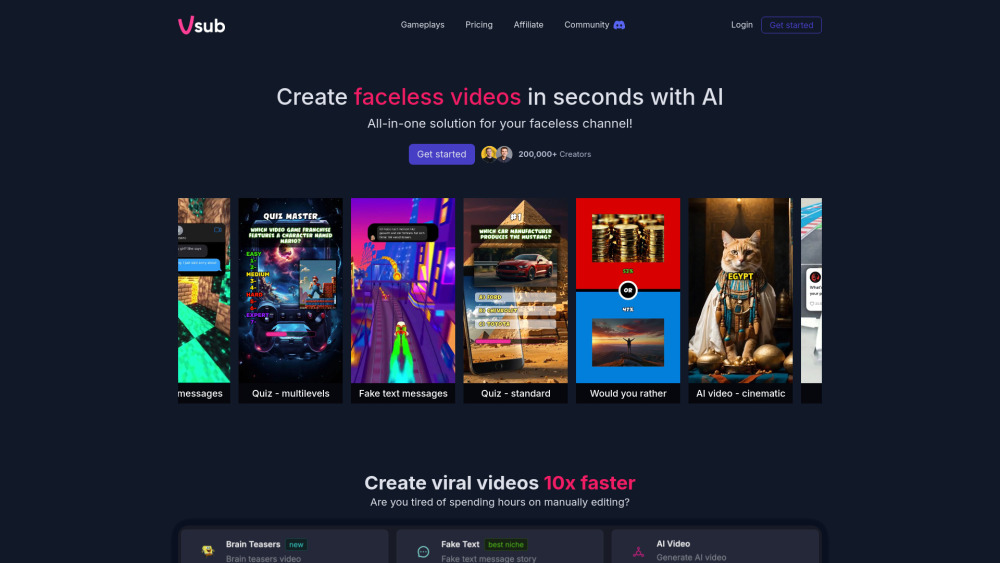
Vsub
Easily and quickly create videos without faces using an innovative AI platform.

Quickads
Effortlessly create image and video ads with this AI-powered tool. Say goodbye to the hassle and hello to effective marketing campaigns.
Use Cases
- { "title": "Sales", "description": "Send meeting notes to CRM, train team, and close more deals quickly." }
- { "title": "Academic & Research", "description": "Transcribe interviews fast, edit, highlight, and tag to get the insights that matter most." }
- { "title": "Recruiting", "description": "Screen candidates with more knowledge, search and share insights fast." }
- { "title": "Management", "description": "Drive teams and generate business intelligence for better decision-making with voice." }
- { "title": "Consulting", "description": "Save time on administrative work, capitalize on voice conversations to create data." }
- { "title": "Call Center", "description": "Train agents during calls through real-time suggestions based on company knowledge." }
- { "title": "Media & Podcasting", "description": "Transcribe interviews and videos to generate quality articles faster." }
How to Use
1. Start Noota: Download and install the Noota app for your online meetings. 2. Record Meetings: During your meeting, use the Noota screen recorder to capture the conversation. 3. Take Notes: Noota automatically transcribes the meeting and provides real-time guidance and suggestions. 4. Generate Meeting Reports: Noota uses AI to generate meeting notes and summaries, which can be customized using templates. 5. CRM Integration: Send meeting notes to your CRM, train your team, and close deals faster.