
Notelier
Notelier is a web app for writing and studying notes and essays quickly.
note-takingessay-writingstudy
Introduction
Notelier is a web application that enables users to easily write powerful notes and essays, and subsequently study them in a matter of seconds.
Key Features
Efficient note-taking
Essay-writing support
Quick study mode
Content organization tools
Formatting options
Frequently Asked Questions
What is Notelier?
How to use Notelier?
Is Notelier free to use?
Can I access my notes and essays from any device?
Can I collaborate on notes or essays with others?
Does Notelier have offline mode?
Are there any limitations on the number of notes or essays I can create?
Similar Tools

Plagiarism Remover
Eliminate plagiarism in your text with this free AI tool. Enhance your writing by rephrasing content effortlessly. Try it now!
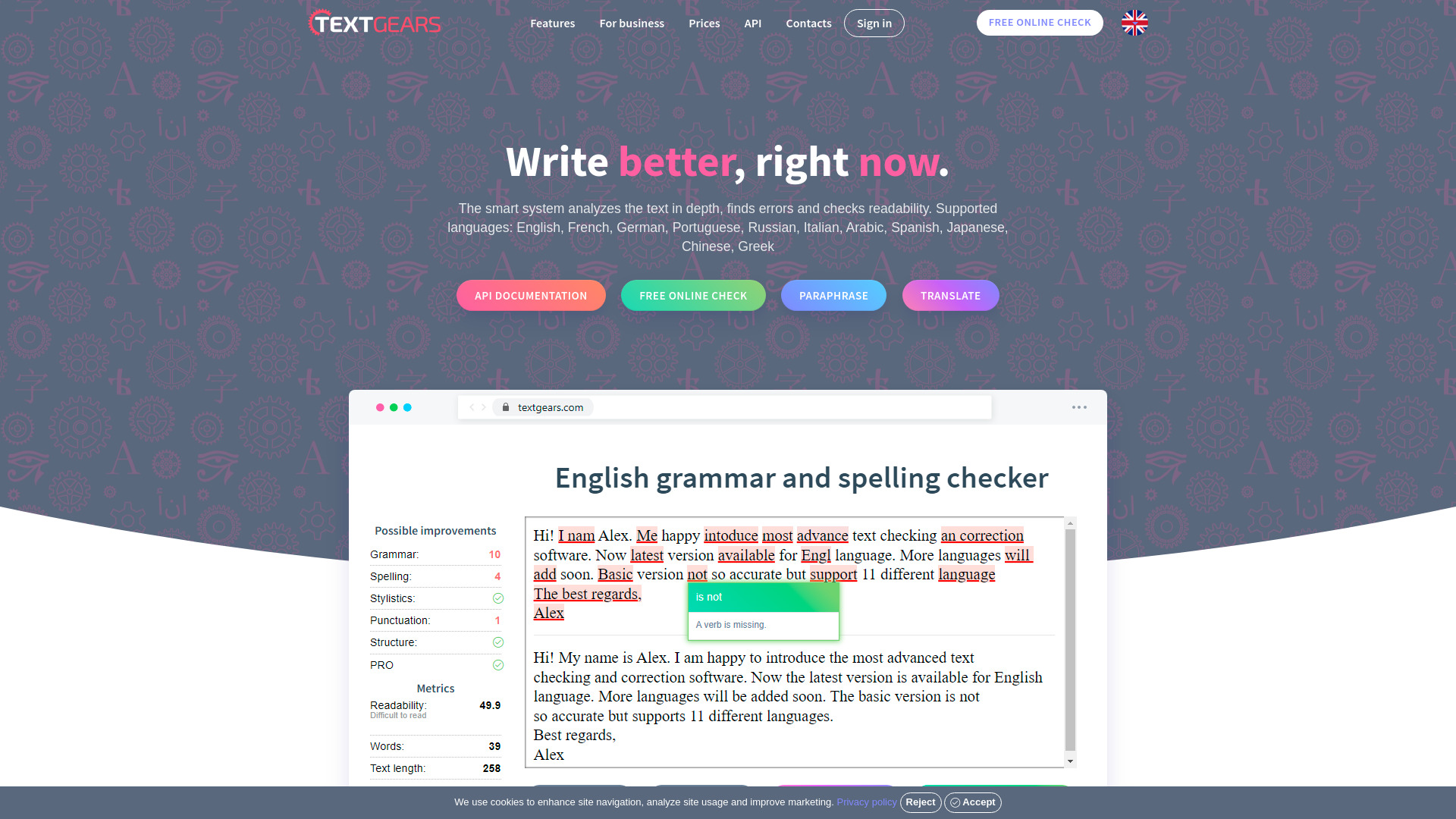
TextGears
Discover TextGears - a powerful app for enhancing your writing with advanced text analysis tools. Improve your content effortlessly with TextGears.

Parafrasear Textos
Enhance the quality of your text with our online tool for paraphrasing. Improve readability and make your content stand out.
Use Cases
- Students can use Notelier to take in-depth lecture notes and later study them for exams.
- Writers can use Notelier to draft their essays and easily review and revise them.
- Professionals can utilize Notelier for note-taking during meetings and later recall important information.
How to Use
To use Notelier, simply create an account on the website. Once logged in, you can start creating notes and essays by clicking on the 'Create' button. Write your content and organize it using headings, subheadings, bullet points, and formatting options. Save your work regularly to ensure no progress is lost. When you're ready to review your notes or essays, go to the 'Study' section where you can choose the content you wish to study and review it effectively.