Notescast - PDF to Brainrot
Turn you notes into AI videos
PDF to BrainrotAI NotesAI Videos
Introduction
Notescast takes the viral PDF-to-Brainrot trend to the next level, turning boring study notes into short, engaging videos that make learning effortless. Perfect for students with ADHD or anyone who struggles with traditional studying. The app bridges the gap between outdated study methods and modern content consumption, breaking down dense textbooks and lecture notes into high-retention, bite-sized videos. Just upload any study material—PDFs, slides, or handwritten notes—let the AI extract key concepts, and get both an engaging video and AI-generated study notes. Notescast isn’t just a converter; it’s a game-changer. Students report better retention, increased focus, and a study process that actually feels fun. Ideal for last-minute cramming, it condenses hours of reading into minutes of effective learning. Plus, it fosters a social, collaborative learning experience, letting students share their AI-generated content. Studying finally feels as addictive as scrolling your favorite feed—except now, you’re actually learning.
Key Features
Create videos from study materials
Get AI generated summaries
Share with friends
Convert anything
Frequently Asked Questions
What is Notescast - PDF to Brainrot?
How to use Notescast - PDF to Brainrot?
What is PDF to Brainrot?
How does Notescast improve on the PDF to Brainrot trend?
Will these videos actually help me learn?
What types of study materials can I convert?
Can I share my videos with classmates?
What if I run out of credits?
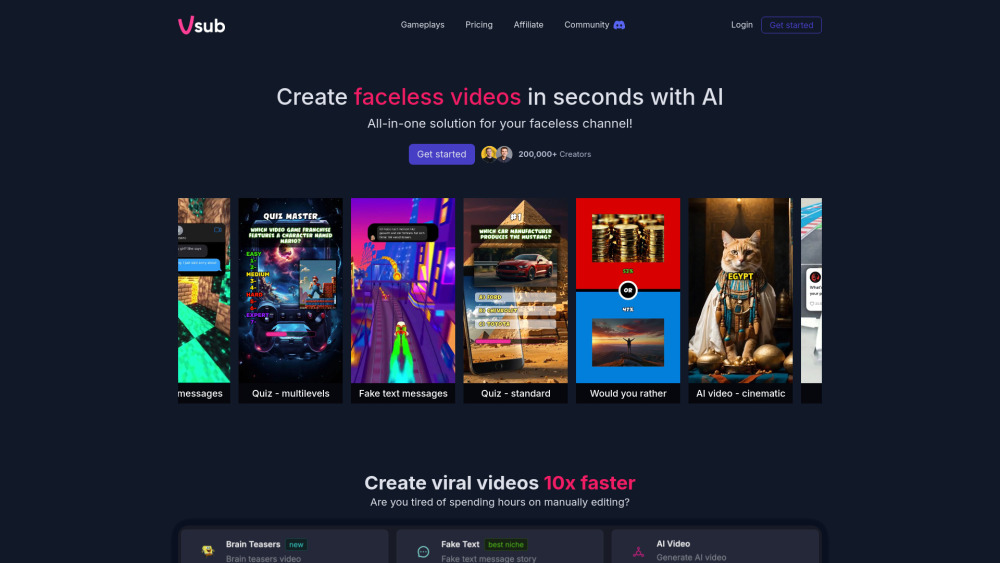
Similar Tools


Use Cases
- Exam Preparation
- Information Retention
- ADHD
How to Use
1. Download Notescast from the App Store or Google Play. 2. Upload your study materials—PDFs, photos, presentations, or links. 3. Let the AI do its magic—it analyzes your content, creates a short-form video, and generates study notes in seconds. 4. Start learning—watch, save for offline use, share with classmates, and rewatch anytime.