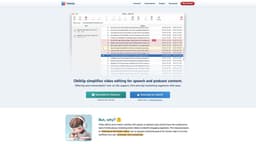
Obiklip
Streamline video editing for speech and podcast content with auto-transcription and easy segment clipping.
Introduction
What stands out?
Frequently Asked Questions
What is Obiklip?
How to use Obiklip?
Why would I use Obiklip?
How does auto-transcription work?
Are there limitations for free users?
What languages are supported for auto-transcription?
More Information
Obiklip Support Email & Customer service contact & Refund contact etc.
Obiklip Pricing
Obiklip Github
Reviews & Feedback
Share your experience with the community
User Comments (0)
No reviews yet. Be the first to share your thoughts!
Statistics
Similar Tools

TurboScribe
Unlimited AI transcription with 99.8% accuracy in 98+ languages.

Clipto
Elevate your transcription game with our cutting-edge AI service for converting audio, video, and YouTube files into text. Try it now!
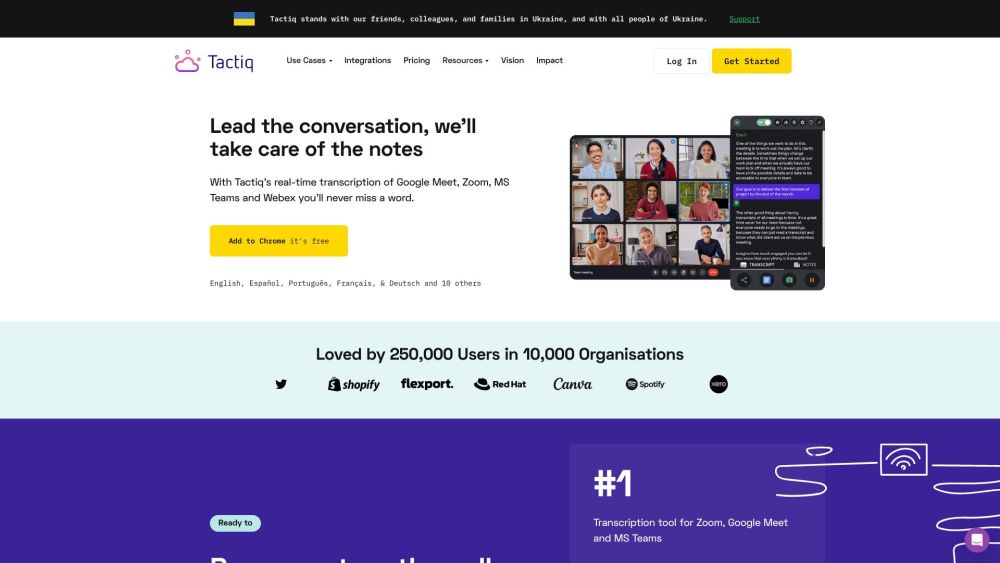
Tactiq
Tactiq is a top transcription tool for online meetings, offering real-time transcription and meeting summaries.
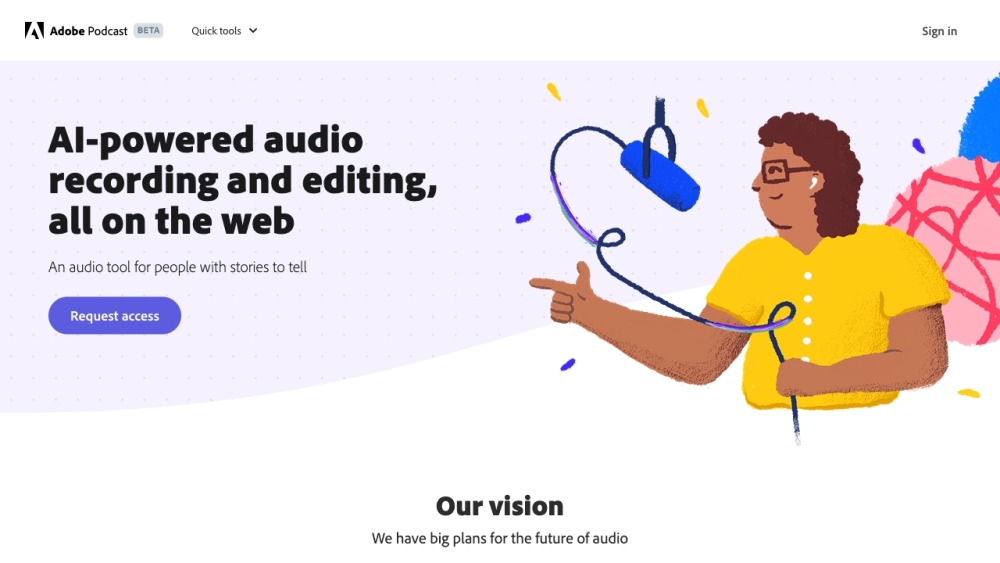
Adobe Podcast
Adobe Podcast is a web platform with AI audio features for recording, transcribing, editing, and sharing audio content.
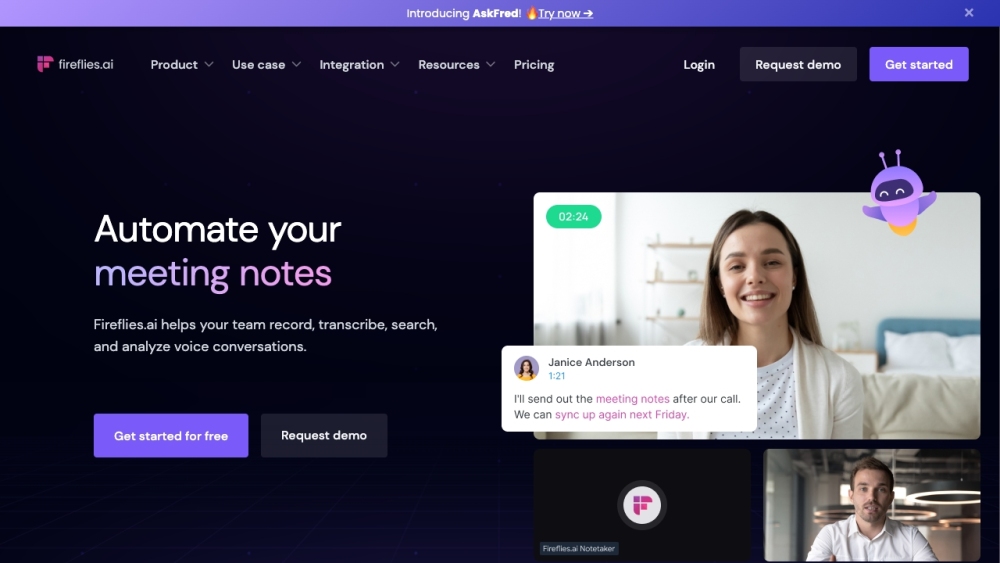
Fireflies.ai
Fireflies.ai is an innovative tool that uses artificial intelligence to transcribe, summarize, and analyze voice conversations effectively.
Use Cases
- Video editing for speech content
- Video editing for podcast content