
ocrX - Image to Text
Extract text from images on iPhone, iPad & Mac.
Introduction
Scan and extract text from images on iPhone, iPad & Mac
What stands out?
High accuracy OCR
Supports 100+ languages
History of scanned images
Edit the extracted text to make changes if required
Share the extracted text to your preferred app
Copy the extracted text to the clipboard
Export the extracted text as a Text or PDF file
Frequently Asked Questions
What is ocrX - Image to Text?
How to use ocrX - Image to Text?
What languages does ocrX support?
Can I edit the extracted text?
Can I share the extracted text?
Can I export the extracted text as a PDF?
Reviews & Feedback
Share your experience with the community
0.0
Based on 0 reviews
User Comments (0)
Sort Criteria
Order
No reviews yet. Be the first to share your thoughts!
Statistics
Monthly visits
NaN
Saved by users
0
Rating
0.0/ 5.0
Added on
—
Similar Tools
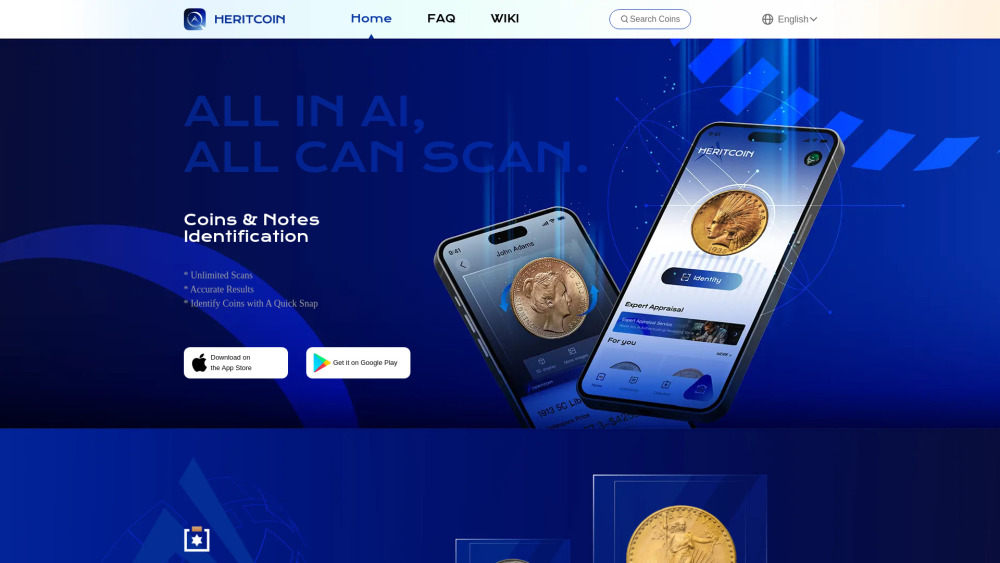
HeritCoin
Discover the True Value of Your Coins and Banknotes with HeritCoin! HeritCoin is the ultimate app powered by artificial intelligence and expert evaluation services, designed to help you identify, authenticate, and assess your coins and banknotes. Whether you are a seasoned numismatist, a dedicated collector, or a curious beginner, HeritCoin provides precise identification, valuation, and 3D visualization, allowing you to explore your collection like never before.
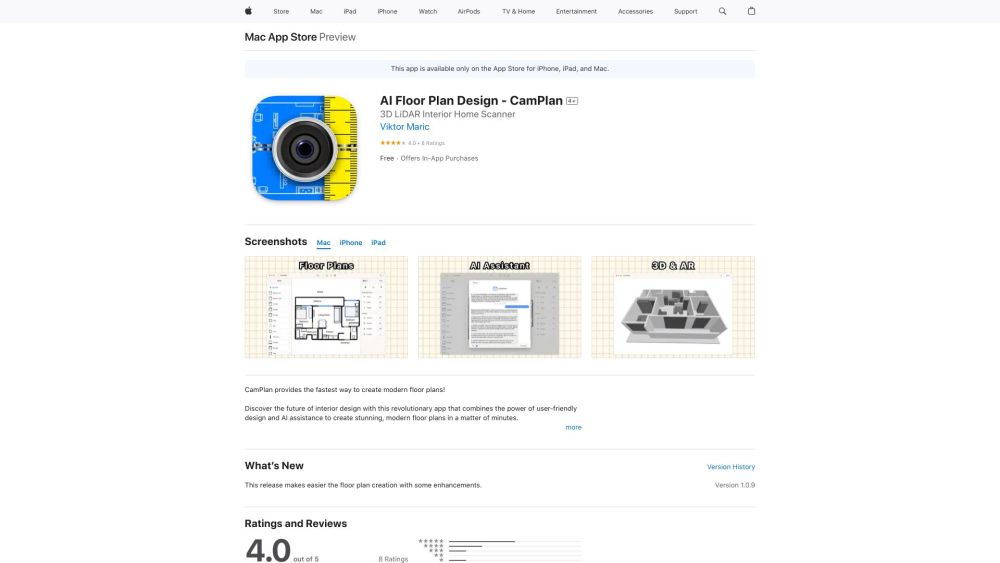
CamPlan
Create stunning floor plans with AR and AI.
How to Use
1. Open the app and tap on the New button. 2. Select the image from your Photo Library. 3. Crop the image if required. 4. Choose the language of text inside your image. 5. ocrX will scan and extract text from the image automatically.