
Introduction
Omagine is a wallpaper app for iOS devices that uses AI technology to generate unique and beautiful wallpapers.
Key Features
AI technology for generating unique wallpapers
Vast library of styles and designs
Easy to use and set wallpapers
Frequently Asked Questions
What is Omagine?
How to use Omagine?
Can I save the wallpapers to my device?
Are the wallpapers compatible with all iOS devices?
Do I need an internet connection to use Omagine?
Can I request specific styles or designs for wallpapers?
Similar Tools
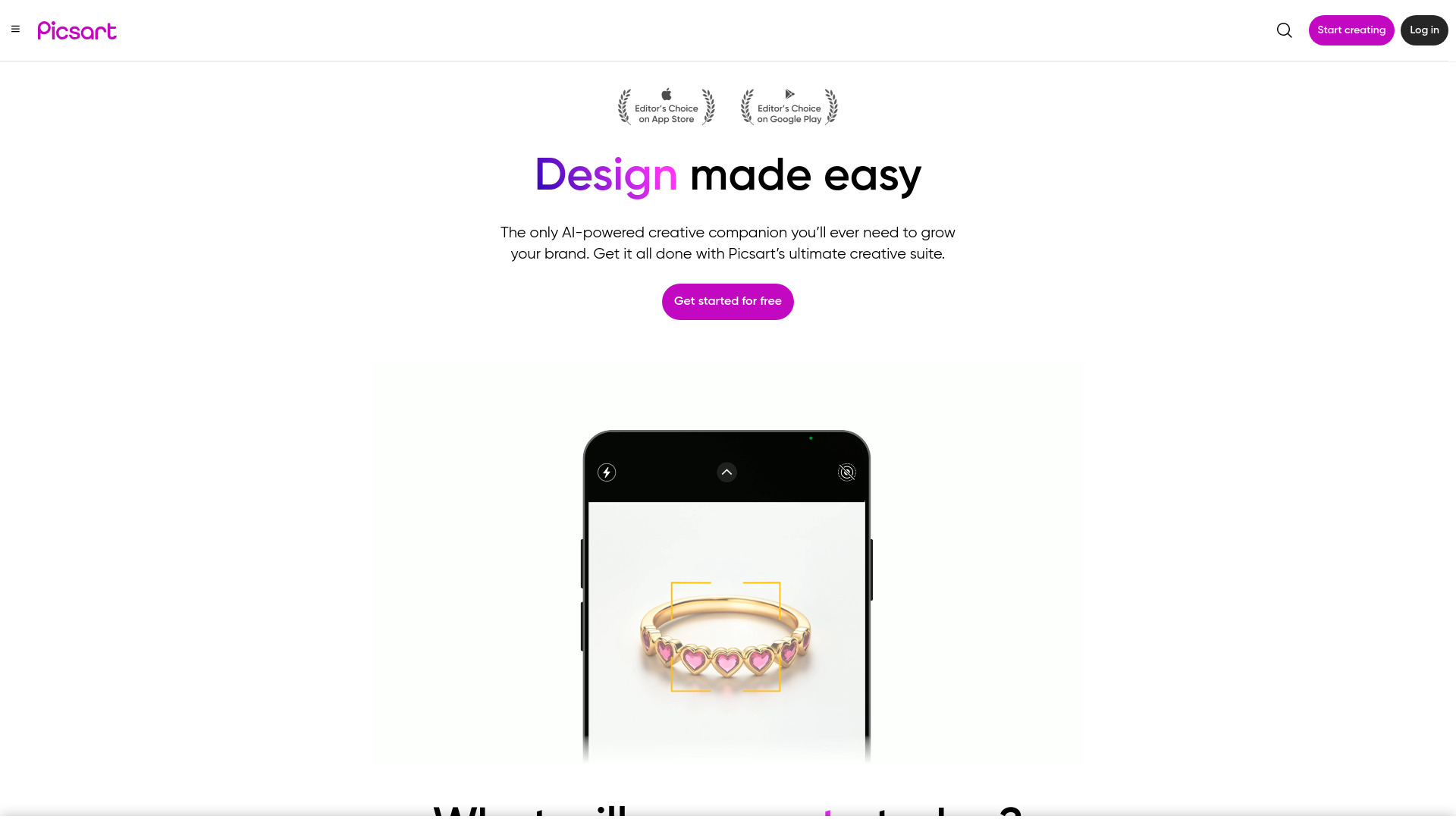
Picsart
Unleash your creativity with Picsart - an innovative photo editing app that offers a wide range of tools and filters to enhance your images.

WayStars AI- Your Unified AI Platform
WayStars AI is a comprehensive suite of AI tools that combines advanced models, productivity features, and creative functions into one seamless platform. Unleash the power of AI with WayStars.

Ghibli AI
Explore an innovative AI tool that transforms photos or text into enchanting artwork inspired by the iconic Ghibli style.
Use Cases
- Personalizing iOS device backgrounds
- Creating a fresh and stylish look for your device
How to Use
Simply download Omagine from the App Store, open the app, and browse through our vast library of styles and designs. Select a wallpaper you like, and set it as your device's background with a single tap.