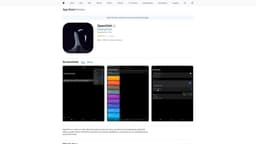
OpenChit
AI chat client with text-to-speech playback.
AI chat clienttext-to-speech playbackvoice interactions
Introduction
OpenChit is a native AI chat client that supports text and voice, as well as text-to-speech playback (Siri and Azure TTS).
Key Features
Support for both text and voice interactions
Text-to-speech playback using Siri and Azure TTS
Implementation of 'Jarvis' feature
Embedding capability
Frequently Asked Questions
What is OpenChit?
How to use OpenChit?
Can I use OpenChit on my mobile phone?
Does OpenChit support voice commands?
Can I use OpenChit to listen to the AI's responses?
Similar Tools

CallHippo
Elevate your business communication with our Virtual Phone System. Connect globally with ease and streamline your operations.

CallHippo
Virtual phone system offering global communication solutions for businesses.
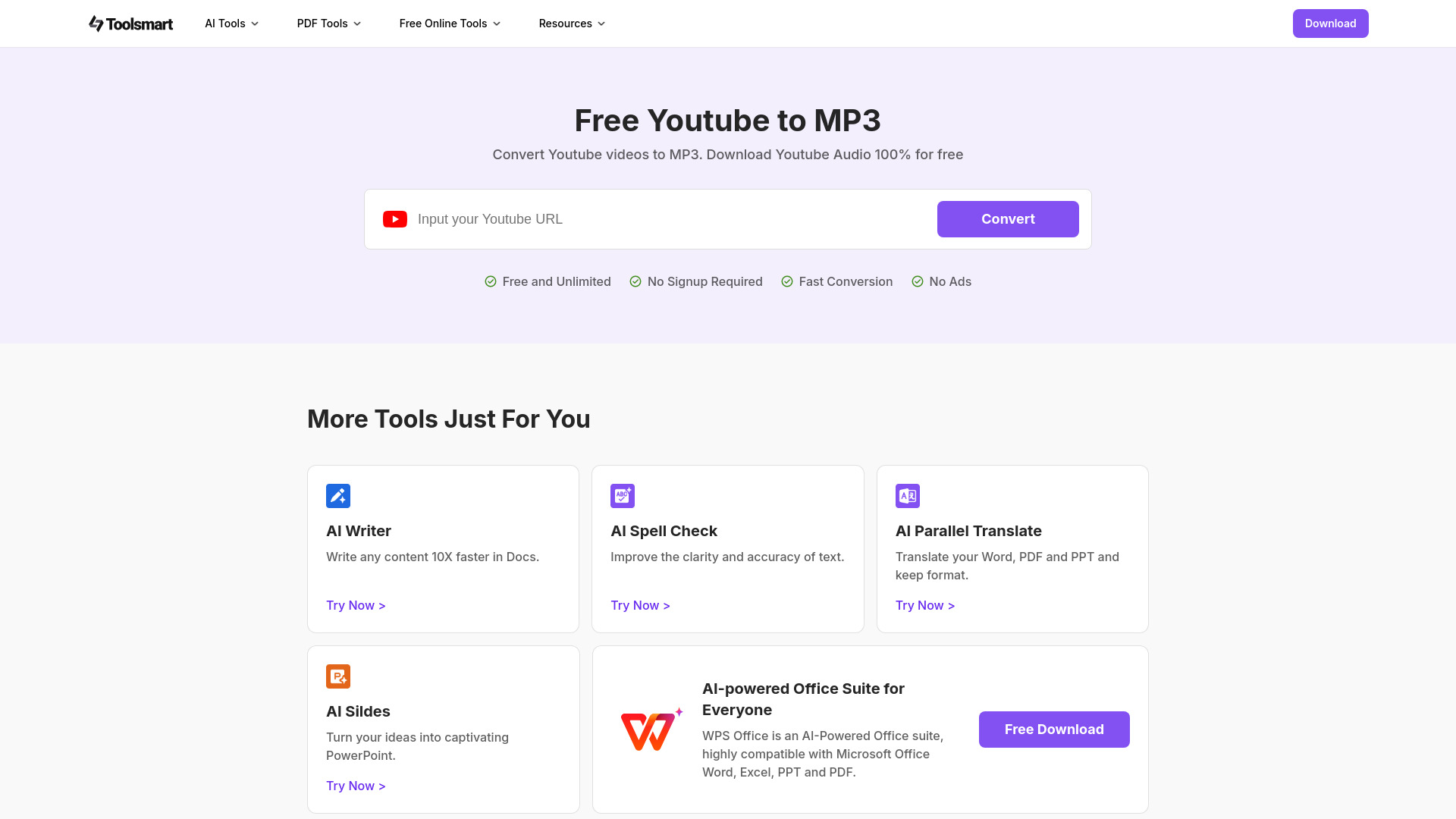
Free YouTube to MP3 Converter
Easily convert YouTube videos to MP3 files with our free AI-powered tool. Enjoy high-quality audio downloads of music, podcasts, and lectures in seconds.
How to Use
To use OpenChit, simply install the application on your device and launch it. You can start chatting with the AI by typing or using voice commands. OpenChit also allows you to listen to the AI's responses using text-to-speech playback.