
Introduction
OppenheimerGPT is a macOS app that allows you to use AI models side-by-side.
Key Features
Use ChatGPT and Bard side-by-side
Mirror your prompt into ChatGPT, Bard, Bing, and Google Search
Lives in the menubar for quick access
Launch multiple windows
Configure keyboard shortcuts
Use Bing and Google
See how ChatGPT and Bard respond to your prompts side-by-side
Frequently Asked Questions
What is OppenheimerGPT?
How to use OppenheimerGPT?
What is OppenheimerGPT?
Why is the app called OppenheimerGPT?
Is OppenheimerGPT free?
Does the app store login details?
Does the app store any prompts that you enter?
Are more features coming to the app?
Similar Tools
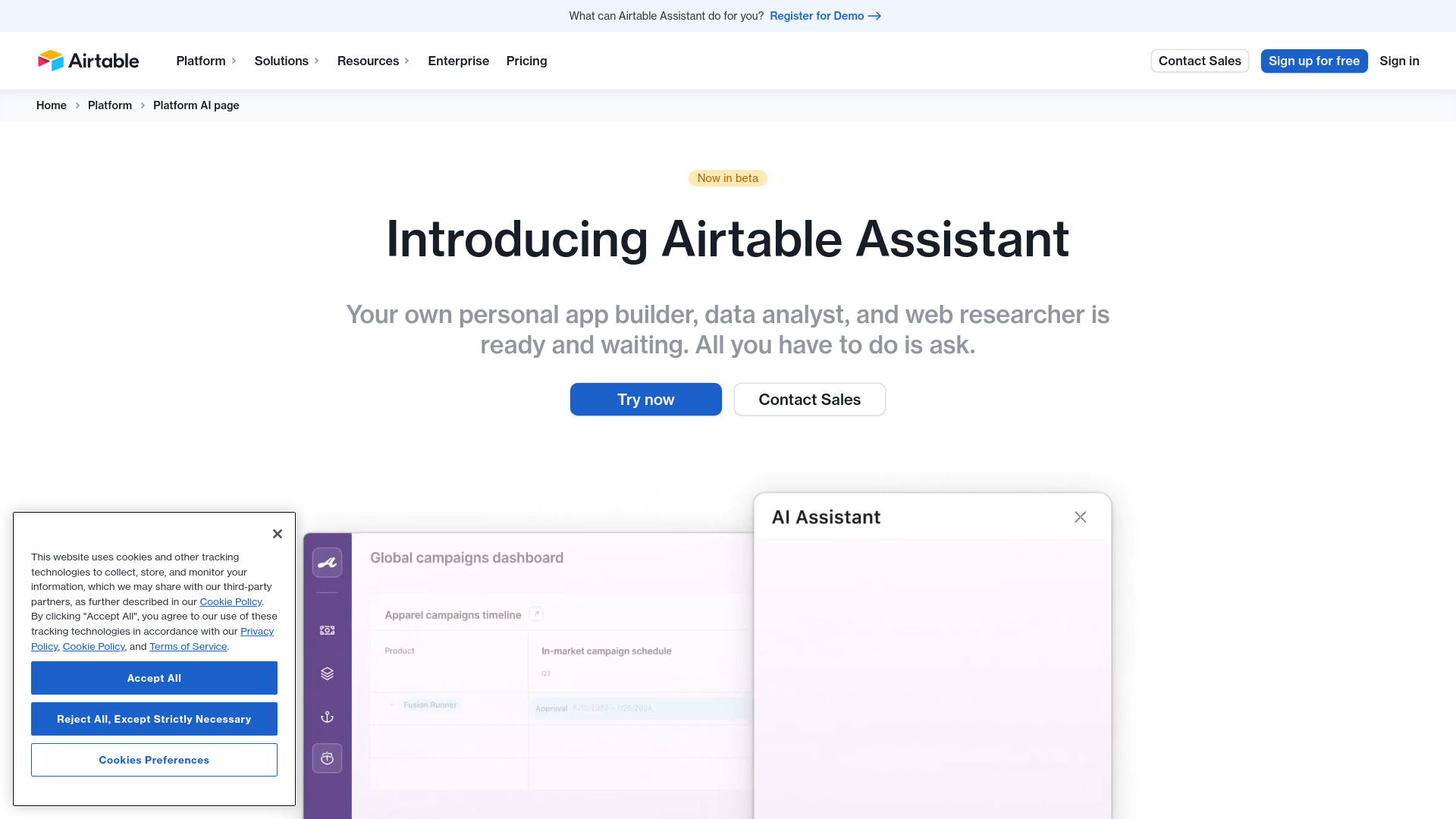
Airtable Assistant
Easily create apps and analyze data with our AI tool, no coding required. Build and analyze without the hassle of programming.
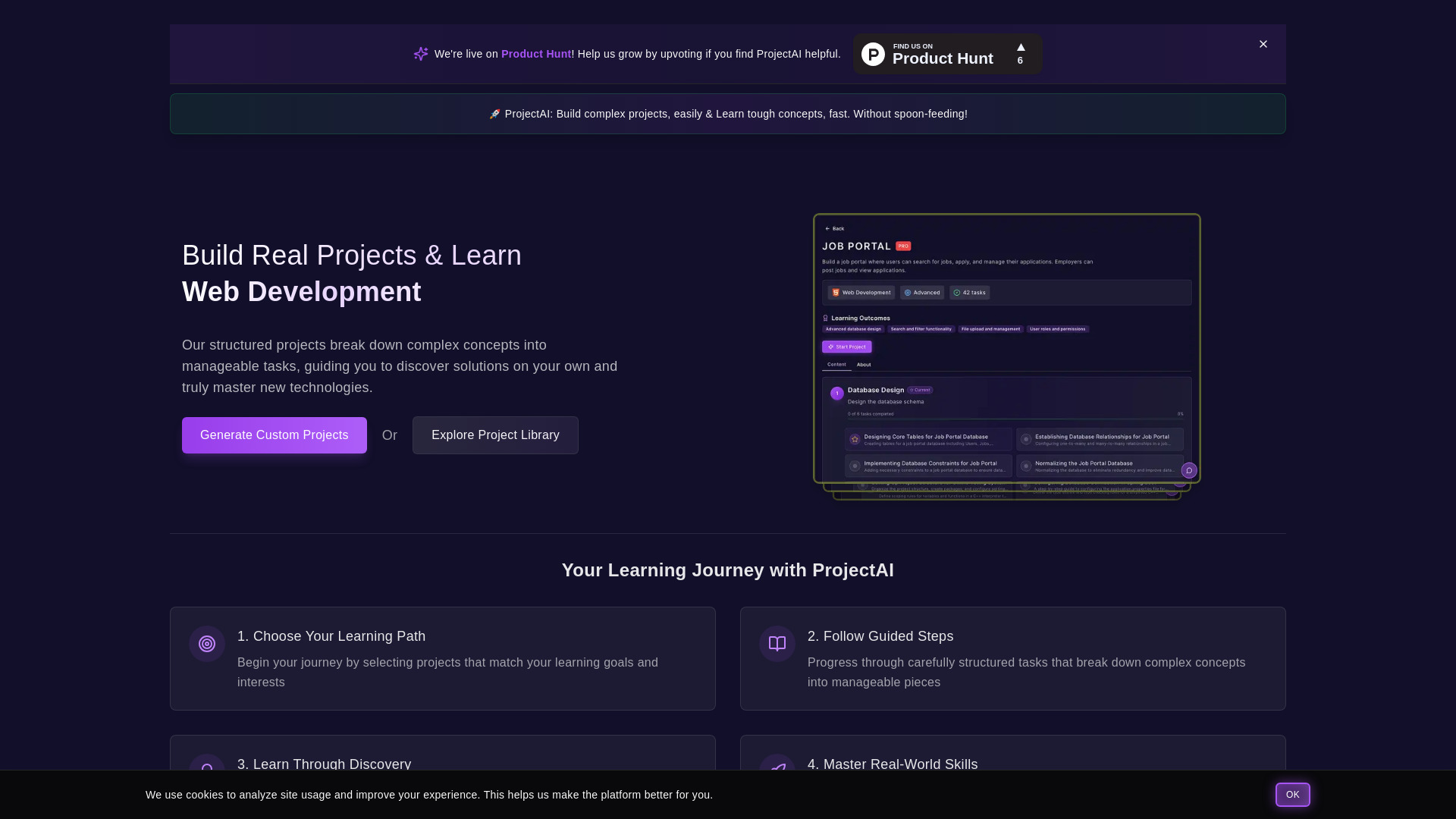
ProjectAI
Discover programming through hands-on projects with detailed instructions. Step-by-step guidance for learning coding skills effectively.

MetaGPT (MGX)
Get access to 24/7 AI Teams for creating apps, games, PPTs, and analysis. Boost productivity with innovative tools at your fingertips.
Use Cases
- Get the best answer for your prompts
- Access multiple AI models at the same time
- Compare responses from ChatGPT and Bard
How to Use
Type your prompt once, and the app will mirror your prompt into both Bard and ChatGPT. Hit send to get answers from both apps!