
Introduction
PackPack is an AI-driven favorites tool designed to enhance the collecting and reviewing experience. It addresses traditional favorites systems’ shortcomings by providing cross-platform support and AI-powered search capabilities. PackPack customizes content handling for different web resources, including news websites and social media, ensuring a unified, efficient, and user-friendly experience. It uses AI to clean and save content, offering features like selective saving and AI snapshot storage. PackPack aims to revolutionize bookmarking by making it visually appealing and efficient across all devices.
Key Features
AI-Driven: Utilizes AI to enhance both the collection and retrieval of saved content, making the experience seamless and efficient.
Cross-Platform: Available on Chrome, Android, and iOS, ensuring a unified experience across all devices.
Customizable Saving: Adapts content from various sources like news sites and social media, providing clean, ad-free, and user-friendly saves.
Selective Saving: Allows users to selectively save specific posts or content from social media feeds.
Enhanced Search: Offers robust AI-powered search capabilities for efficient retrieval of saved content.
Frequently Asked Questions
What is PackPack?
What types of content can I save with PackPack?
How can I save content to PackPack?
Will my saved content on PackPack expire?
Does PackPack save my Q&A interactions?
Similar Tools

iSlide
Simplify your PowerPoint design with our innovative platform, offering a wide range of templates and AI tools to enhance your presentations.
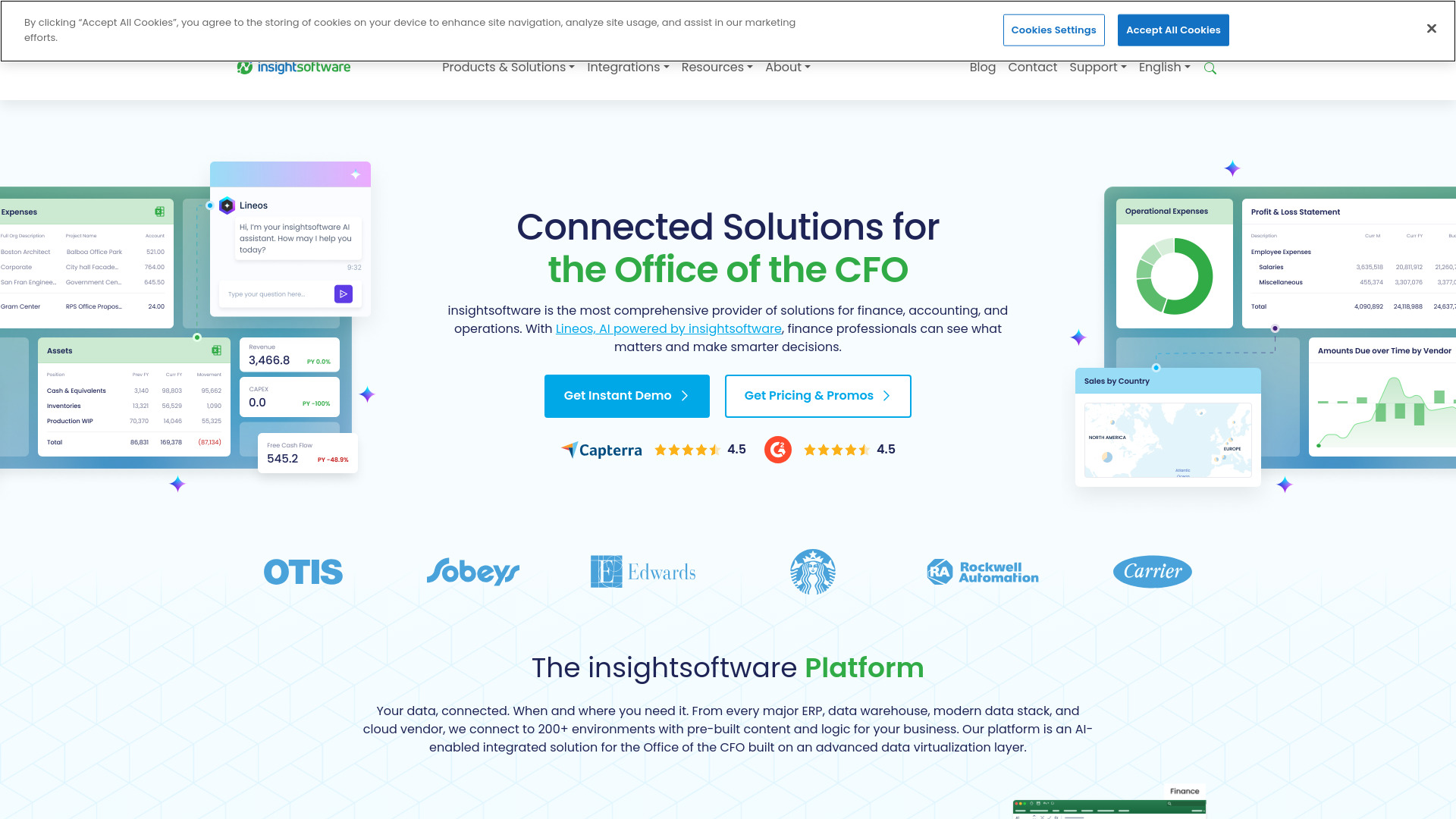
insightsoftware
Powerful finance software for detailed reporting, budget planning, and in-depth analytics to help you manage your finances effectively.
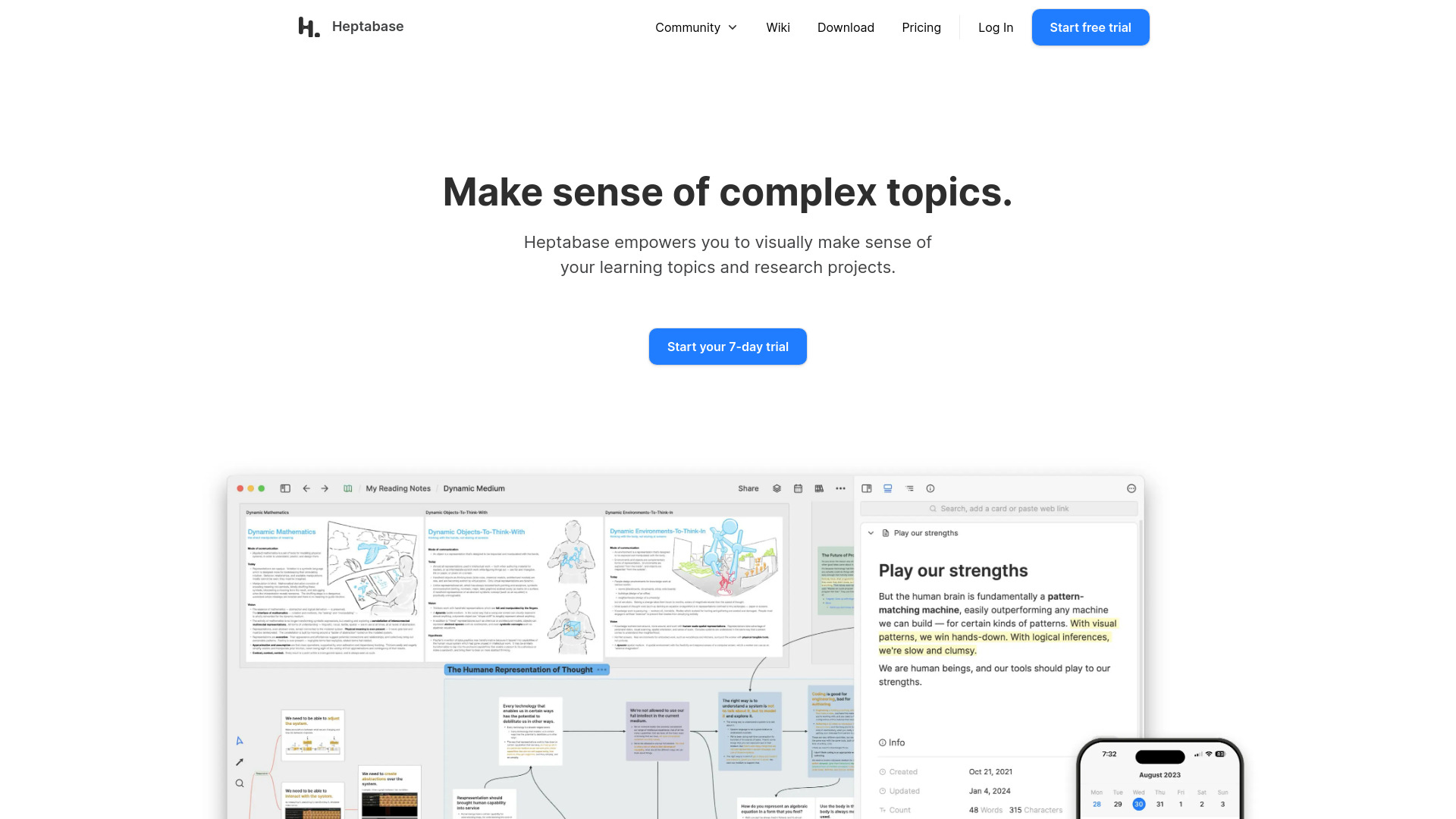
Heptabase
Enhance your learning and research with a visual note-taking tool designed to help you organize and retain information effectively.
Use Cases
- Social Media Collect, like Reddit, X, etc.
- Video Collect, like Tiktok, Youtube, etc.
- Product Collect, like Amazon, Shein, etc.
- News Collect, like BBC, etc.
- Article Collect, like Medium, etc.
- 1-Clic to save everything with AI