
Batch / Bulk processing for ChatGPT AI
Summary: The Batch/Bulk processing tool for ChatGPT allows users to import prompts in bulk, process queries in parallel, and collaborate on prompt tweaking.
Introduction
What stands out?
Frequently Asked Questions
What is Batch / Bulk processing for ChatGPT AI?
How to use Batch / Bulk processing for ChatGPT AI?
More Information
Batch / Bulk processing for ChatGPT AI Company
Batch / Bulk processing for ChatGPT AI Pricing
Batch / Bulk processing for ChatGPT AI Youtube
Batch / Bulk processing for ChatGPT AI Twitter
Reviews & Feedback
Share your experience with the community
User Comments (0)
No reviews yet. Be the first to share your thoughts!
Statistics
Similar Tools
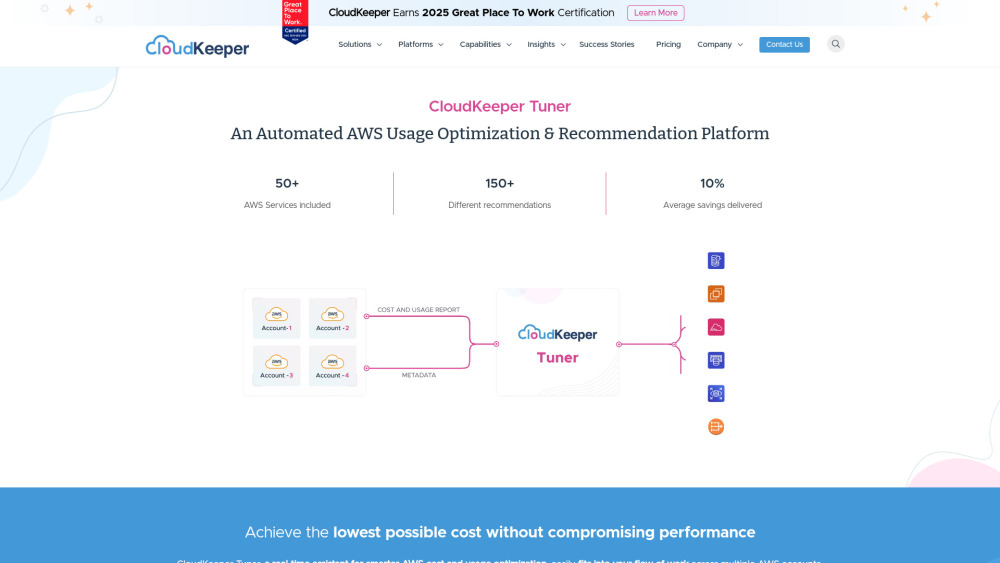
CloudKeeper Tuner
Optimize your AWS usage with CloudKeeper Tuner, the automated platform for recommendations and efficiency improvements. Start saving now!

Easycart
Effortlessly build a high-performing one-click checkout fast. Transform your sales process in minutes with this conversion-boosting app.

Beacons
Revolutionize your content creation with our AI-driven platform designed for creators. Unlock endless possibilities today!

v0.dev
Generative UI system powered by AI.

Framer
Framer app enables users to easily build and launch sleek websites without the need for coding skills. Start designing your site today!
Use Cases
- Batch / Bulk processing for ChatGPT AI can be used in various scenarios, including: - Handling large volumes of chatGPT queries efficiently - Collaborating with a team to process and analyze chat data - Modifying prompts and logic to enhance the performance of ChatGPT - Deploying cloud functions for more complex workflows - Securing data and access for compliance and privacy requirements - Creating custom chatGPT workflows in a low-code environment