
Pattern Maker AI
AI-powered tool generates seamless vector patterns
ai pattern generatorseamless vector patternsartificial intelligence
Introduction
Pattern Maker AI is an artificial intelligence-powered tool that allows users to generate seamless vector patterns
Key Features
Generate seamless vector patterns
Utilizes artificial intelligence
Wide range of style options
Option to enhance patterns
Ability to base patterns on an initial image
Frequently Asked Questions
What is Pattern Maker AI?
How to use Pattern Maker AI?
What types of styles can I choose from for my patterns?
Can I use my own image as a base for the pattern?
What are the core features of Pattern Maker AI?
What are some common use cases for Pattern Maker AI?
Similar Tools
Picsart
Unleash your creativity with Picsart - an innovative photo editing app that offers a wide range of tools and filters to enhance your images.
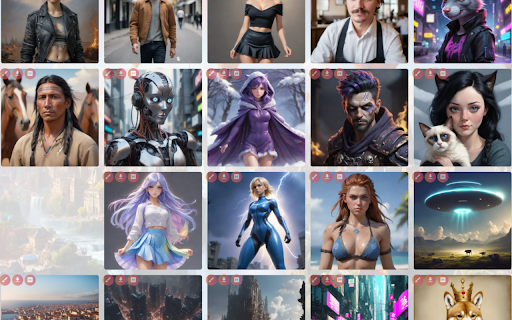
AI Art Gallery - Chrome Extension
Discover a platform for creating AI-generated art and connecting with a community of fellow art enthusiasts. Explore and create with AI Art Creation.

TryYourAI - Chrome Extension
Generate artwork effortlessly using StableDiffusion models. Unleash your creativity with this innovative application for stunning artistic results.
Use Cases
- Graphic design
- Textile design
- Web design
- Packaging design
- Printed materials
How to Use
To use Pattern Maker AI, you need to create an account and sign in. Once logged in, you can select a type of style or choose a random style for your pattern. You can also enhance the style with various options such as Anime, Photographic, Digital Art, Comic Book, Fantasy Art, and more. Optionally, you can provide an initial image to base your pattern on. After configuring the desired parameters, click on the 'Generate Patterns' button to create your seamless vector patterns.