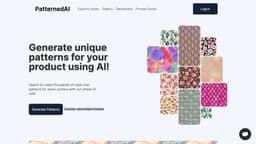
PatternedAI - Seamless Pattern Maker with Artificial Intelligence
Generate and download unique royalty-free patterns with PatternedAI.
pattern makerAIseamless patterns
Introduction
PatternedAI is a seamless pattern maker powered by artificial intelligence. It allows users to generate unique, royalty-free patterns for any surface. Users can also search and download royalty-free stock patterns for free.
Key Features
Generate seamless patterns using AI
Search and download royalty-free stock patterns
Create variations of patterns with high adjustability
Download patterns in high-resolution or SVG format
Control number of colors and resolution for prints
Frequently Asked Questions
What is PatternedAI - Seamless Pattern Maker with Artificial Intelligence?
How to use PatternedAI - Seamless Pattern Maker with Artificial Intelligence?
Can I use the generated patterns for commercial purposes?
Are the patterns I download high-resolution?
Can I adjust the colors and resolution of the patterns?
How long does it take to generate a seamless pattern?
Can I integrate PatternedAI into my business workflow?
Similar Tools
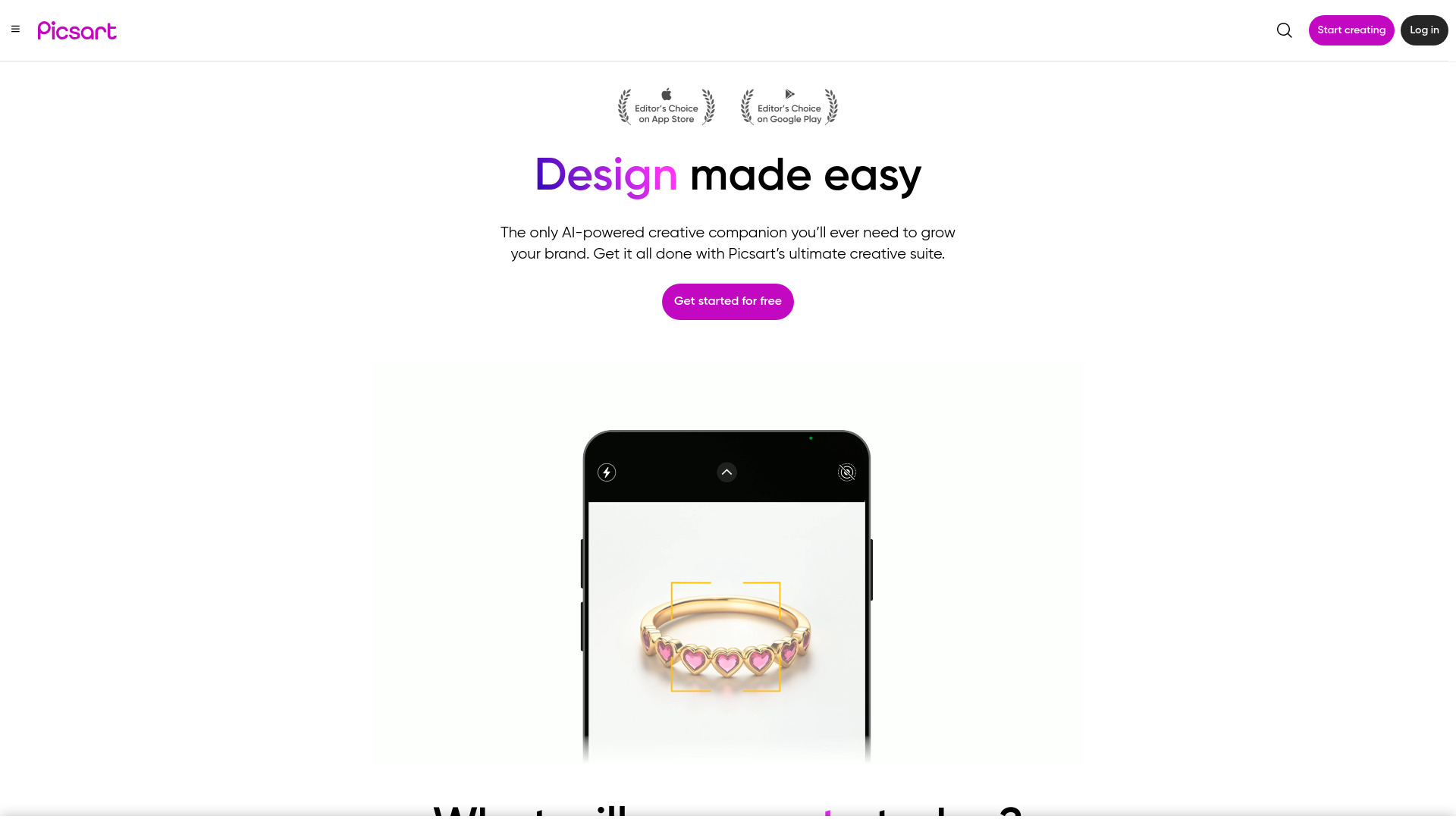
Picsart
Unleash your creativity with Picsart - an innovative photo editing app that offers a wide range of tools and filters to enhance your images.
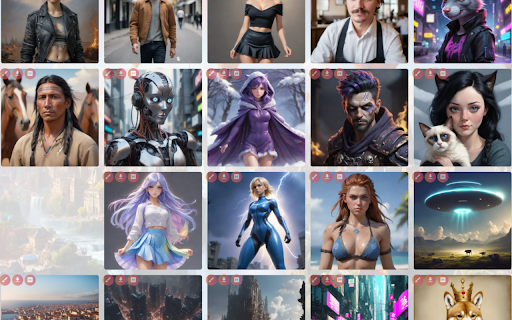
AI Art Gallery - Chrome Extension
Discover a platform for creating AI-generated art and connecting with a community of fellow art enthusiasts. Explore and create with AI Art Creation.

TryYourAI - Chrome Extension
Generate artwork effortlessly using StableDiffusion models. Unleash your creativity with this innovative application for stunning artistic results.
Use Cases
- Designers looking for unique patterns for their products
- Businesses in need of seamless patterns for various surfaces
- Artists and creatives seeking inspiration for pattern design
- Individuals wanting to add personalized patterns to their projects
How to Use
To use PatternedAI, follow these steps: 1. Sign up or sign in to your account. 2. Generate unique patterns by describing what you want or by uploading an image. 3. Explore the generated pattern options and select the ones you like. 4. Customize the patterns by adjusting colors and resolution. 5. Download the patterns in high-resolution or SVG format. 6. Integrate PatternedAI into your business workflow to streamline pattern generation.