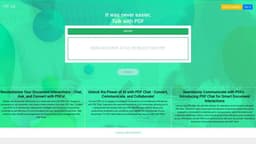
PDF Talk
PDF Talk is an online platform for handling PDF documents.
Introduction
PDF Talk is an online platform for managing and manipulating PDF documents.
What stands out?
PDF editing
Annotation and markup tools
PDF merging and splitting
PDF conversion to different formats
Document collaboration
Secure e-signature capabilities
Frequently Asked Questions
What is PDF Talk?
How to use PDF Talk?
Can I edit the text and images within a PDF document?
Can I collaborate with others on a PDF document?
Can I convert PDFs to other file formats?
Is my e-signature secure on PDF Talk?
What are the pricing plans for PDF Talk?
More Information
PDF Talk Support Email & Customer service contact & Refund contact etc.
More Contact, visit the contact us page(https://pdf-talk.com/#contact)
PDF Talk Company
PDF Talk Company address: Rotterdam, Netherlands. More about PDF Talk, Please visit the about us page(https://pdf-talk.com/#about).
PDF Talk Login
PDF Talk Login Link: https://pdf-talk.com/login
PDF Talk Pricing
PDF Talk Pricing Link: https://pdf-talk.com/#pricing
Reviews & Feedback
Share your experience with the community
0.0
Based on 0 reviews
User Comments (0)
Sort Criteria
Order
No reviews yet. Be the first to share your thoughts!
Statistics
Monthly visits
NaN
Saved by users
0
Rating
0.0/ 5.0
Added on
—
Similar Tools

AI PDF Summarizer by PDF Guru
Simplify PDFs with AI! Summarize, extract key points, ask questions, and translate in 80+ languages. Perfect for work, study, or research.
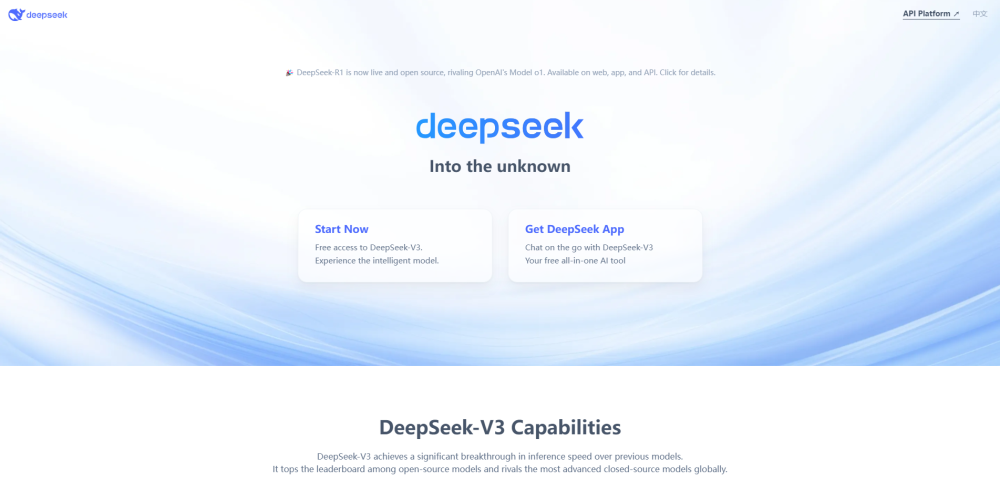
DeepSeek
Cutting-edge AI platform for programming and chatting with publicly available models, offering advanced capabilities and features.
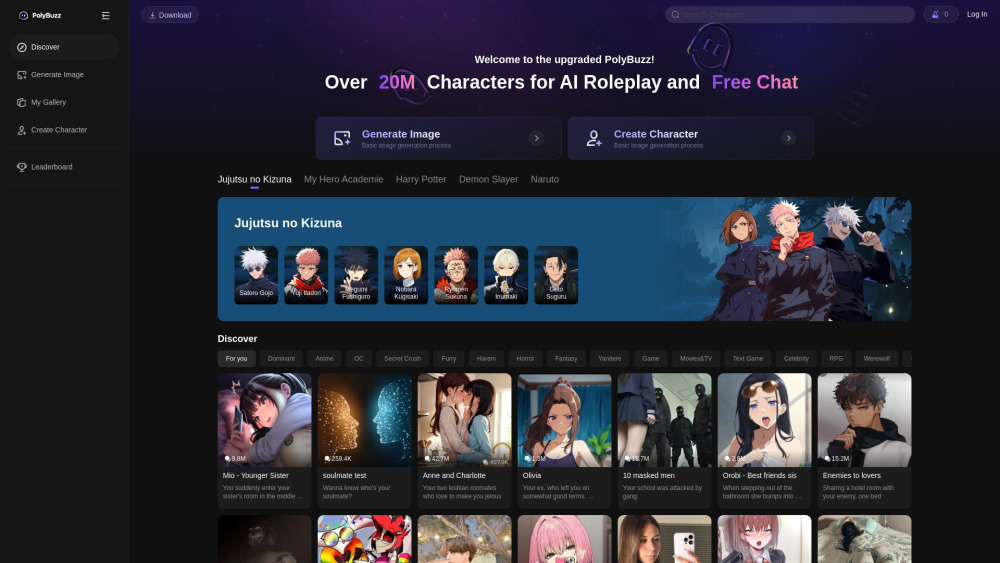
PolyBuzz
PolyBuzz offers free, private, and unrestricted AI chat and immersive roleplay with over 20 million characters.

AI Therapy
Your personal AI therapist for round-the-clock mental health support.

Wanderboat AI Travel Planner
Discover your personalized travel experiences with AI travel planner. Tailored recommendations for your perfect trip. Start planning now!
Use Cases
- Edit and modify PDF content
- Markup and annotate PDFs with comments and highlights
- Combine multiple PDFs into a single document
- Split large PDF files into smaller ones
- Convert PDF documents to editable formats like Word or Excel
- Collaborate with others on a shared PDF document
- Digitally sign PDFs for secure verification
How to Use
To use PDF Talk, simply upload your PDF files to the platform, where you can then perform various actions such as editing, annotating, signing, merging, converting, and sharing the documents.