
PhotoAlign
AI-powered dental photo editing and management software.
Introduction
PhotoAlign is an advanced clinical dental photo editing software that uses AI to edit multiple photos efficiently. It enables dental professionals to standardize and align clinical photographs quickly and professionally.
What stands out?
Batch photo editing
AI automatic photo alignment
Real-time photo import
Customizable templates
Precision editing tools
Frequently Asked Questions
What is PhotoAlign?
How to use PhotoAlign?
What formats does PhotoAlign support?
Can multiple users edit photos at the same time?
More Information
PhotoAlign Support Email & Customer service contact & Refund contact etc.
More Contact, visit the contact us page(https://photoalign.com/contact)
PhotoAlign Company
PhotoAlign Company name: Dentivate . PhotoAlign Company address: South Korea.
PhotoAlign Pricing
PhotoAlign Pricing Link: https://photoalign.com/pricing
PhotoAlign Youtube
PhotoAlign Youtube Link: https://www.youtube.com/@photoalign
PhotoAlign Instagram
PhotoAlign Instagram Link: https://instagram.com/photoalignstudio
Reviews & Feedback
Share your experience with the community
0.0
Based on 0 reviews
User Comments (0)
Sort Criteria
Order
No reviews yet. Be the first to share your thoughts!
Statistics
Monthly visits
NaN
Saved by users
0
Rating
0.0/ 5.0
Added on
—
Similar Tools

Cutout.Pro
Revolutionize your photo editing with our AI-powered platform that also generates content. Enhance your images effortlessly and efficiently!
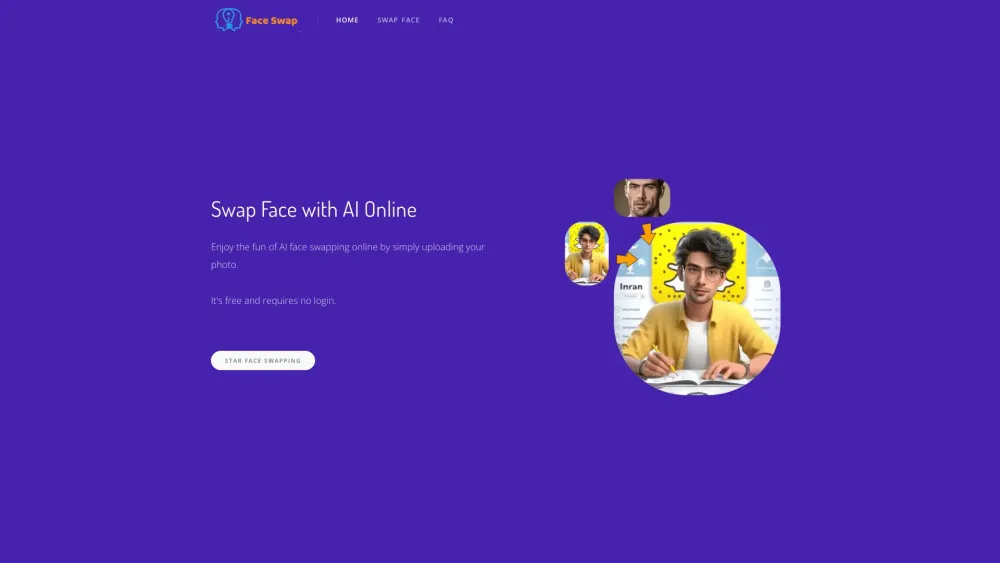
AI Face Swap
Easily swap faces using a cutting-edge AI technology online by uploading your photo for a fun and entertaining experience.

Kapwing
Collaborate online with Kapwing to create, customize, and expand your content effortlessly.
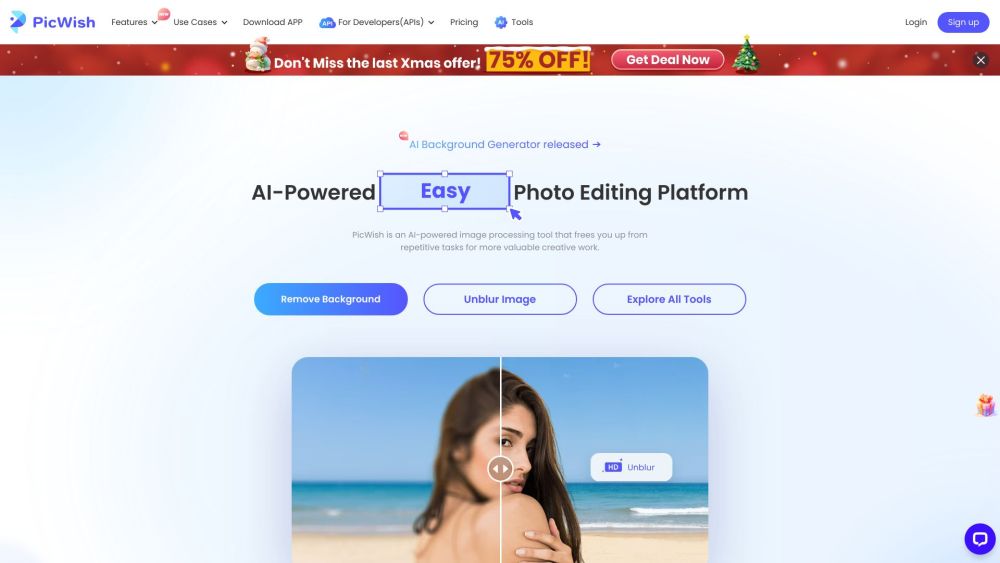
PicWish
Revolutionize your image editing with our AI-driven tool for processing images. Enhance, retouch, and transform your photos with ease.

CapCut
AI-powered video editor and graphic design tool for all platforms.
Use Cases
- Editing a set of orthodontic photos in under 90 seconds.
- Creating standardized clinical photo sets for presentations.
How to Use
To use PhotoAlign, upload your dental photos to the software, select the editing options, and apply desired adjustments. You can edit and align multiple images simultaneously.