PhotoShed
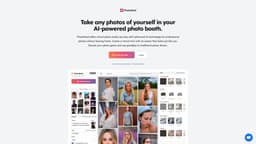
Virtual photo studio & modeling agency, PhotoShed, offers advanced AI for professional photos at home.
Introduction
PhotoShed is a virtual photo studio and AI modeling agency that offers advanced AI technology for professional photos without the need to leave home. It allows users to hire virtual models and create a virtual twin with an avatar that closely resembles them.
Key Features
The core features of PhotoShed include: 1. Virtual Photo Studio: Access a virtual photo studio to create professional photos without physical shoots. 2. AI-Generated Virtual Twin: Create a virtual twin/avatar that closely resembles you. 3. AI-Generated Models: Hire 100% AI-generated models for virtual photoshoots. 4. Unlimited Photo Creation: Once the virtual twin is generated, create unlimited photos using it. 5. Full Access Pass: Get access to all AI models, create your digital twin, and enjoy a full commercial license.
Frequently Asked Questions
What is PhotoShed?
How to use PhotoShed?
What do you do with my photos after training?
Why are your prices high?
What type of photos should I upload?
Who built this app?
Where is my data stored?
Can I get a refund?
What photo formats do you accept?
Is payment secure?
Can I get an invoice?
Can I use my photos anywhere?
Similar Tools

Quickads
Effortlessly create image and video ads with this AI-powered tool. Say goodbye to the hassle and hello to effective marketing campaigns.
Savro AI
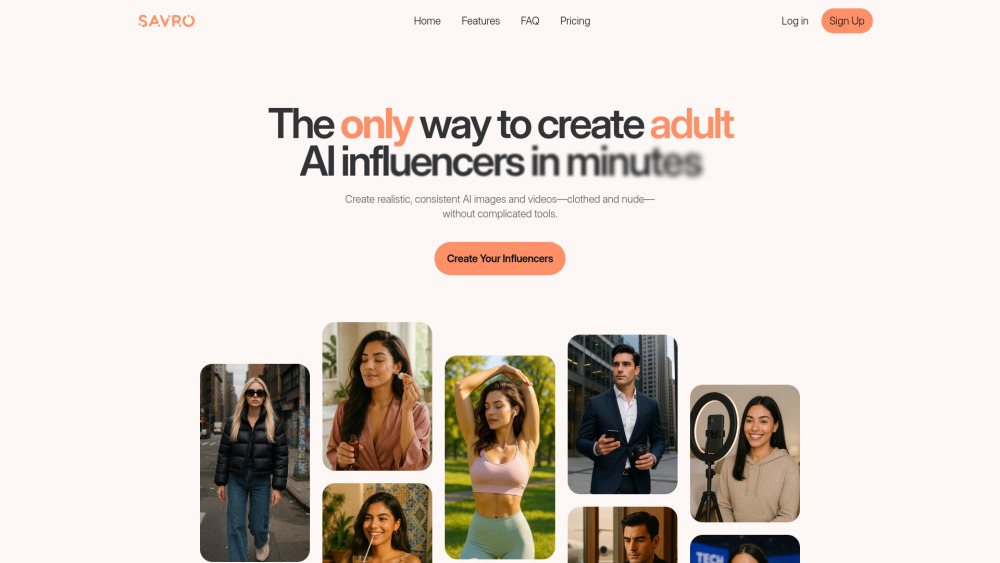
Create adult AI influencers in minutes
AI Barbie
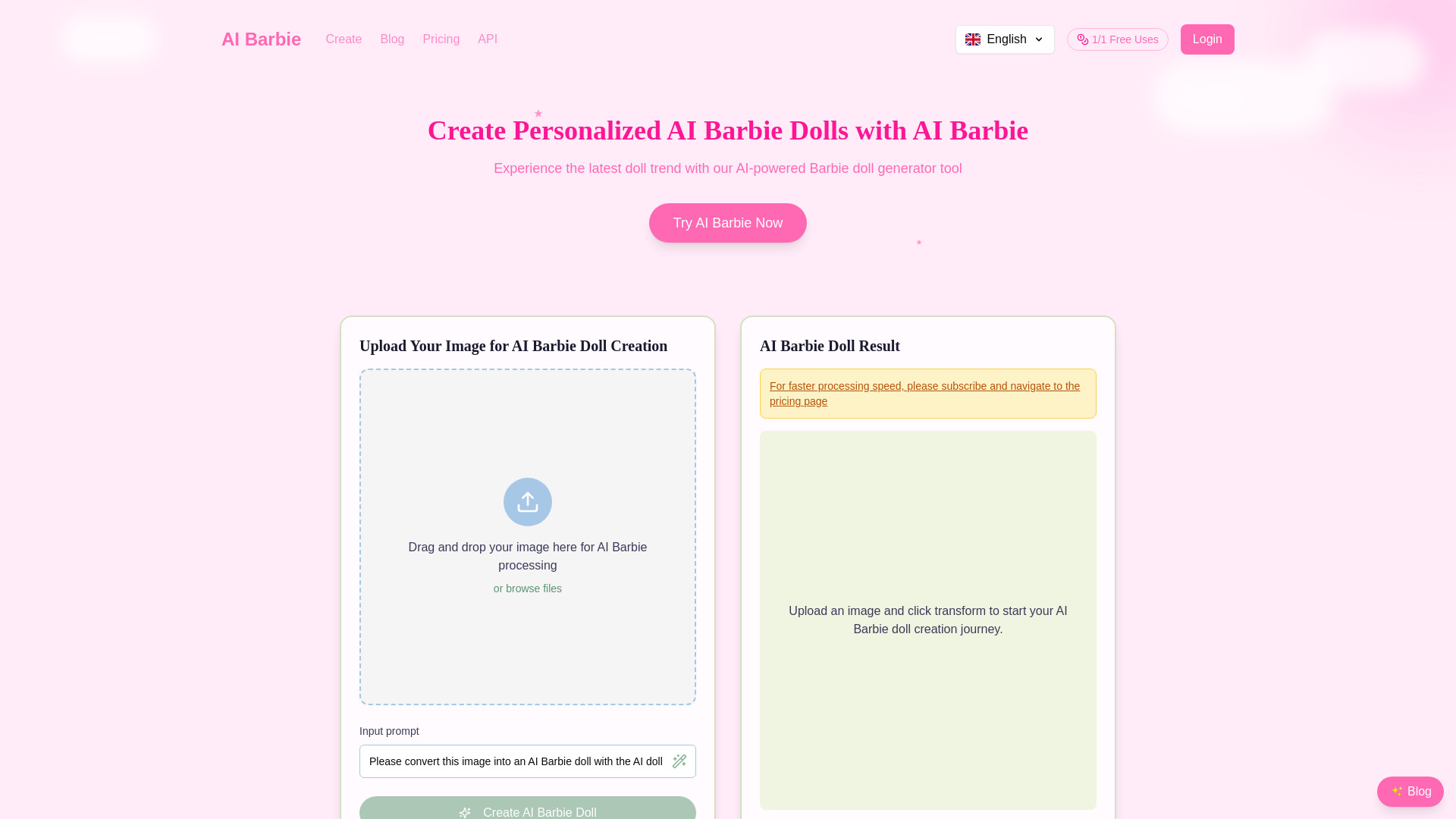
Design unique AI Barbie dolls based on your photos or descriptions. Create personalized dolls with advanced technology.
Use Cases
- PhotoShed can be used for various purposes, including: 1. Personal Photography: Create professional-looking photos of yourself for social media profiles, dating profiles, and personal use. 2. Virtual Photoshoots: Use AI-generated models in virtual photoshoots to showcase products or create content. 3. Marketing and Advertising: Utilize virtual twins and AI models for marketing campaigns, advertisements, and branding strategies. 4. Entertainment and Gaming: Create unique avatars and characters for entertainment purposes, gaming platforms, and virtual reality experiences.
How to Use
To use PhotoShed, follow these steps: 1. Upload at least 20 photos of yourself to train the AI. 2. The AI will start generating and learning from your photos to create a virtual twin. 3. Once the virtual twin is generated, you can create unlimited photos of it. 4. You can also hire AI-generated models for your virtual photoshoots. 5. Enjoy the benefits of a virtual photo studio and AI modeling agency without leaving your home.