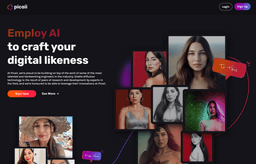
Picaii
Platform uses AI to generate realistic AI images based on personalized prompts.
Introduction
Picaii is a platform that uses AI technology to generate realistic AI images based on personalized prompts. Users can upload closeup photos of their model and follow certain guidelines to get the best results.
What stands out?
Personalized prompts for image generation
Beauty, robot, fantasy, and cartoon AI styles
Ability to upload multiple photos of the model
Secure and private image processing
Option to share or keep images private
Frequently Asked Questions
What is Picaii?
How to use Picaii?
Will my pictures be visible to others?
Can I use my AI-generated photos elsewhere?
Is the payment process safe?
How are my photos being handled?
Is it possible to receive a refund?
Are minors allowed on the platform?
More Information
Picaii Support Email & Customer service contact & Refund contact etc.
Here is the Picaii support email for customer service: [email protected] .
Picaii Company
Picaii Company name: Picaii .
Picaii Login
Picaii Login Link: https://picaii.com/account/login
Picaii Sign up
Picaii Sign up Link: https://picaii.com/account/signup
Picaii Instagram
Picaii Instagram Link: https://www.instagram.com/pic.aii/
Reviews & Feedback
Share your experience with the community
0.0
Based on 0 reviews
User Comments (0)
Sort Criteria
Order
No reviews yet. Be the first to share your thoughts!
Statistics
Monthly visits
NaN
Saved by users
0
Rating
0.0/ 5.0
Added on
—
Similar Tools

Picsart
Unleash your creativity with Picsart - an innovative photo editing app that offers a wide range of tools and filters to enhance your images.
MidJourney
AI platform for creating and exploring images with community input.

Freepik AI Image Generator
Real-time AI image generator
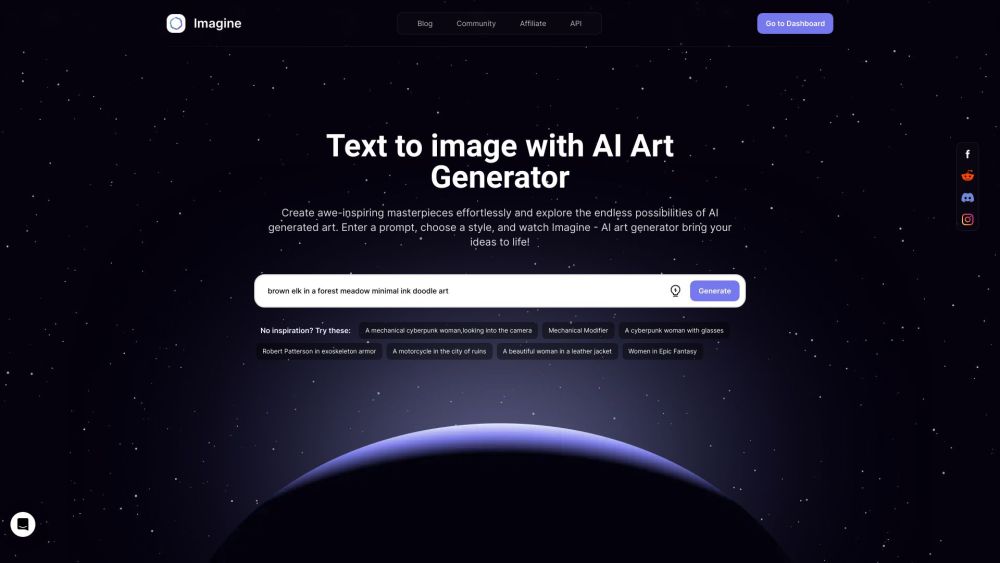
Imagine AI Art Generator
AI-generated art from text prompts.
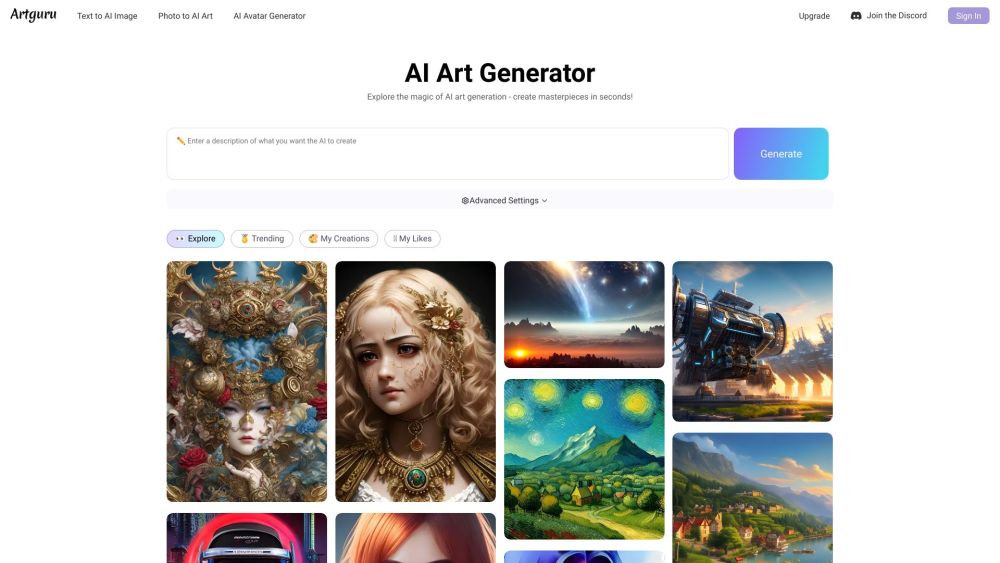
Artguru
Create beautiful art with the power of AI.
Use Cases
- Creating realistic digital likenesses
- Exploring different AI styles
- Generating AI images for personal or commercial use
How to Use
To use Picaii, create an account or login if you already have one. Upload closeup photos of your model, ensuring they show your shoulders and have different facial expressions. Use photos taken in different locations, backgrounds, and angles. Avoid sunglasses, multiple people, nudes, and minors. The AI technology will then generate realistic AI images based on these inputs.