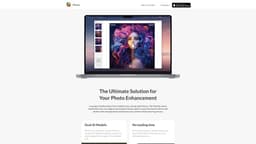
Pictura
Pictura is a MacOS photo enhancement tool that uses AI to improve image quality.
Introduction
Pictura is a MacOS-native photo enhancement tool that utilizes transformative AI to improve the clarity and quality of images. It offers dual AI models for both general pictures and anime, providing high-resolution enhancements and refinement of unique art elements.
What stands out?
Transforms low-res images to stunning 4x clarity
Revives old photos with amazing detail
Boosts workflow with drag-and-drop feature
Offers dual AI models for pictures and anime
Enhances every detail with advanced Photo AI Model
Amplifies resolution and refines art elements with Anime AI Model
Optimized for Apple Silicon
Photo encryption through your Mac ensures safety
Frequently Asked Questions
What is Pictura?
How to use Pictura?
What does Pictura do?
How can I use Pictura?
What are the core features of Pictura?
What are the use cases for Pictura?
Is there any discount or early bird sale for Pictura?
More Information
Pictura Support Email & Customer service contact & Refund contact etc.
More Contact, visit the contact us page(https://www.suyai.ch/pictura/contact-app-store)
Pictura Company
Pictura Company address: inSwitzerland.
Reviews & Feedback
Share your experience with the community
0.0
Based on 0 reviews
User Comments (0)
Sort Criteria
Order
No reviews yet. Be the first to share your thoughts!
Statistics
Monthly visits
NaN
Saved by users
0
Rating
0.0/ 5.0
Added on
—
Similar Tools

Pixelcut
Easily create stunning product photos and ads with our free online design tool. Remove backgrounds and erase objects effortlessly.

Wondershare
Discover innovative tools for enhancing creativity, productivity, and efficiency with our app. Unleash your potential today!

TurboScribe
Unlimited AI transcription with 99.8% accuracy in 98+ languages.

Intercom
Get quicker solutions with Automation and human assistance. Enhance support efficiency for faster issue resolutions.
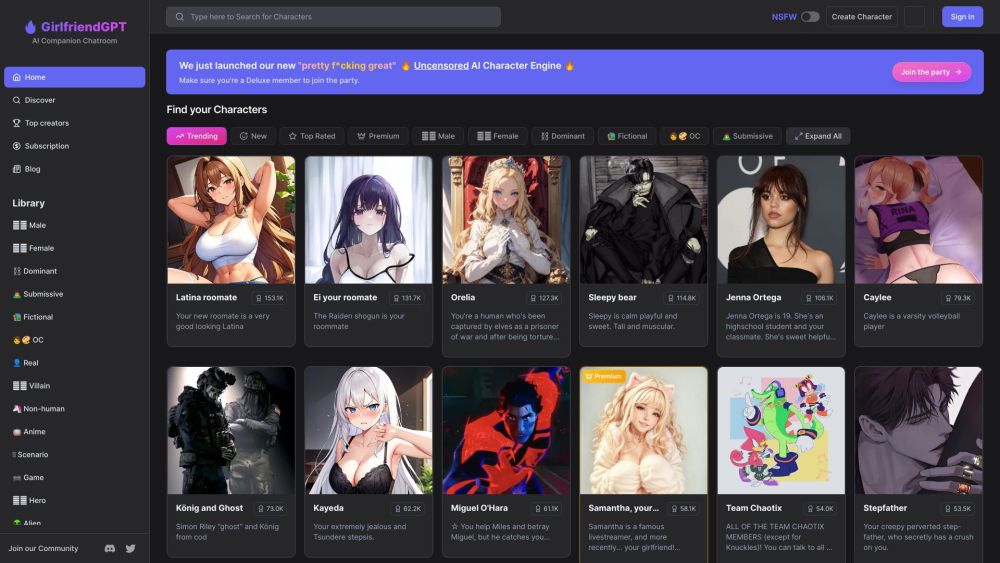
GirlfriendGPT - The AI Companion Chatroom
An uncensored AI companion chatroom for SFW and NSFW conversations.
Use Cases
- Enhancing low-resolution photos
- Reviving old and deteriorated photos
- Improving the visual quality of images
- Amplifying resolution and refining art elements in anime
- Effortlessly and quickly enhancing images
How to Use
Using Pictura is simple and user-friendly. Just drag and drop your images into the app to quickly import them. Then, effortlessly enhance the photos with Pictura's instant high-resolution boost. Once enhanced, you can securely save and store the images with one-click saving. Pictura also ensures privacy by encrypting your photos through your Mac.