
AI Browser
Browser that installs, runs, and controls any application automatically.
Introduction
Pinokio is a browser that allows users to install, run, and programmatically control any application automatically.
What stands out?
Install and run any application
Programmatically control applications
API and scripting capabilities
Frequently Asked Questions
What is AI Browser?
How to use AI Browser?
What is Pinokio?
How does Pinokio work?
How much does Pinokio cost?
More Information
AI Browser Discord
Here is the AI Browser Discord: https://discord.gg/TQdNwadtE4. For more Discord message, please click here(/discord/tqdnwadte4).
AI Browser Twitter
AI Browser Twitter Link: https://twitter.com/cocktailpeanut
AI Browser Github
AI Browser Github Link: https://github.com/pinokiocomputer/pinokio
Reviews & Feedback
Share your experience with the community
0.0
Based on 0 reviews
User Comments (0)
Sort Criteria
Order
No reviews yet. Be the first to share your thoughts!
Statistics
Monthly visits
NaN
Saved by users
0
Rating
0.0/ 5.0
Added on
—
Similar Tools

Picsart
Unleash your creativity with Picsart - an innovative photo editing app that offers a wide range of tools and filters to enhance your images.
MidJourney
AI platform for creating and exploring images with community input.

Freepik AI Image Generator
Real-time AI image generator
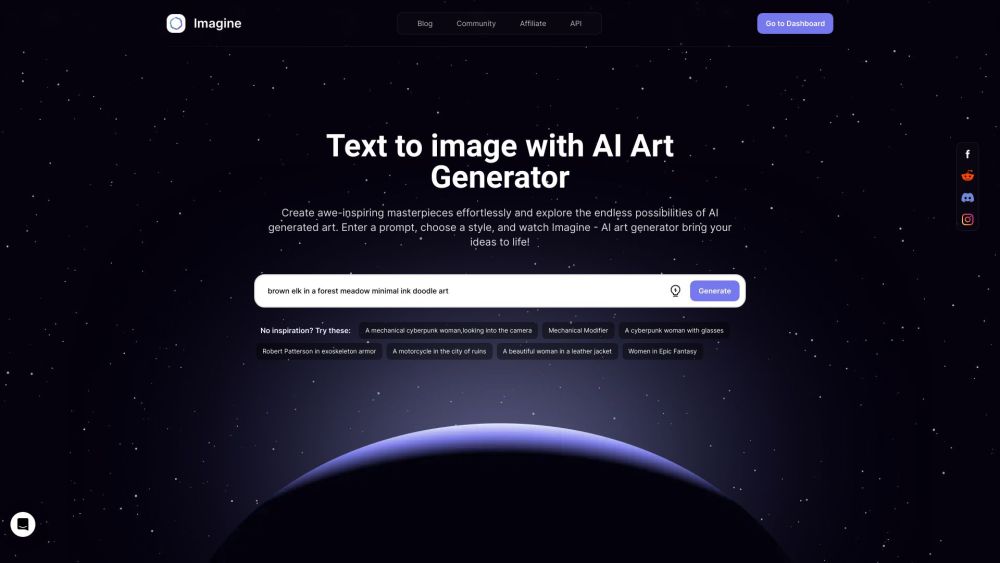
Imagine AI Art Generator
AI-generated art from text prompts.
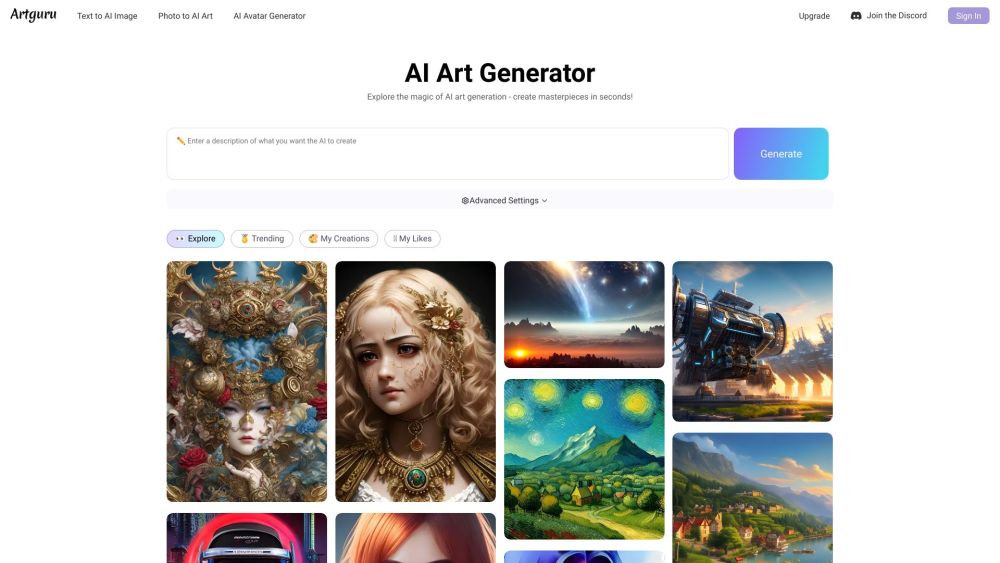
Artguru
Create beautiful art with the power of AI.
How to Use
To use Pinokio, simply download and install the browser. Once installed, users can browse and navigate to any application, and Pinokio will automatically install and run it. Users can also programmatically control applications using Pinokio's API and scripting capabilities.