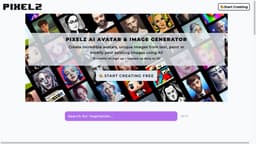
Pixelz AI Art Generator
Transform text into stunning artwork with Pixelz AI Art Generator.
Introduction
Pixelz AI Art Generator is a powerful tool that allows you to transform text into stunning artwork. It utilizes advanced algorithms such as Stable Diffusion, CLIP Guided Diffusion, and PXL·E Realistic to generate unique and visually appealing art pieces.
Key Features
Key features of Pixelz AI Art Generator include: 1. Stable Diffusion Algorithm: Produces stable and high-quality art by leveraging sophisticated diffusion techniques. 2. CLIP Guided Diffusion: Uses the CLIP model to guide the AI in generating art that aligns with specific textual prompts. 3. PXL·E Realistic Algorithm: Creates realistic and visually appealing pixel art with attention to detail.
Frequently Asked Questions
What is Pixelz AI Art Generator?
How to use Pixelz AI Art Generator?
Can I use the generated artwork for commercial purposes?
What are the available algorithms in Pixelz AI Art Generator?
Can I customize the output or style of the artwork?
How long does it take to generate the artwork?
Can I provide feedback or report issues to Pixelz AI?
Similar Tools

Quickads
Effortlessly create image and video ads with this AI-powered tool. Say goodbye to the hassle and hello to effective marketing campaigns.

Genie AI
Experience a versatile AI chatbot capable of handling multiple tasks with ease. Engage with our multi-model application today!
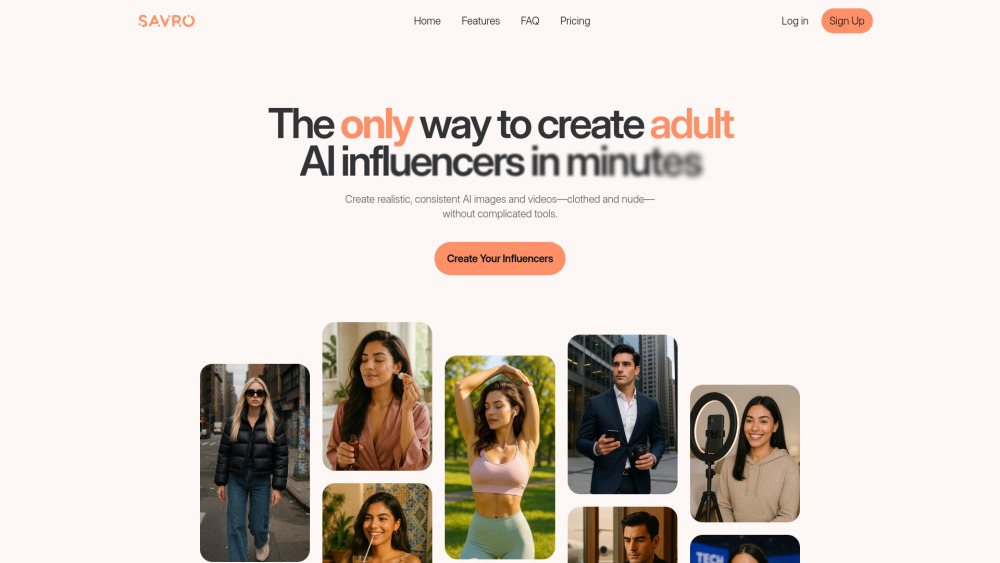
Savro AI
Create adult AI influencers in minutes
Use Cases
- Pixelz AI Art Generator can be used for various purposes: 1. Graphic Design: Create eye-catching graphics and illustrations for websites, social media, or print media. 2. Branding and Marketing: Generate unique artwork to represent brands and products, enhancing their visual identity. 3. Personal Expression: Convert text into artistic representations for personal enjoyment or as presents for friends and family. 4. Creative Projects: Use the generated artwork as a starting point for further artistic exploration and digital creations.
How to Use
To use Pixelz AI Art Generator, follow these steps: 1. Visit the Pixelz AI website. 2. Enter your desired text or description in the input field. 3. Choose the preferred algorithm from options like Stable Diffusion, CLIP Guided Diffusion, or PXL·E Realistic. 4. Click on the 'Generate' button. 5. Wait for the AI to process your input and generate the corresponding artwork. 6. Once the artwork is ready, you can download and save it for personal or commercial use.