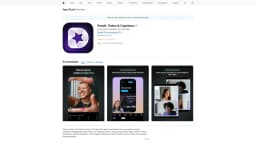
Detail: Video & Captions
Record and edit videos seamlessly
video editingAI camerateleprompter
Introduction
From recording to a fully edited video in one tap
Key Features
AI-enhanced camera
Teleprompter integration
Seamless editing
Green screen feature
Dual-view recording
Efficient script delivery
Intelligent captions
Instant cinematic effects
Frequently Asked Questions
What is Detail: Video & Captions?
How to use Detail: Video & Captions?
Can I use Detail on multiple devices?
Similar Tools
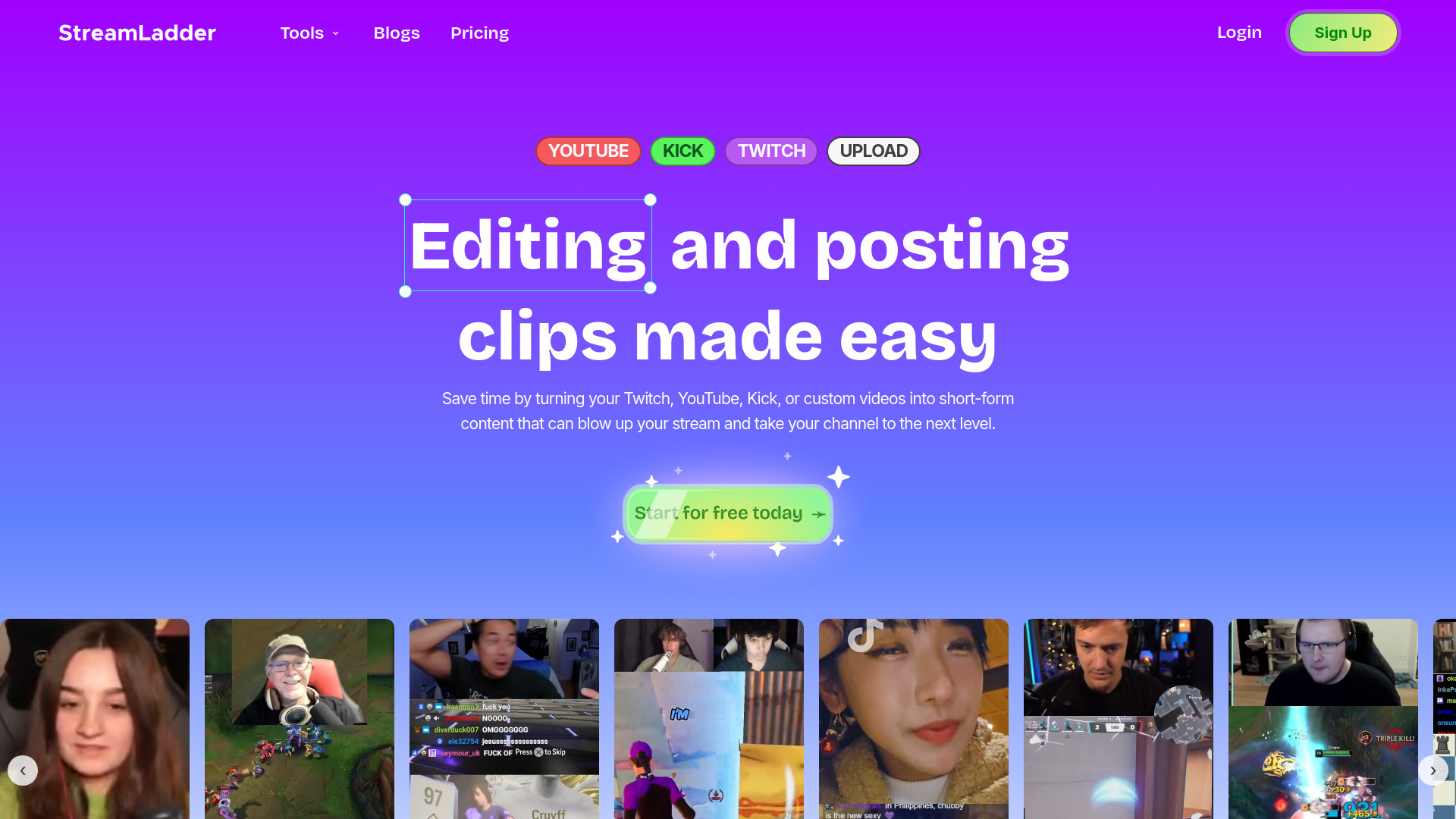
StreamLadder
Climb the ranks of popular streaming platforms with StreamLadder. Increase your visibility and grow your audience effortlessly. Start today!
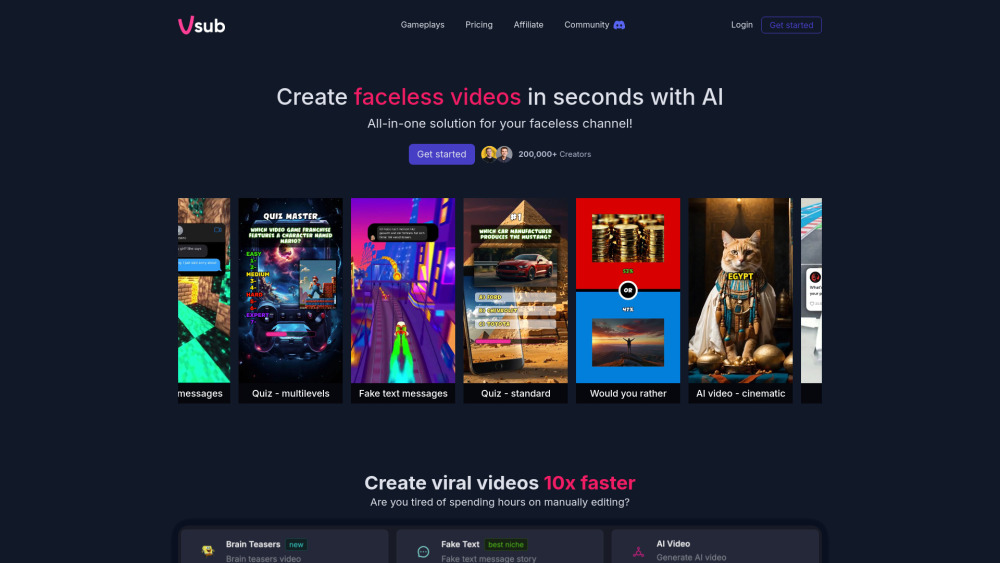
Vsub
Easily and quickly create videos without faces using an innovative AI platform.

Quickads
Effortlessly create image and video ads with this AI-powered tool. Say goodbye to the hassle and hello to effective marketing campaigns.
Use Cases
- Recording interviews or video podcasts
- Creating TikTok videos or Instagram Reels
- Producing instructional content for YouTube
- Crafting reaction videos
How to Use
Download the Detail: Video & Captions app on your iPhone, iPad, or iPod touch. Record your video with the AI-enhanced camera and utilize the teleprompter for confident delivery. Edit and enhance your clips using the intuitive interface. Customize captions and apply cinematic effects to create professional-looking videos.