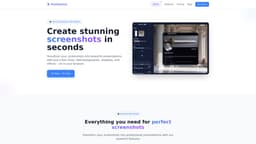
PrettyShot
Transform screenshots into beautiful presentations with ease.
screenshotsimage editorpresentation tools
Introduction
PrettyShot is a web-based tool that allows users to transform screenshots into visually appealing presentations by adding backgrounds, effects, and mockups effortlessly. It can enhance images with professional effects, image overlays, and customizable presets to improve the overall look of screenshots shared for presentations or social media.
Key Features
Screenshot enhancement with backgrounds and effects
One-click transformations with presets
Professional mockups for devices
Frequently Asked Questions
What is PrettyShot?
How to use PrettyShot?
Is PrettyShot free to use?
What are the main features of the Pro+ plan?
Similar Tools
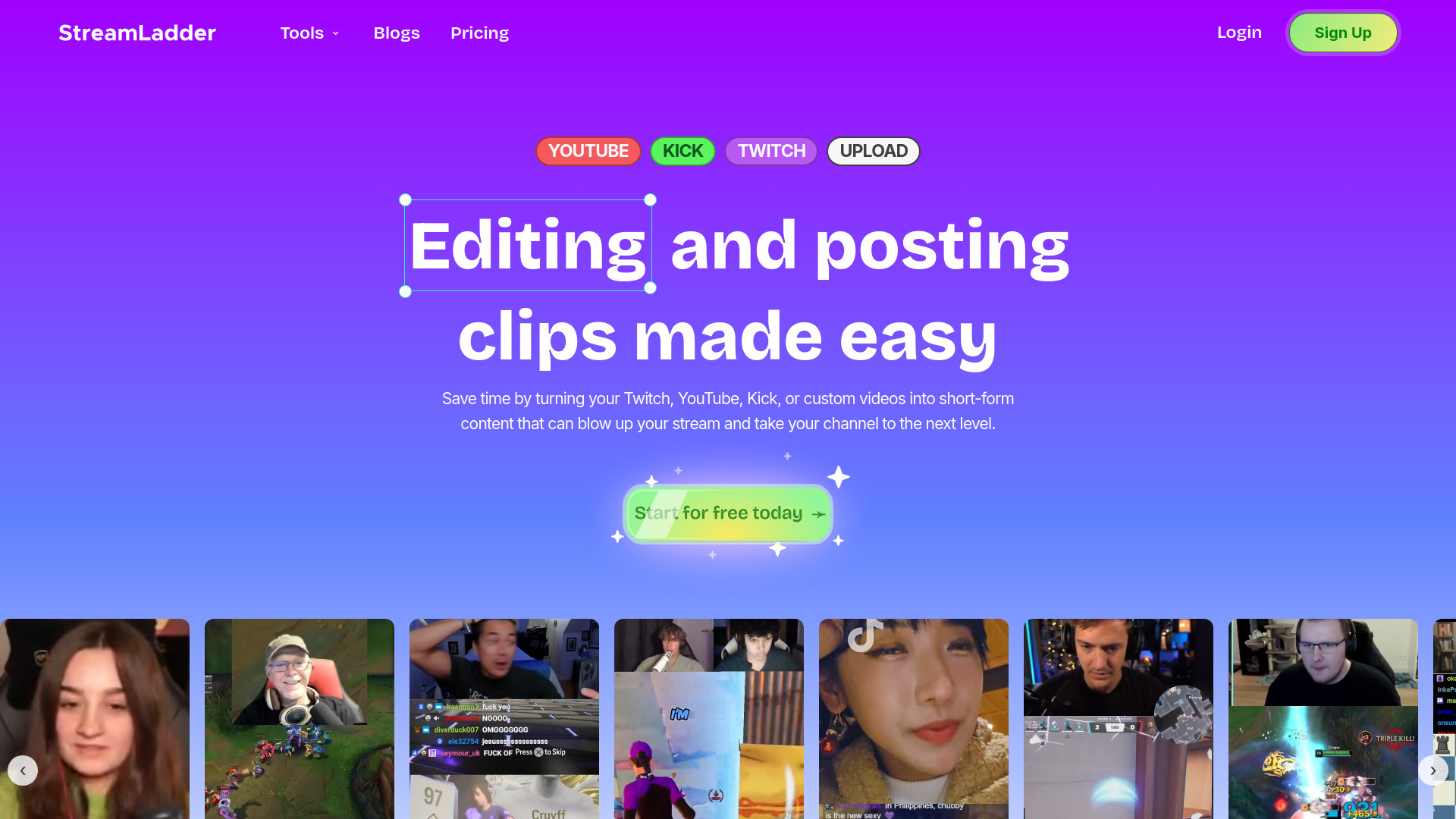
StreamLadder
Climb the ranks of popular streaming platforms with StreamLadder. Increase your visibility and grow your audience effortlessly. Start today!

Promo AI Video Maker
Easily generate and oversee promotional videos with our advanced AI tool. Unleash the power of automation for your video marketing campaigns.
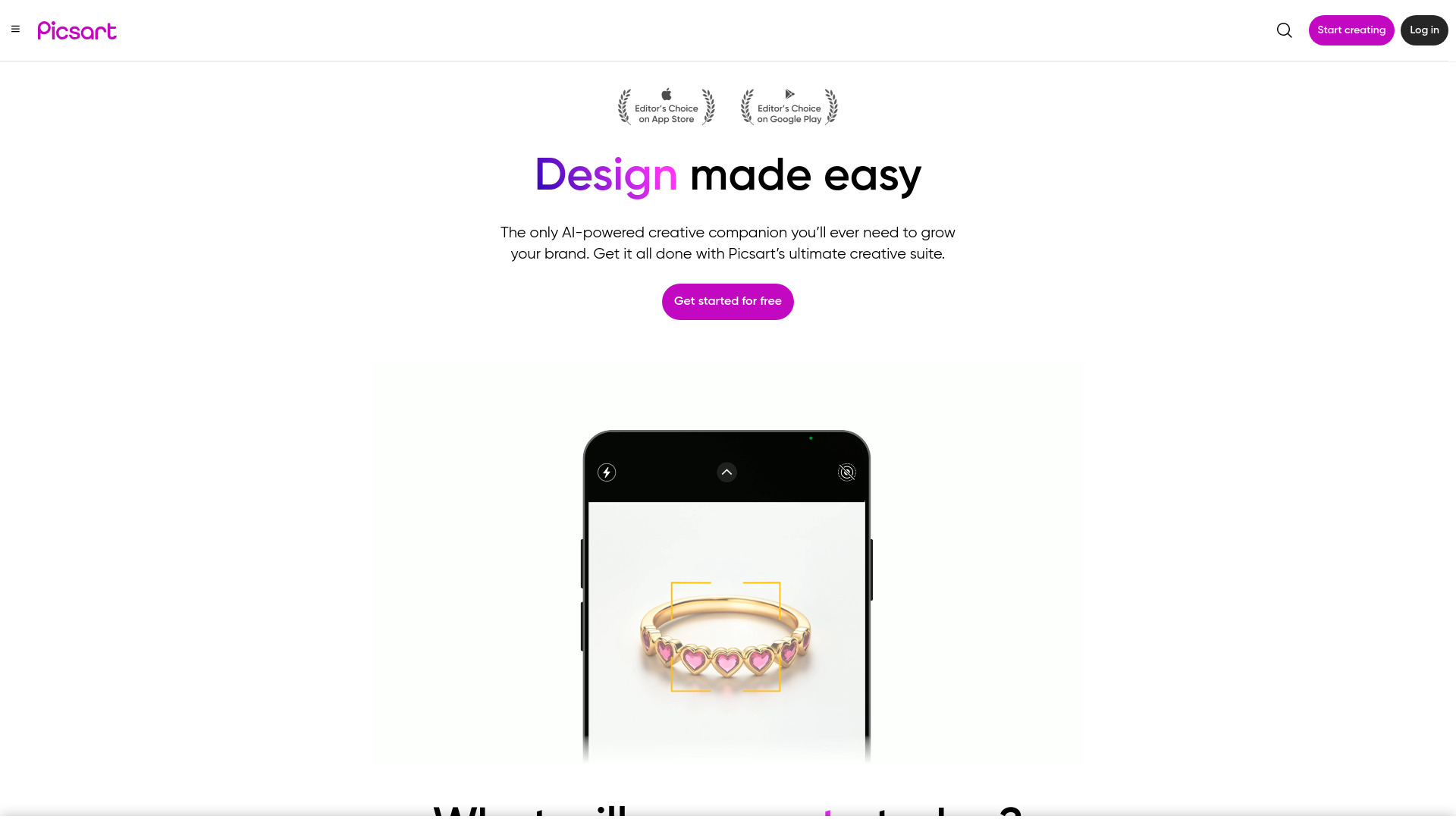
Picsart
Unleash your creativity with Picsart - an innovative photo editing app that offers a wide range of tools and filters to enhance your images.
Use Cases
- Create professional looking presentations from screenshots
- Add effects and custom backgrounds to enhance visual appeal
How to Use
To use PrettyShot, simply upload your screenshot, choose a background or effect you want to apply, customize it as needed, and download the final image. You can quickly create stunning visuals without the need for advanced design skills.