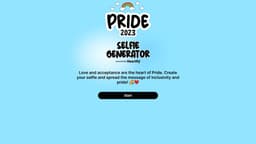
Pride Selfie Generator
"Heartfly developed the Pride Selfie Generator, enabling users to create LGBTQ+ pride-themed selfies."
PrideSelfieGenerator
Introduction
The Pride Selfie Generator is a web application developed by Heartfly that allows users to create personalized selfies to express their support for the LGBTQ+ community and spread the message of love, acceptance, and pride.
Key Features
Core features of the Pride Selfie Generator include: 1. Selfie customization with filters, stickers, and frames. 2. Ability to add captions or messages to selfies. 3. Social media sharing options to spread the message of inclusivity and pride. 4. Access to the device's camera to capture real-time selfies.
Frequently Asked Questions
What is Pride Selfie Generator?
How to use Pride Selfie Generator?
Can I save the selfies created with the Pride Selfie Generator?
Can I share my Pride selfies on social media platforms?
Can I use the Pride Selfie Generator without a camera?
Are there any customization options available for Pride selfies?
Is the Pride Selfie Generator free to use?
Similar Tools
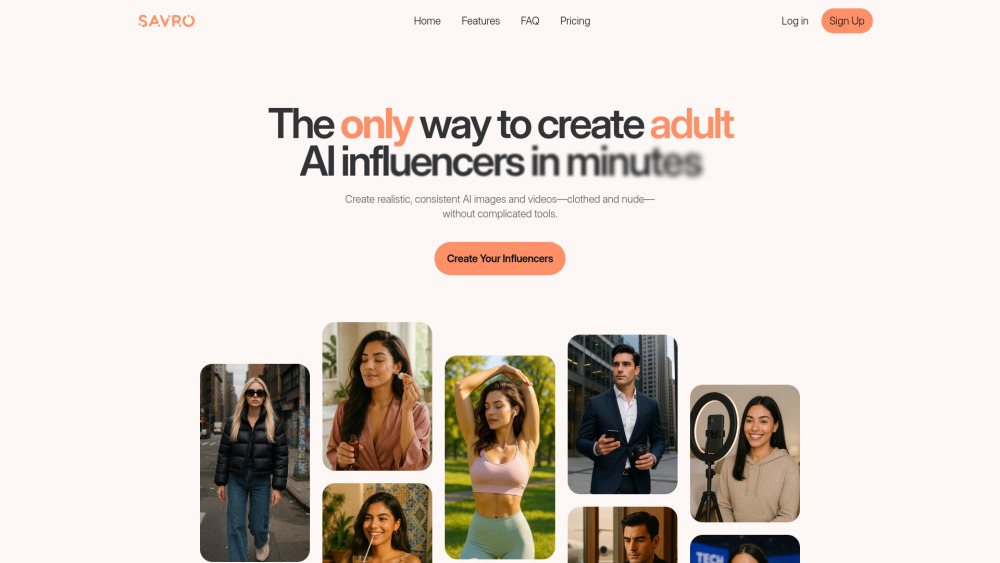
Savro AI
Create adult AI influencers in minutes
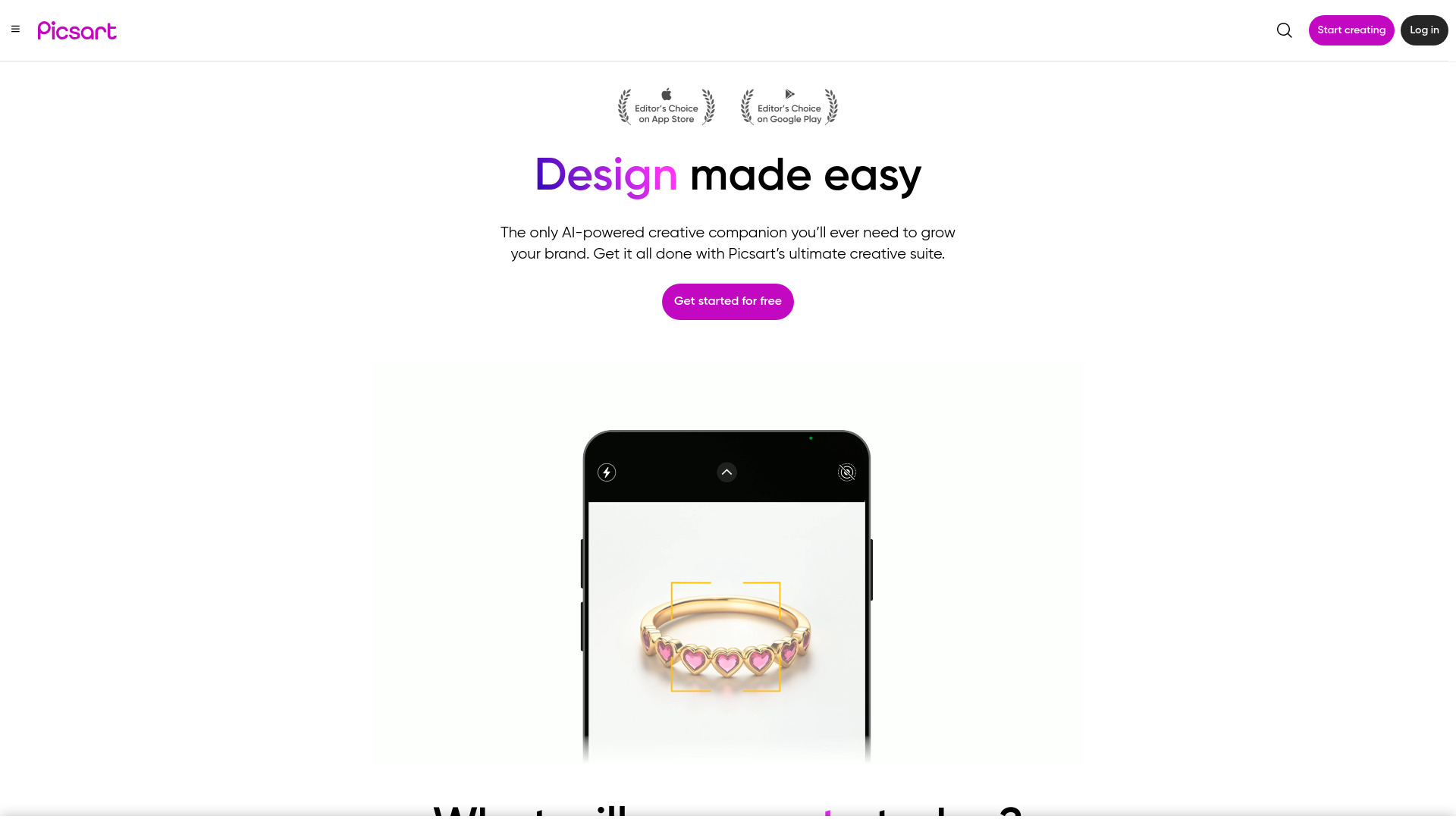
Picsart
Unleash your creativity with Picsart - an innovative photo editing app that offers a wide range of tools and filters to enhance your images.
LightX
Discover an innovative app featuring AI tools for editing photos and videos with pre-designed templates for easy customization.
Use Cases
- The Pride Selfie Generator can be used in various scenarios, including: 1. During Pride parades and events to show support and create personalized selfies with friends. 2. Sharing selfies on social media platforms to promote inclusivity and spread awareness about LGBTQ+ rights. 3. Creating customized selfies for profile pictures on dating apps or social networking sites to express one's support for the LGBTQ+ community. 4. Personal use as a means of self-expression and celebration of one's own identity.
How to Use
To use the Pride Selfie Generator, simply follow these steps: 1. Visit the website. 2. Click on the 'Start' button to begin. 3. Allow access to your device's camera. 4. Choose filters, stickers, or frames to customize your selfie. 5. Add a caption or message if desired. 6. Click the 'Save' or 'Share' button to save or share your Pride selfie on social media platforms.