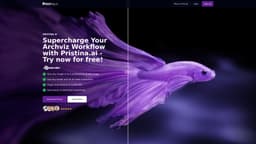
Pristina.ai
Integrated AI for efficient 3D rendering and workflow enhancement.
3D renderingAI tools for artistsBlender plugin
Introduction
Pristina.ai offers integrated AI rendering tools for 3D artists, streamlining 3D workflows by enhancing 3D objects and automating the rendering process. It utilizes cloud AI processing for quick results and supports plugins for Blender3D and 3ds Max to improve the quality of low-resolution models into high-quality renders.
Key Features
Automated masking and enhancement of 3D objects
Cloud AI processing for fast rendering
Integration with Blender3D and 3ds Max
Simplified 3D workflow for artists
Frequently Asked Questions
What is Pristina.ai?
How to use Pristina.ai?
Does Pristina.ai use the internet?
Do I need a powerful computer to run Pristina.ai?
What’s the maximum resolution Pristina can render?
Can Pristina.ai be used for animation?
Can multiple users use Pristina.ai?
Who is Pristina.ai for?
Can Pristina render styles other than photorealistic?
Similar Tools

Quickads
Effortlessly create image and video ads with this AI-powered tool. Say goodbye to the hassle and hello to effective marketing campaigns.
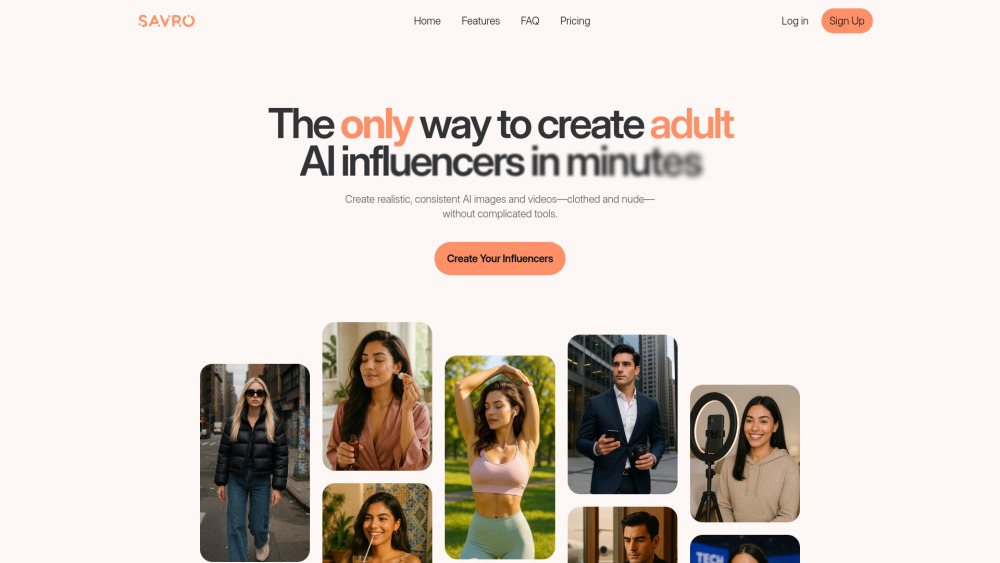
Savro AI
Create adult AI influencers in minutes
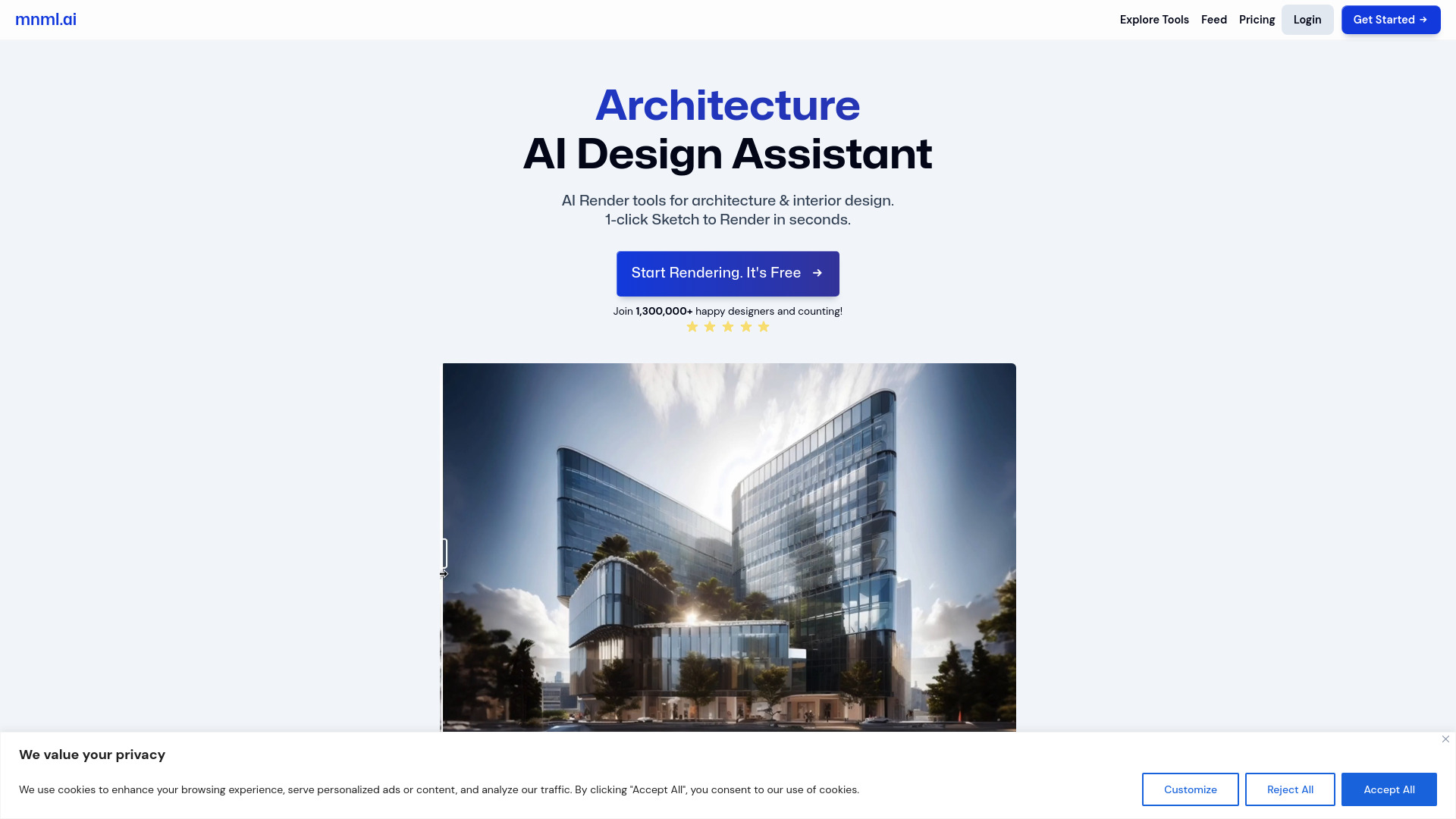
mnml.ai
Discover the power of mnml.ai, a cutting-edge app that harnesses AI technology to streamline your daily tasks and boost productivity.
Use Cases
- Transform low-res 3D models into high-quality renders
- Quickly create photorealistic images for client presentations
How to Use
To use Pristina.ai, install the plugin in Blender or 3ds Max, select the 3D objects you want to enhance, configure the AI prompts, and initiate the rendering process. The AI will handle the masking and enhancement, providing a photorealistic output directly in your scene.