
Quino
AI-powered study tool for automatic summaries, notes, search, and quizzes.
study aidnote-takingsemantic search
Introduction
Quino offers automatic summaries, bullet point notes, semantic search, and question-answering tools to assist you with your studies. It also generates quiz questions to test your knowledge from your own uploaded sources.
Key Features
Summarisation
Bullet point Summarisation
Question Answering
Question Generation
AI Lookup
Semantic Search
Knowledge Evaluation
Frequently Asked Questions
What is Quino?
How to use Quino?
What file formats does Quino support for document upload?
Can I use Quino on my mobile device?
Does Quino offer any collaboration features?
Is there a limit to the number of documents I can upload?
Similar Tools

Plagiarism Remover
Eliminate plagiarism in your text with this free AI tool. Enhance your writing by rephrasing content effortlessly. Try it now!

Parafrasear Textos
Enhance the quality of your text with our online tool for paraphrasing. Improve readability and make your content stand out.
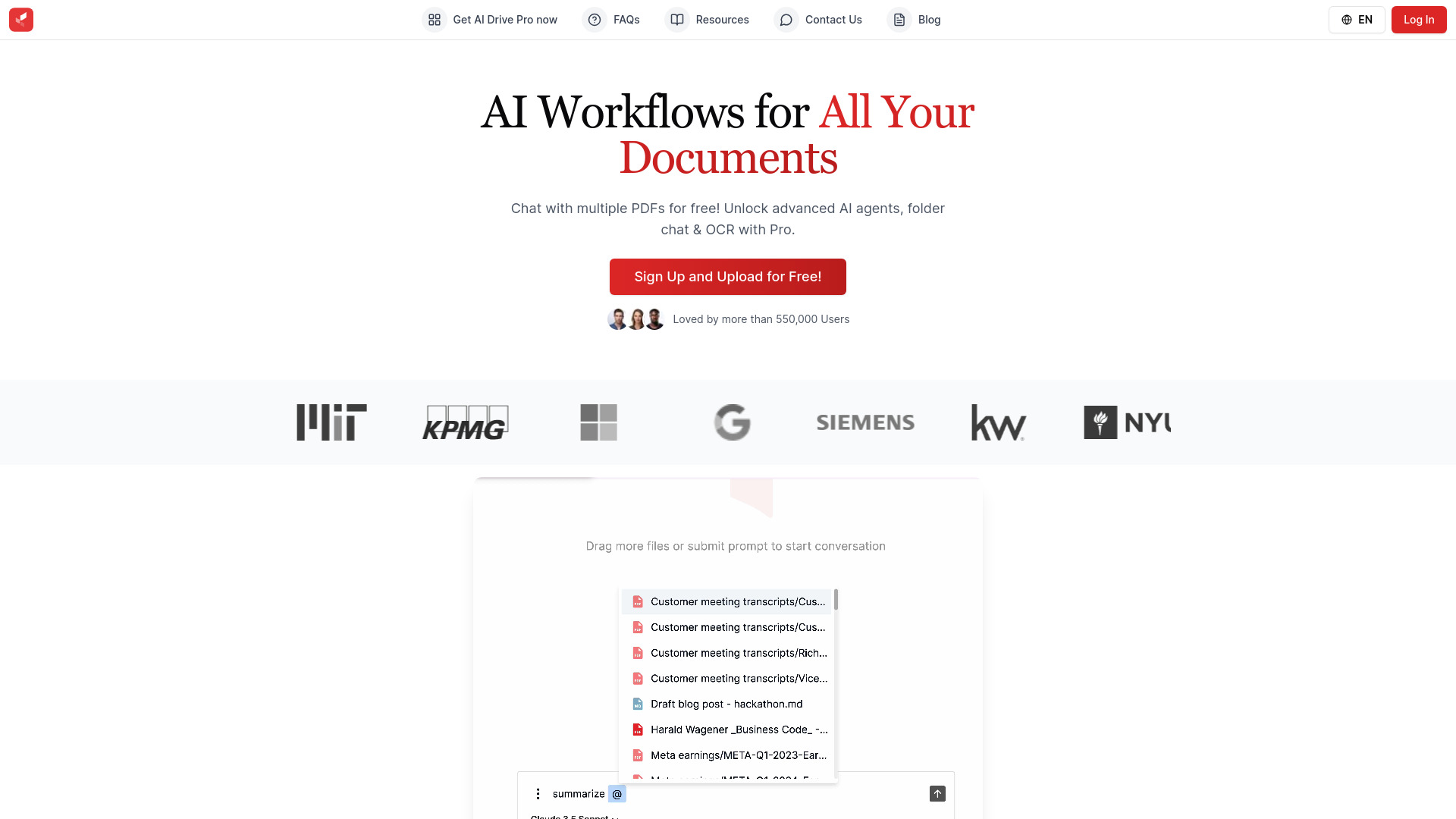
AI Drive
Experience the convenience of AI Drive, the app that utilizes artificial intelligence to enhance your driving experience. Say goodbye to manual control!
Use Cases
- Aiding in studying and research
- Generating personalized notes
- Finding contextual information and references
- Testing knowledge with generated quiz questions
- Organizing learning materials
How to Use
To use Quino, simply upload your documents, books, or research papers. You can then use the AI-powered features to generate summaries, bullet points, chat with your documents, organize your notes, and evaluate your knowledge.